
You have a PowerPoint presentation ready for your next class, but turning it into a video lesson means recording narration, editing slides, and finding time to film. Or perhaps you’re building an employee training program from scratch and still need to organize lessons, create quizzes, and decide how learners will access the course.
AI course creator tools can help with both situations, but they don’t all solve the same problem. Some turn existing materials into videos, others generate course structures and assessments, and some help you deliver or sell finished courses.
To help you find the best AI course creator for your needs, I compared five tools in 2026: JoggAI, Coursebox, Synthesia, Mindsmith, and LearnWorlds. I examined their key features, course creation workflows, pricing, and limitations to understand what each tool does best. Whether you’re turning existing slides into video lessons, building an interactive course, or preparing to sell your content, this guide will help you compare your options and choose the right tool.
Best AI Course Creator Tools at a Glance
| Tool | Best For | Free Option | Starting Price (USD) |
|---|---|---|---|
| JoggAI | Turning existing slides and educational materials into videos | Free plan | $24/month, annual billing |
| Coursebox | Generating structured courses and assessments | Free plan | $30/month,monthly billing |
| Synthesia | Presenter-led corporate training and multilingual videos | Free plan | $19/month, monthly billing |
| Mindsmith | Interactive lessons and scenario-based training | Free plan | $39/author/month, annual billing |
| LearnWorlds | Hosting, managing, and selling online courses | Free trial | $49/month, monthly billing |
Prices are in USD. Annual-billing figures are effective monthly rates, while monthly-billing figures are charged monthly.
For a teacher who already has a finished slide deck, JoggAI offers a direct way to add narration and an AI presenter. For a training manager who needs to create the course itself, Coursebox provides content generation and assessment tools. Synthesia focuses on presenter-led video production, Mindsmith on interactive learning, and LearnWorlds on course delivery and sales.
How I Compared These AI Course Creator Tools
When evaluating AI course creation tools, I don’t think the number of AI features tells the whole story. What matters more is how much work a tool actually removes from the course creation process. A teacher might simply want to turn a PowerPoint into a video lesson, while a corporate training manager may need quizzes, learner progress tracking, and a structured learning path.
With that in mind, I focused on four areas: content input and generation, video or interactive learning capabilities, editing and publishing workflows, and pricing and limitations. This comparison is based on publicly documented product features and pricing rather than hands-on testing of all five tools with identical materials. The workflows below illustrate typical use cases based on the capabilities each platform describes.
JoggAI — Best for Creating Educational Videos from Existing Materials
Website: JoggAI
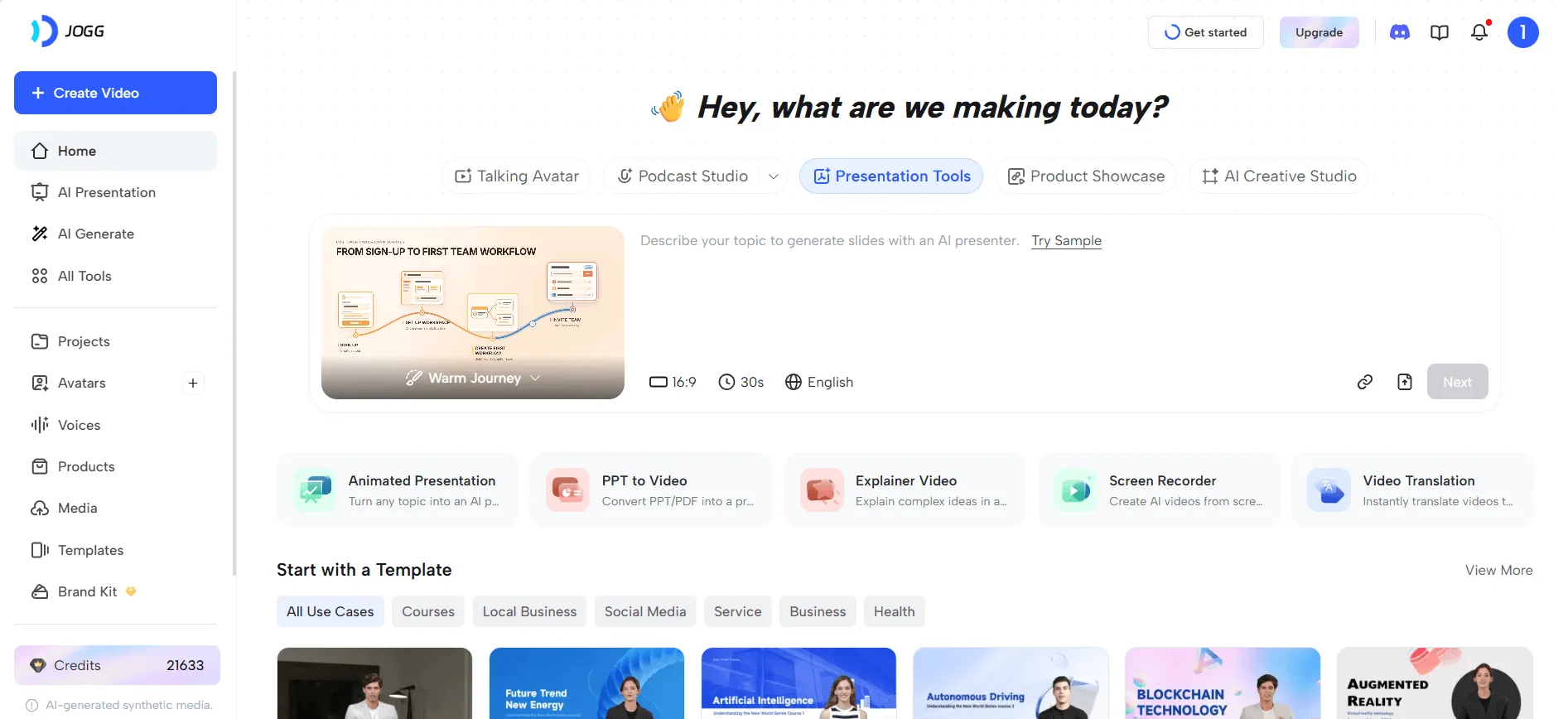
JoggAI is an AI video creation platform with several workflows relevant to education. You can turn an existing PowerPoint into a narrated lesson, create an animated presentation from source materials, or produce a short explainer video about a concept.
These are different starting points, and that distinction matters. A teacher who has already designed a complete lesson needs a different workflow from a creator who only has a topic and wants to explain it visually.
Editing Workflow and Experience
PPT to Video: Turn prepared slides into video lessons
Imagine a teacher who has prepared a PowerPoint presentation for a science class and wants students to review it at home. Instead of recording a live presentation, the teacher can upload the PPT or PPTX file to JoggAI’s PPT to Video tool.
The workflow retains the existing slide sequence and supports compatible PowerPoint animations, transitions, and embedded audio. For narration, the teacher can use PowerPoint speaker notes, enter a script manually, or have AI draft one from the slides. An AI presenter and voice can then be added before the lesson is rendered as a video.
This is particularly useful when teachers have already spent time designing their materials. They don’t need to rebuild the course from scratch, and they can use an AI presenter without filming themselves. For schools or training departments producing several lessons from existing presentations, it offers a repeatable production process.
Animated Presentation: Build a visual lesson from source materials
Not every lesson starts with a finished PowerPoint. A teacher might have a PDF, several reference documents, and a topic that needs to be explained.
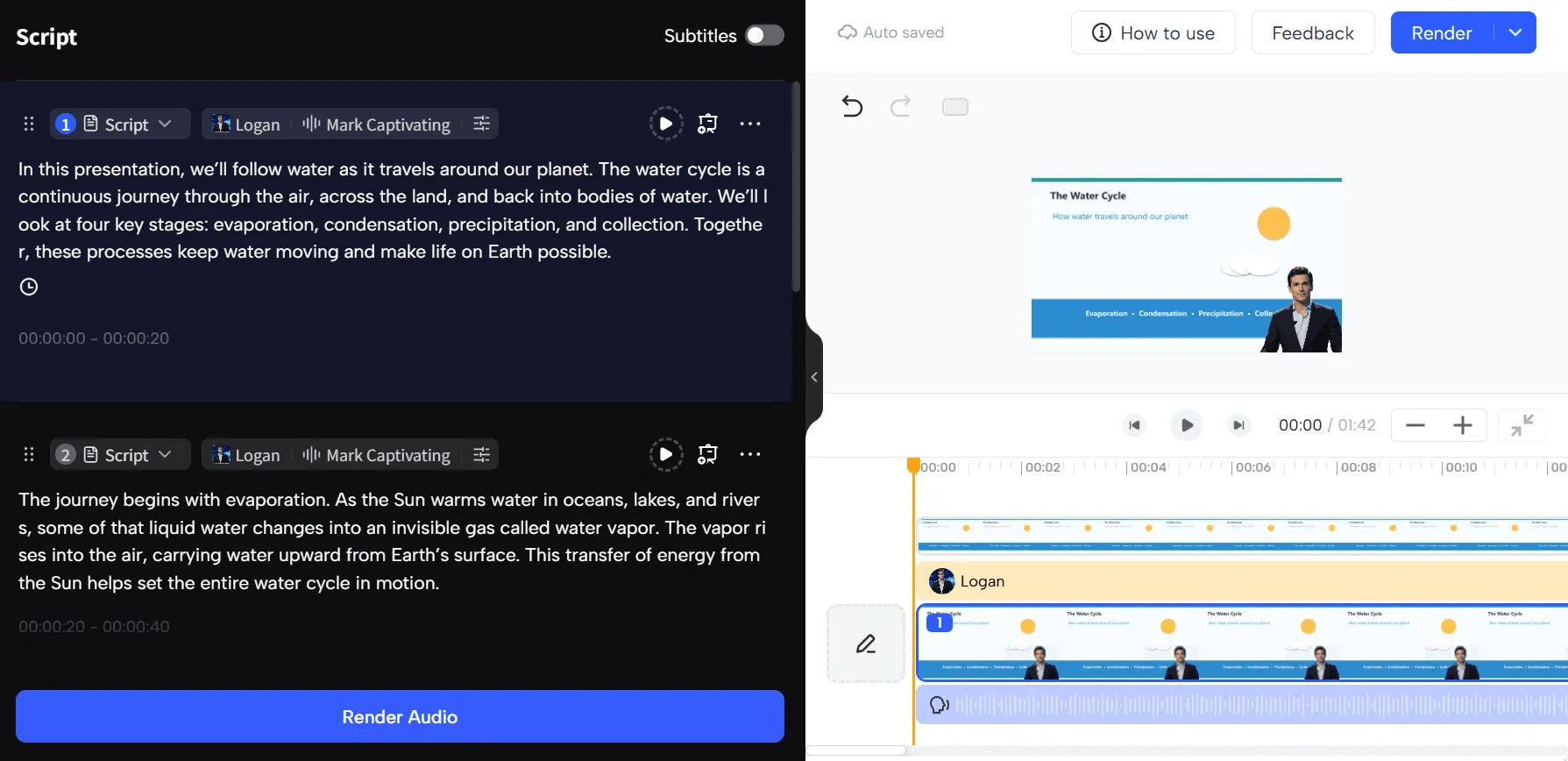
With Animated Presentation, creators can provide source materials and review an AI-generated outline and storyboard before producing the video. Each scene can use animated slides, an AI presenter, supporting footage, or a combination of these formats.
This approach is useful for topics that benefit from visual explanations, such as timelines, processes, comparisons, or data. For example, a history teacher could organize a lesson around a timeline, with key events appearing as the narration progresses. The creator can review the scene structure and refine individual slides instead of rebuilding the entire presentation.
Explainer Video: Make short concepts easier to understand
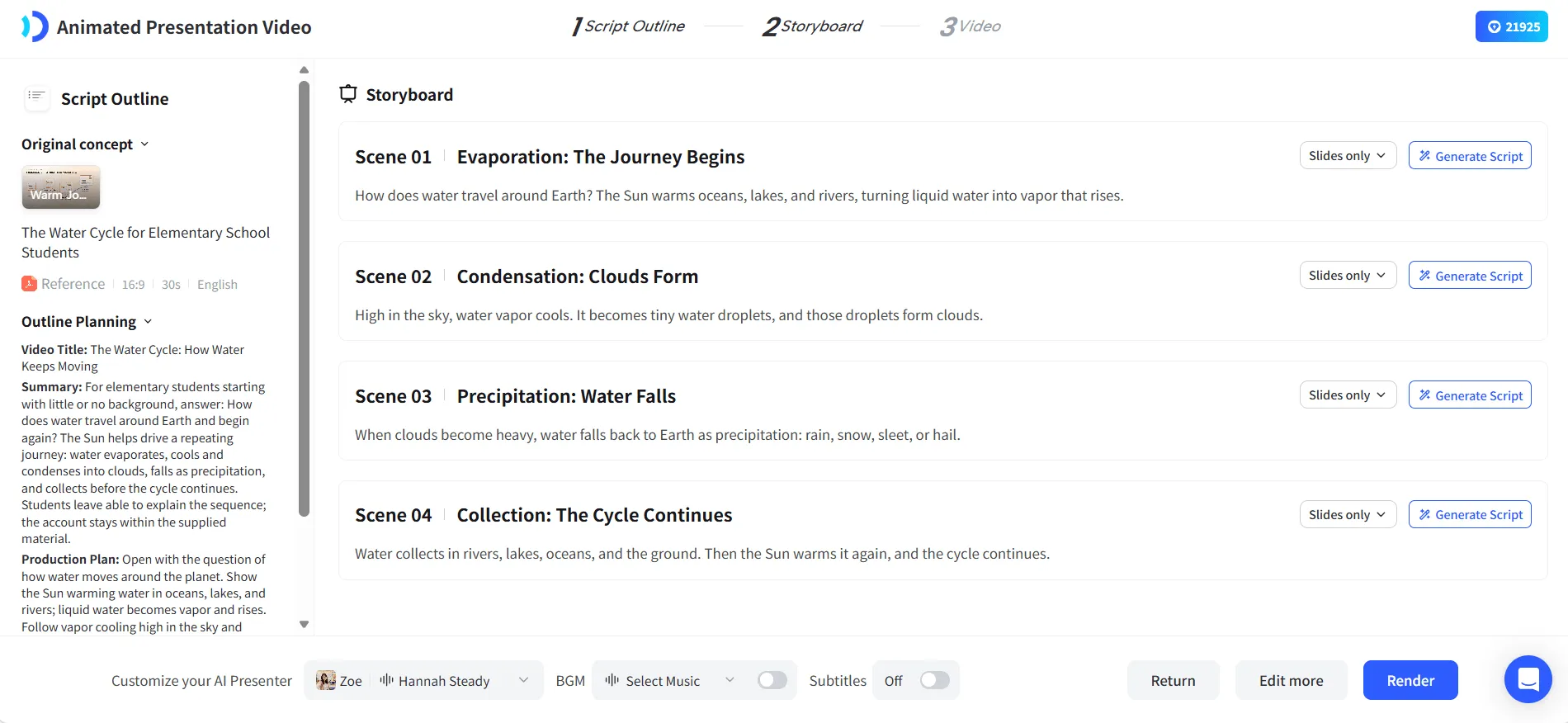
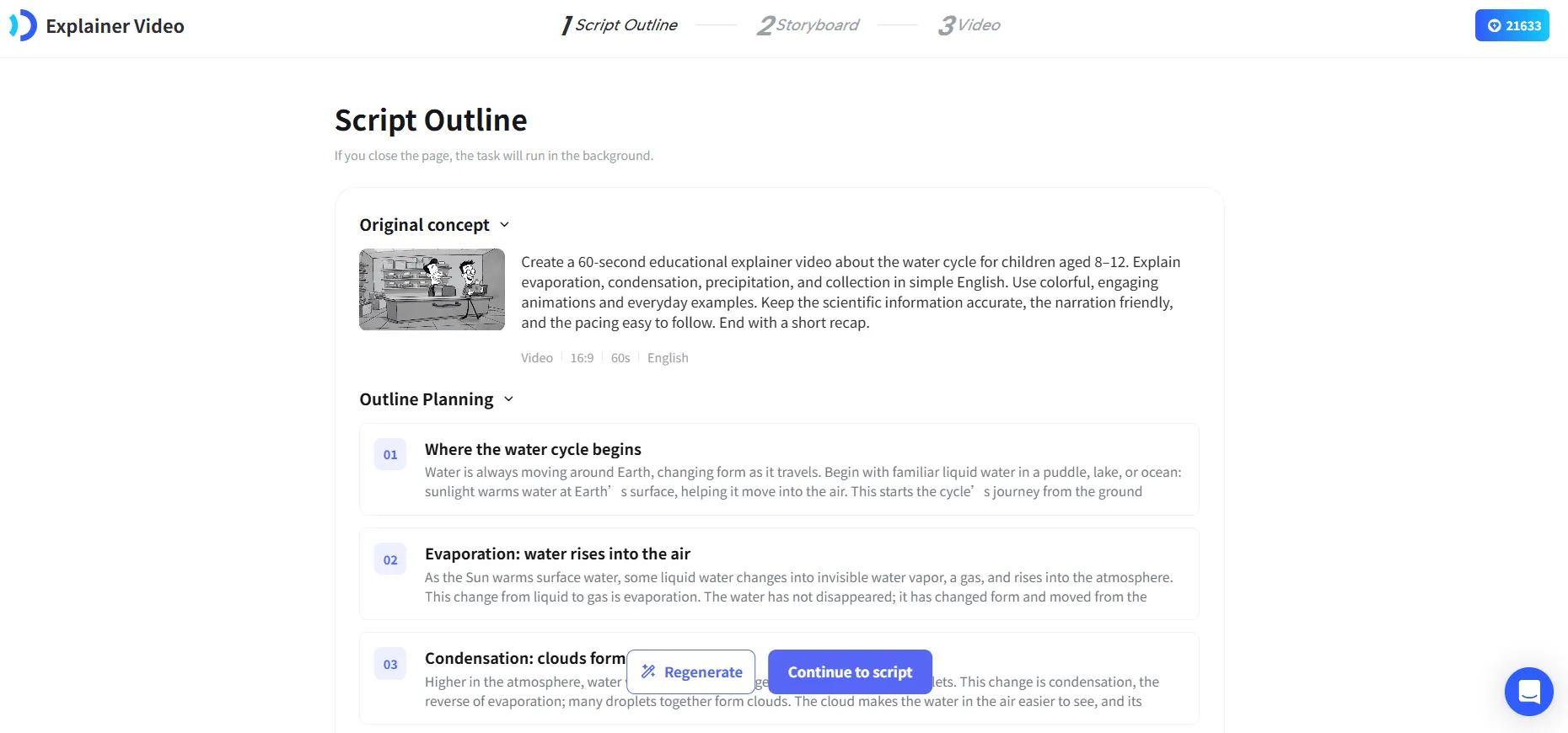
For a shorter, more visual lesson, JoggAI also offers an Explainer Video workflow. It can turn a topic, webpage, or uploaded reference file into a short animated explanation, with an outline and scene scripts available for review before generation.
I see this as a useful format for explaining concepts that might be difficult to communicate through text alone. A primary school teacher, for example, could create a short visual introduction to the water cycle, while a science content creator could use animation to explain a basic process.
The important distinction is that Explainer Video is designed for a short visual explanation, while PPT to Video is better when the lesson structure already exists. Animated Presentation sits between those approaches, helping organize source materials into a narrated, slide-based video.
Key AI Features
-
PPT to Video: Preserve an existing slide structure while adding AI narration and an optional presenter.
-
Animated Presentation: Generate editable presentation scenes, storyboards, and animated slides from source materials.
-
Explainer Video: Create short animated explanations from topics or reference materials.
-
AI Presenters and Multilingual Voices: Produce narrated lessons without recording yourself and adapt content for different languages.
What Could Be Better?
Compared with course platforms like Coursebox and LearnWorlds, JoggAI focuses more on creating educational videos than managing the entire learning experience. While JoggAI is useful for turning teaching materials into engaging video lessons, users who need graded assessments, learner progress tracking, or certificates may need a separate learning management system (LMS).
The editing workflow also varies across JoggAI’s video creation tools. For example, PPT to Video follows the structure of an uploaded presentation, while Animated Presentation provides more flexibility for editing individual scenes. Users should choose the workflow that best matches their content and editing needs.
Pricing
JoggAI offers a free plan with 200 credits for new users, valid for 31 days. According to JoggAI’s official credit rates, 200 credits can cover 2 minutes of PPT/PDF to video generation or standard AI avatar video, at 25 credits per 15 seconds. For other educational video tools, Animated Presentation charges for both slide generation and final video rendering, while Video Explainer costs 40 credits per generated scene, with additional credits required for first-frame images. Paid plans start at $29/month with monthly billing, with additional credits and video creation features.
Best for: Teachers, course creators, and training teams who want to turn existing materials into narrated lessons, animated presentations, or short educational explainers.
Coursebox — Best for Generating Structured Courses with AI
Website: Coursebox
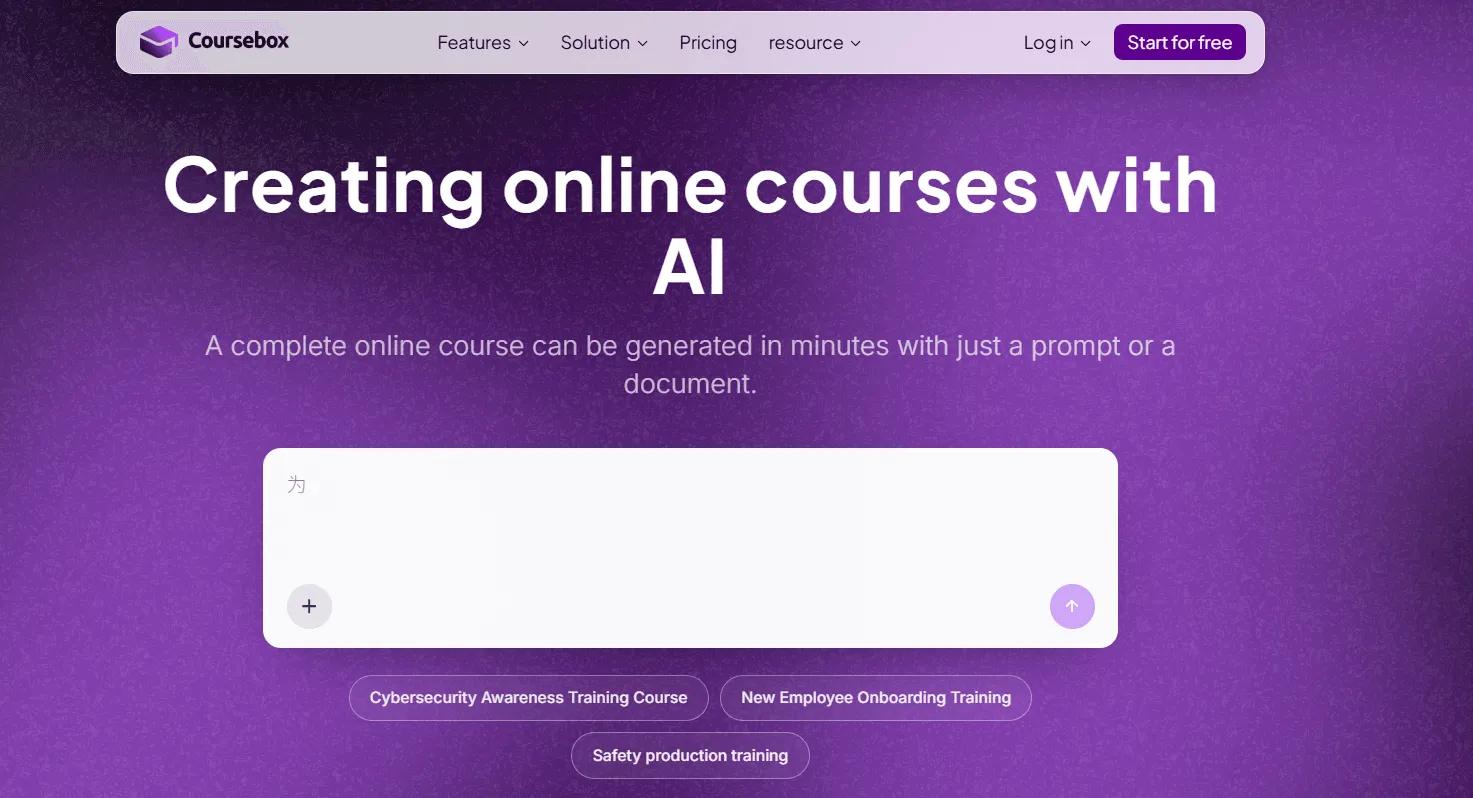
Coursebox focuses on creating the learning content itself. Instead of starting with a finished video, users can begin with a course topic or existing documents and use AI to develop lesson structures, content, and assessments.
Editing Workflow and Experience
Suppose a company needs to train new sales representatives, but its product information is scattered across manuals, FAQ documents, and internal resources. Before publishing anything, the training manager needs to decide what employees should learn and how to assess their understanding.
With Coursebox, those materials can be used to generate an initial course structure. The manager can review the proposed modules, revise the lesson content, and add quizzes or other learning activities. A product training course, for example, might cover product fundamentals, customer questions, and practical sales scenarios.
The main advantage is reducing the time spent organizing information into a learning path. Coursebox also provides AI tutoring and grading features, which can support learning after the initial content has been created. However, the generated lessons still need to be checked against the company’s actual policies and training objectives.
Key AI Features
-
AI Course Generator: Create lesson structures and content from topics or documents.
-
AI Assessments: Generate quizzes and knowledge checks.
-
AI Tutor and Grading: Support learners with AI-assisted feedback and assessment.
-
Course Export: Creator supports PDF, HTML, and SCORM exports, with additional SCORM/LTI capabilities on Pro.
What Could Be Better?
AI-generated course structures may include generic material that doesn’t match a specific training program. They need instructional review before publication. AI usage limits also matter: the Creator plan is described as supporting roughly 10 courses per month, depending on usage.
Pricing
Coursebox offers a free plan with up to three AI-generated mini-courses. Creator starts at approximately $30/month, while Pro is around $100/month, with higher AI allowances and additional platform features.
Best for: Educators and training teams that need to organize source materials into complete courses with lessons and assessments.
Synthesia — Best for Corporate Training Videos with AI Presenters
Website: Synthesia
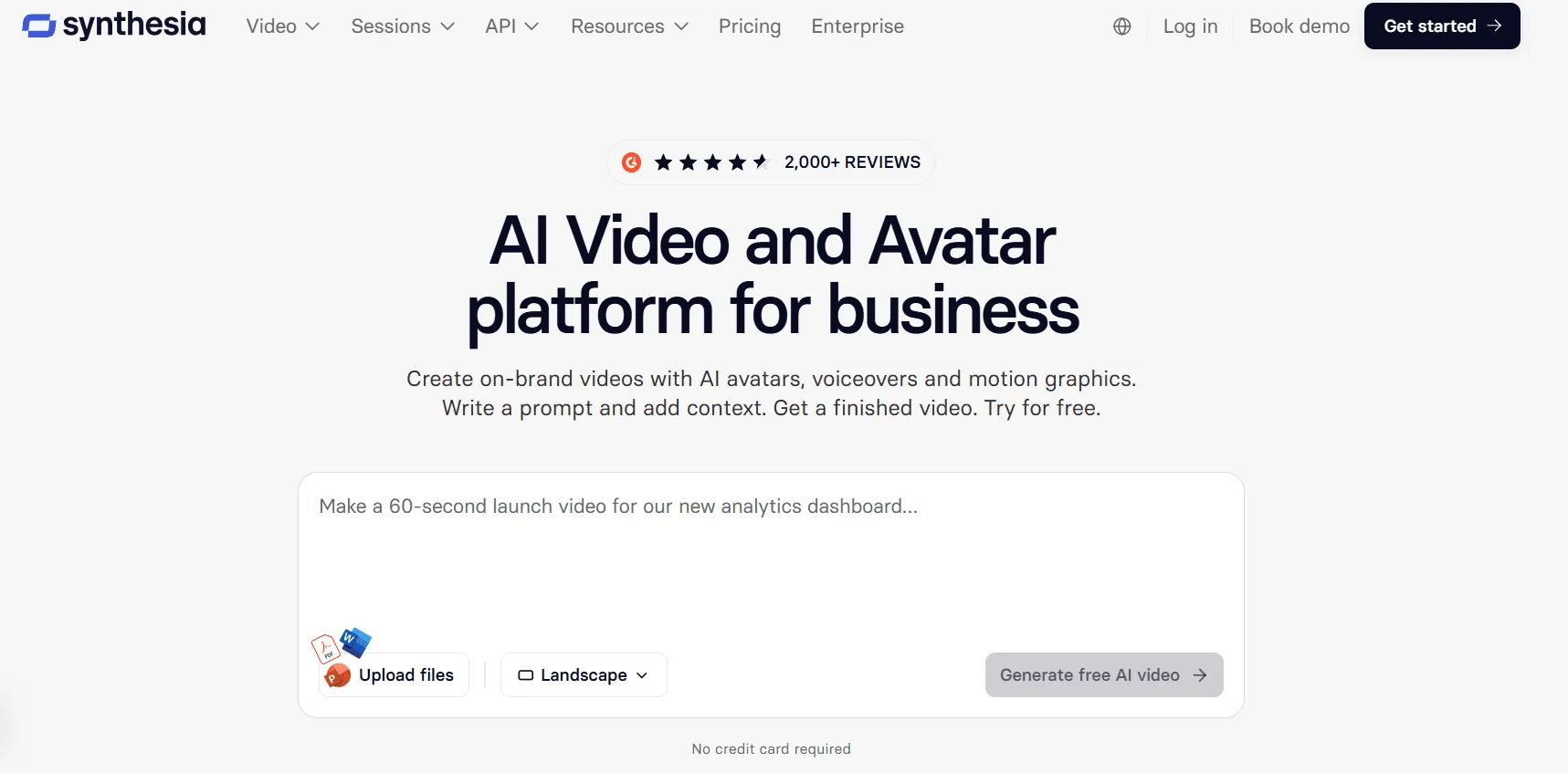
Synthesia specializes in AI presenter-led video creation, particularly for corporate learning and internal communications. It also supports interactive video features, making it relevant to training teams that want more than passive video playback.
Editing Workflow and Experience
Imagine a multinational company introducing a new information security policy. Employees in several regions need consistent training, but the content must be delivered in different languages.
With Synthesia, the training team can prepare a script or presentation, select an AI presenter and voice, arrange the material into scenes, and generate localized versions. Reusing a consistent presenter and visual style can make it easier to maintain a library of onboarding or compliance videos.
Synthesia also offers interactive features such as clickable buttons and branching navigation on eligible plans. Quizzes and SCORM export are available on Enterprise, allowing teams with those subscriptions to create training videos that can be delivered through an LMS.
This makes the choice between Synthesia and JoggAI more specific than simply comparing AI avatars. If your starting point is a completed PowerPoint and you want to preserve its slide structure while adding narration, JoggAI’s PPT to Video workflow is particularly direct. If you need interactive presenter-led training with branching or LMS reporting, Synthesia offers those capabilities on higher-tier plans.
Key AI Features
-
AI Video Presenters: Create consistent presenter-led training videos.
-
Multilingual Video Creation: Adapt training content for different regions.
-
Interactive Navigation: Add buttons and branching paths on eligible plans.
-
Quizzes and SCORM Export: Available on Enterprise for interactive training delivery.
What Could Be Better?
The most relevant limitation is feature access. Interactive navigation requires Pro or above, while quizzes and SCORM export are restricted to Enterprise. Teams that need these capabilities should compare the required subscription rather than assuming they’re included in the Starter price.
Pricing
Synthesia offers a free plan. Starter begins at $19/month with monthly billing, or approximately $14/month with annual billing. Advanced interactivity and enterprise learning features require higher-tier plans.
Best for: Companies creating standardized, multilingual training videos, especially teams that may need interactive video learning on eligible plans.
Mindsmith — Best for Interactive Lessons and Scenario-Based Learning
Website: Mindsmith
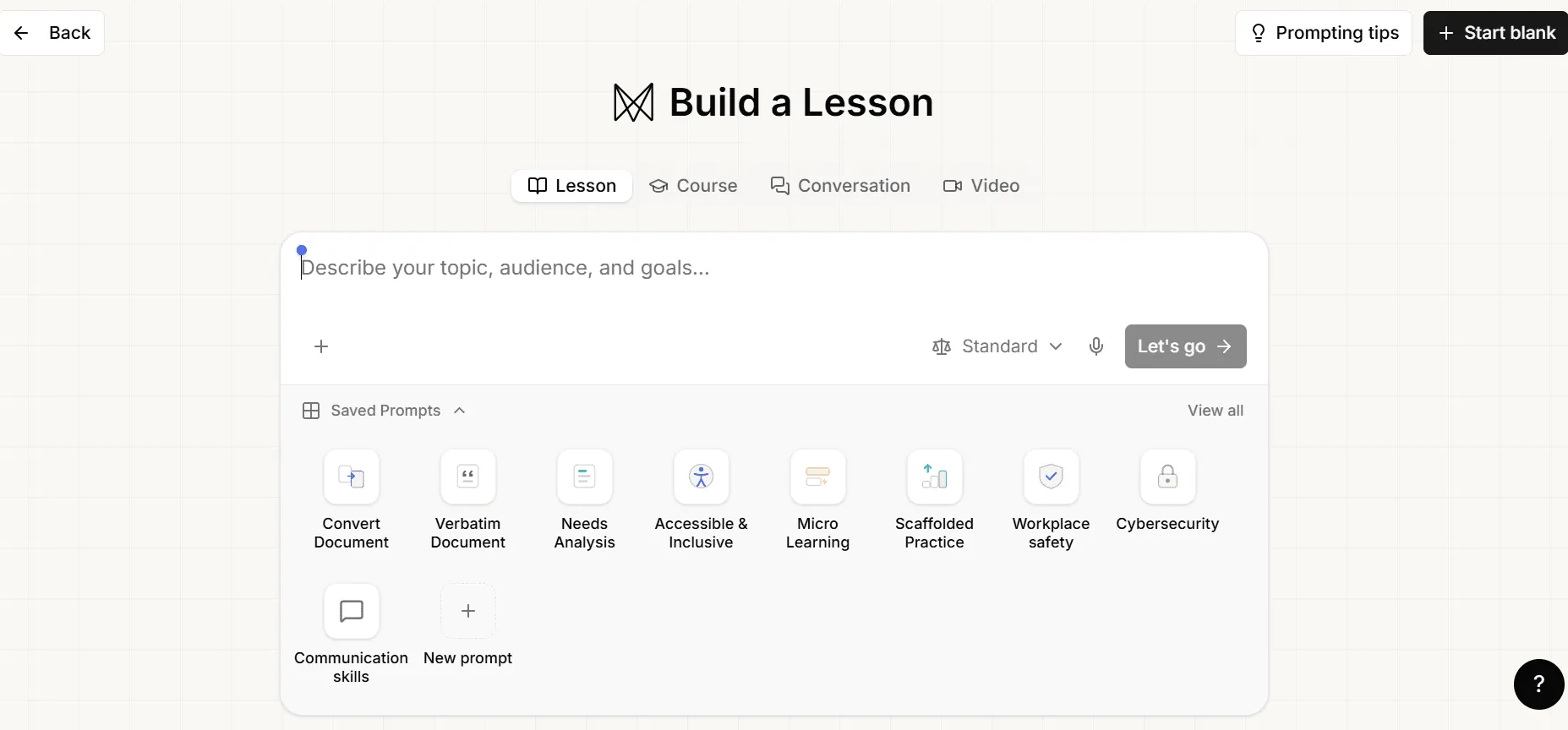
Mindsmith focuses on interactive learning content. Its authoring tools help course creators build lessons with questions, scenarios, and feedback rather than relying entirely on videos or reading materials.
Editing Workflow and Experience
Consider a company developing cybersecurity training. Employees may know the rule about suspicious links, but recognizing a convincing phishing email requires practice.
A course creator can use Mindsmith to build a lesson around a simulated email, ask learners to identify warning signs, and provide feedback explaining their choices. This gives employees an opportunity to practice judgment rather than simply watch another explanation of cybersecurity rules.
Mindsmith’s AI tools can help generate the initial lesson and scenario content, while the author decides where interactions are useful. The platform also supports sharing and LMS-oriented delivery options, making it suitable for training modules that need to fit into an existing learning environment.
Key AI Features
-
AI Lesson Generation: Build content from prompts or source materials.
-
Scenario-Based Activities: Create decision-making exercises with feedback.
-
Interactive Questions: Add assessments within lessons.
-
Sharing and SCORM: Deliver learning modules through supported sharing and export methods.
What Could Be Better?
Mindsmith is better suited to interactive learning modules than video-heavy courses. Its AI-generated questions and feedback also need review to ensure they reflect the intended learning objectives, especially for professional or compliance training.
Pricing
Mindsmith offers a free plan with 450 one-time AI credits at signup. Professional starts at $39 per author/month with annual billing, including more AI credits and advanced authoring features.
Best for: Instructional designers and training teams creating interactive exercises, scenario-based learning, and LMS-ready modules.
LearnWorlds — Best for Hosting and Selling Online Courses
Website: LearnWorlds
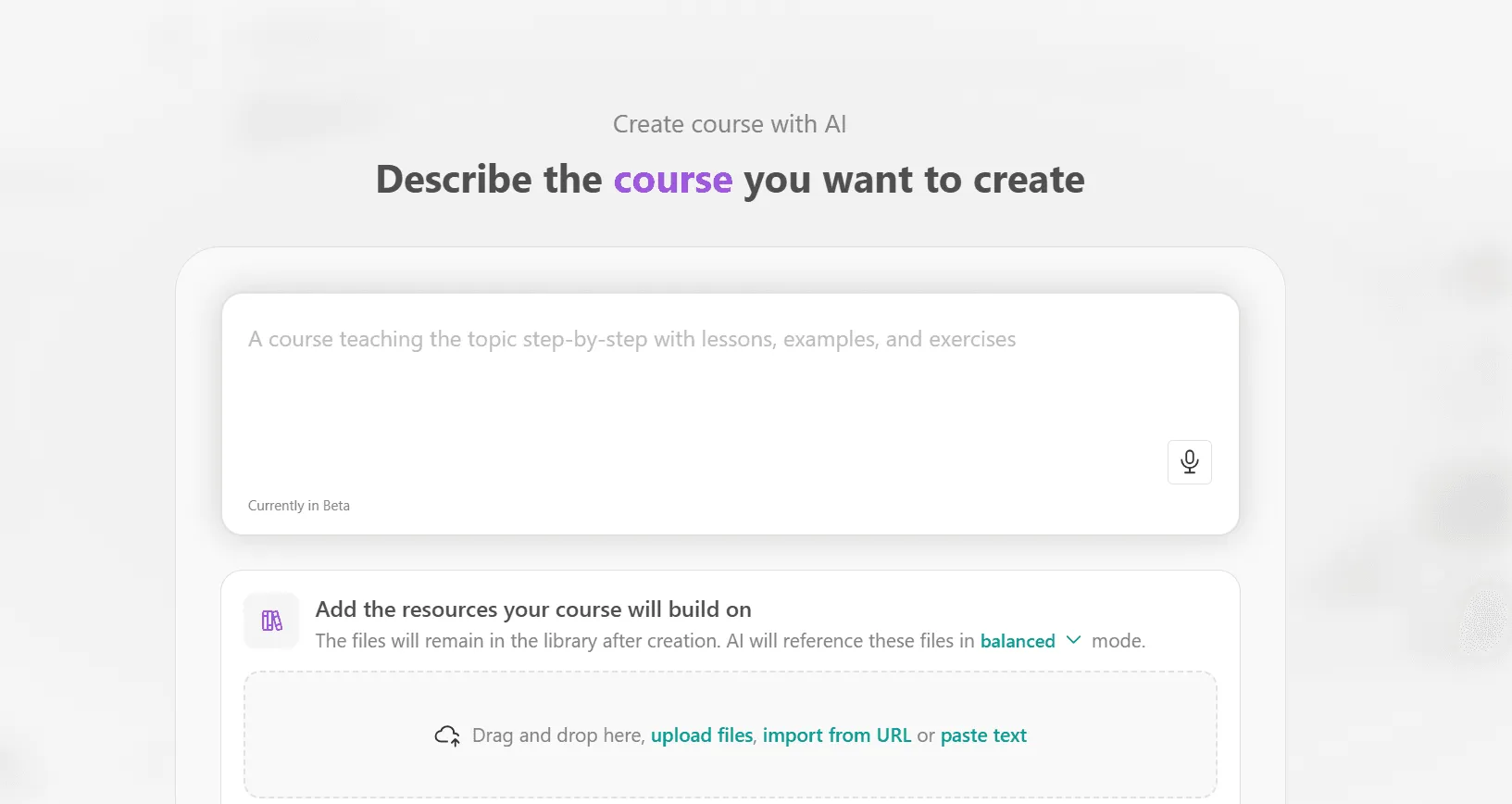
LearnWorlds is designed for creators who want to publish and operate an online course business. It combines course hosting, website creation, payments, learner management, and AI-assisted course building.
Editing Workflow and Experience
Imagine a photography instructor who has already created a beginner course with video lessons and practical exercises. The content is ready, but the instructor still needs a website, enrollment process, payment system, and a way to give students access to their lessons.
LearnWorlds provides these tools in one platform. The instructor can organize videos and resources into a course, set pricing, create a public course page, and manage learners after enrollment. Its AI course builder can also help with outlines and quizzes.
This is useful when course creation is only one part of a larger business. However, setting up a school involves additional decisions about branding, payments, access, and ongoing student support.
Key AI Features
-
AI Course Builder: Assist with course structure and content creation.
-
Course Hosting: Organize and deliver videos and learning materials.
-
Website and Sales Tools: Build a course website and accept payments.
-
Learner Management: Manage access and course-related learning activity.
What Could Be Better?
LearnWorlds requires more setup than a dedicated video creator. It also has a meaningful additional cost for creators selling courses through the Starter plan: a per-enrollment fee.
Pricing
LearnWorlds offers a free trial. Starter costs $49/month with monthly billing, or $44/month with annual billing, plus $5 per paid course enrollment.
Best for: Independent instructors and education businesses that want to publish, manage, and sell courses through their own online school.
AI Course Creator Tools: Feature Comparison
| Feature | JoggAI | Coursebox | Synthesia | Mindsmith | LearnWorlds |
|---|---|---|---|---|---|
| Existing PPT to video workflow | Yes | Not its main focus | Presentation-based video creation | Not its main focus | Hosts uploaded videos |
| Animated educational explainers | Yes | AI video tools | Presenter-led video | Not its main focus | Not its main focus |
| AI course structure generation | Not its main focus | Yes | Not its main focus | Yes | Yes |
| Interactive questions and quizzes | Separate tool needed | Yes | Enterprise for quizzes | Yes | Yes |
| SCORM export | Not a core workflow | Creator and above | Enterprise | Supported | Depends on delivery needs |
| Course hosting and learner management | Separate platform needed | Available | Not a full LMS | Primarily authoring | Core feature |
| Selling courses | Separate platform needed | Supported in platform workflows | Not a core feature | Not a core feature | Core feature |
JoggAI vs. Synthesia: Which Should You Choose?
Both JoggAI and Synthesia can create presenter-led training videos, so the better choice depends on the materials you already have and what the finished lesson needs to do.
Choose JoggAI when your main goal is to turn prepared teaching materials into video lessons. Its PPT to Video workflow is designed around existing slide decks, including supported animations and speaker notes. Animated Presentation and Explainer Video provide additional options when you need to create visual explanations from documents or topics.
Choose Synthesia when your organization needs presenter-led training with interactive navigation or LMS-oriented video assessments. Its branching features, quizzes, and SCORM export can support those requirements, but the relevant features are limited to higher subscription tiers.
For example, a teacher producing a collection of narrated PowerPoint lessons may find JoggAI’s workflow more aligned with the task. A corporate training team building a branching compliance module with quiz results reported through an LMS may find Synthesia’s Enterprise features more relevant.
Neither choice removes the need to review the teaching content. Technical accuracy, lesson pacing, and suitable supporting visuals still matter.
Which AI Course Creator Tool Should You Choose?
The simplest way to choose is to identify the part of course creation you need help with.
If you already have teaching slides and want to make video lessons, JoggAI offers a direct PPT-to-video workflow. Its animated presentation and explainer tools are also useful when the lesson needs a different visual format.
If you need to turn documents into a structured course with assessments, Coursebox is a better fit. If your priority is corporate presenter-led training with advanced interactive video options, consider Synthesia and check the plan requirements.
For lessons that depend on decisions, practice, and feedback, Mindsmith is designed around interactive authoring. If you’re ready to launch a paid course business and need hosting, enrollment, and payments, LearnWorlds addresses those operational needs.
Pricing should be evaluated against the workflow, not just the lowest advertised monthly rate. Video generation credits, author seats, advanced interaction tiers, and course enrollment fees can all affect the total cost.
Frequently Asked Questions
Can AI turn a PowerPoint into an online course?
Yes. Tools such as JoggAI can turn an existing PowerPoint into a narrated video lesson with an AI presenter. If you also need student enrollment, graded assessments, or progress tracking, you’ll need a platform that supports those functions.
Which AI course creator is best for teachers?
It depends on the teaching materials. JoggAI is worth considering for teachers who already have presentations and want narrated video lessons or animated explainers. Coursebox is more relevant when the teacher needs help creating a complete course structure and assessments.
Can I create an AI course without recording myself?
Yes. JoggAI and Synthesia offer AI presenters and voices, so you can produce narrated videos without filming yourself. For lessons involving hands-on demonstrations, real footage or screen recordings may still be important.
Can AI course creator tools generate quizzes?
Yes, but not every tool provides them in the same way. Coursebox, Mindsmith, and LearnWorlds include course assessment capabilities. Synthesia offers interactive video quizzes on its Enterprise plan. JoggAI primarily focuses on video creation rather than quiz delivery.
Do I need an LMS to publish an AI-generated course?
Not always. If you only need to share a video lesson, a video file may be enough. An LMS becomes more useful when you need enrollment, learning progress, assessment records, or certificates.
Final Verdict: Create Your Next Educational Video with JoggAI
The best AI course creator depends on whether you’re preparing the lesson, producing the video, designing interactions, or publishing the finished course.
For educators and training teams with existing materials, JoggAI offers several practical ways to create educational videos. You can turn PowerPoint slides into narrated lessons, build animated presentations from reference materials, or create short explainer videos for concepts that benefit from visual storytelling.
If your next lesson is sitting in a PowerPoint file or a collection of teaching documents, you can start with those materials rather than recording everything from scratch.
JoggAI offers a free plan with 200 credits for new users, so you can explore the available workflows before choosing a paid subscription.