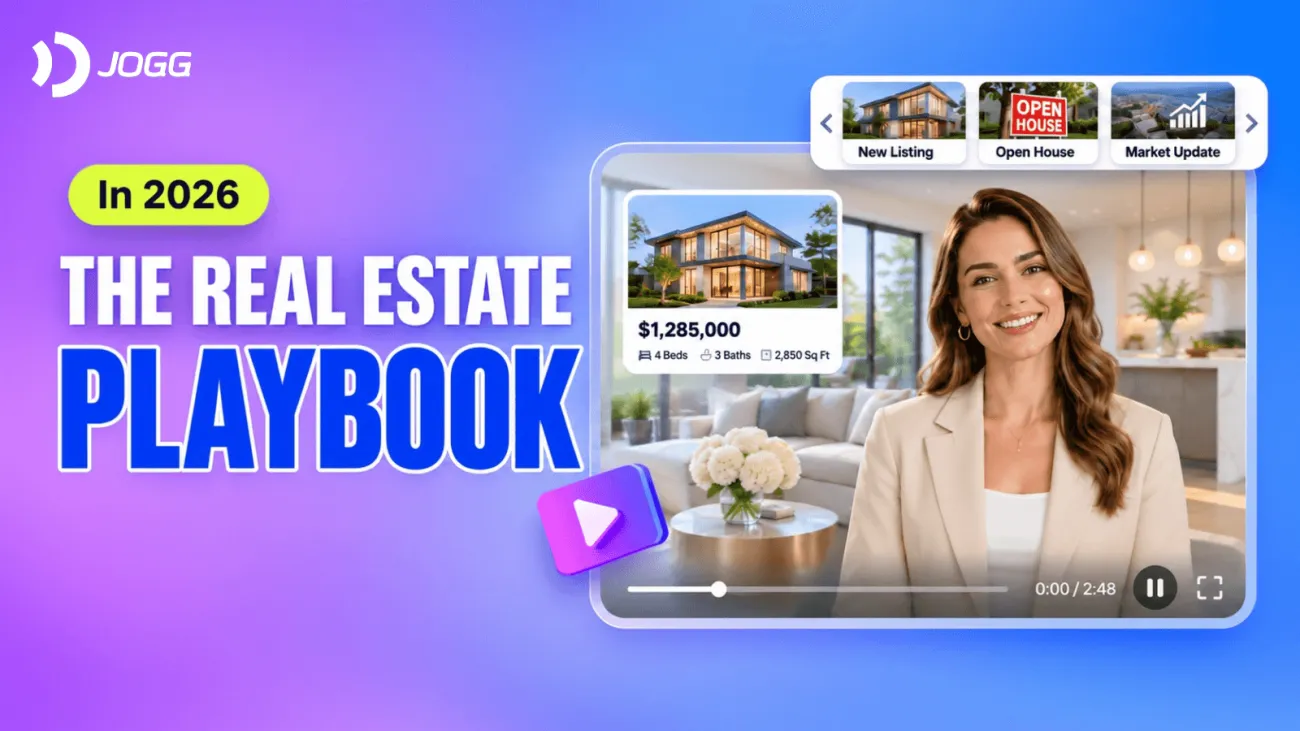

AI real estate video marketing helps agents turn listing photos, property details, and local market insights into videos that attract potential buyers and generate more interest in their listings.
For busy real estate professionals, creating a video for every new listing, open house, or market update isn’t always practical. Between showings, client calls, and managing active listings, there’s little time left for filming and editing.
That’s where AI comes in. With JoggAI, agents can create listing videos, AI-hosted property introductions, and marketing content using existing property materials. This playbook shows you how to get started and make the most of every listing.
Turn Your Property Listing into a Video
Every new listing deserves more than a collection of static photos. A well-made listing video can highlight a property’s best features and give interested buyers a reason to schedule a showing.
You don’t need to start from scratch. Your listing photos, property description, and key selling points already provide the foundation.
How to Create an AI Listing Video
Step 1: Gather your listing materials
Select your best property photos, approved listing description, and essential details, such as square footage, bedrooms, bathrooms, and standout amenities.
Step 2: Write a short listing script
Focus on what makes the property appealing rather than reading the entire listing description.
Step 3: Create your video with JoggAI
Use an appropriate AI video workflow to combine your script, narration, and approved property visuals.
Step 4: Review and publish
Check property details and visual accuracy before sharing the video on social media, your brokerage website, or your listing page.
Example: Property Listing Script
"Just listed in Austin! This beautiful four-bedroom home features an open-concept living area, a modern kitchen, and a private backyard pool.
With 2,850 square feet of living space, there’s plenty to explore.
Want to take a closer look? Contact us to schedule a private showing."
This is a fictional listing example. Replace all property details with verified information.
AI Video Prompt:
“Create a 30-second real estate listing video using the provided property photos and listing details. Highlight the home’s most attractive features with professional narration and natural pacing. End with an invitation to schedule a showing. Keep all property information accurate.”
Create a Real Estate Video with JoggAI
2. Create AI-Hosted Property Tours and Agent Introductions
In real estate, marketing the property is important, but so is building a recognizable personal brand.
An AI avatar can help listing agents create presenter-led videos without recording a new introduction for every property.
For example, you can use a digital presenter to introduce a newly listed home, walk viewers through its key selling points, or explain what makes a neighborhood worth considering.
Create Your AI Real Estate Presenter
With JoggAI, you can:
-
Choose an AI avatar or create an authorized custom avatar.
-
Add your listing presentation script.
-
Select a suitable voice and language.
-
Generate the presenter video.
-
Review the result and use approved listing visuals where appropriate.
This format works well for agent websites, property listing pages, and social media.
For property-specific videos, use authentic listing visuals so viewers can distinguish real features from AI-generated presentation elements.
Turn One Listing into Multiple Marketing Videos
A single listing can support more than one video. Instead of publishing the same content everywhere, create different versions for different stages of the buyer journey.
Here’s a simple content plan:
| Video Type | What to Highlight | Best Use |
|---|---|---|
| Listing Spotlight | The property’s strongest selling points | Listing promotion |
| Property Reel | Eye-catching rooms and amenities | Instagram Reels, TikTok |
| Open House Promo | Open house date, time, and property highlights | Driving attendance |
| AI Agent Introduction | Agent identity and property overview | Personal branding |
| Buyer FAQ | Common questions about the property | Lead follow-up |
For example, your Listing Spotlight could feature the home’s open-concept living room and backyard pool.
Your Open House Promo would use the same approved property images but focus on the upcoming viewing date and invitation.
A Buyer FAQ video could answer practical questions and encourage interested buyers to request more details.
This approach lets you reuse existing listing assets while tailoring each video to a specific marketing goal.
Ready-to-Use Open House Script
"You’re invited! Join us this Saturday for an open house at [Property Address].
Explore this beautiful [Number]-bedroom home, discover its standout features, and see whether it’s the right fit for you.
Stop by between [Start Time] and [End Time], or contact us for more details."
Create Local Market Update Videos
Not every real estate video needs to promote a specific property.
Local market updates help agents stay visible between listings while sharing useful information with buyers and sellers.
You might cover:
-
Median home prices in your local market.
-
New listings and available inventory.
-
Average days on market.
-
Recent market activity in a specific neighborhood.
With JoggAI’s AI avatar and script creation capabilities, you can turn verified market information into a professional, presenter-led video.
Make AI Real Estate Videos That Generate Buyer Interest
Creating more videos is useful only when they help achieve your marketing goals.
For listing agents, those goals may include driving traffic to a property page, attracting qualified buyer leads, increasing open house attendance, or generating showing requests.
A few practical tips can make your videos more effective.
Lead with the Best Feature
Start with something that makes the listing stand out, whether it’s a pool, renovated kitchen, panoramic view, or unique architectural detail.
Keep Your Message Focused
Avoid squeezing every listing detail into a short video. Choose two or three selling points that matter most to your target buyers.
Use a Clear Call to Action
Give viewers a specific next step, such as:
-
Schedule a private showing.
-
View the full listing.
-
RSVP for the open house.
-
Contact the listing agent.
Keep Your Listing Accurate
Use approved property materials and verify all listing information. Avoid AI-generated visuals that introduce nonexistent rooms, amenities, or architectural features.
Track Real Marketing Results
Beyond views and engagement, pay attention to property page visits, buyer inquiries, open house responses, and showing requests.
These metrics help you understand whether your videos are reaching people who may actually be interested in the property.
Start Creating Real Estate Videos with JoggAI
You don’t need to film a new video every time you launch a listing or share a market update.
With AI avatars, script generation, and flexible video creation tools, JoggAI helps real estate professionals turn existing content into videos for listing promotions, agent branding, and local marketing.
Start with your next property listing, create a short video highlighting its best features, and adapt that content for the channels your buyers use.
Ready to bring your next listing to life?
Create Real Estate Videos with JoggAI
Frequently Asked Questions
Can AI create real estate listing videos from photos?
Yes. AI video tools can help turn property photos into video content through image-based generation or presentation workflows. Always review the result to ensure the property is represented accurately.
Can real estate agents use AI avatars in property videos?
Yes. AI avatars can introduce listings, present property highlights, and share local market updates. Agents should use authorized likenesses and follow relevant disclosure requirements.
What types of real estate videos should agents create?
Useful formats include listing spotlights, property Reels, open house promotions, AI-hosted introductions, and local market updates. Choose formats based on your listings and marketing goals.
How can AI videos help generate real estate leads?
AI-assisted videos can help agents create more consistent listing promotions and educational content. Clear calls to action can encourage viewers to visit a listing page, contact the agent, or request a showing. Results depend on content quality, distribution, and buyer interest.