
What is JoggAI Avatar VFX?
VFX (Visual Effects) refers to the use of digital techniques to create or manipulate imagery in videos that can’t be captured during traditional filming. With VFX, you can add incredible effects like explosions, CGI characters, or surreal environments to transform your content.
Now, imagine turning any still image into a dynamic, eye-catching video with JoggAI Avatar VFX. Simply upload your image, choose from a vast library of templates, and watch your creation come to life with stunning visual effects. Whether for social media, marketing, or personal projects, JoggAI Avatar VFX enhances your videos, making them more engaging and visually captivating.
Watch the Tutorial Video👇
How it works?
Follow these simple steps to create your Avatar VFX:
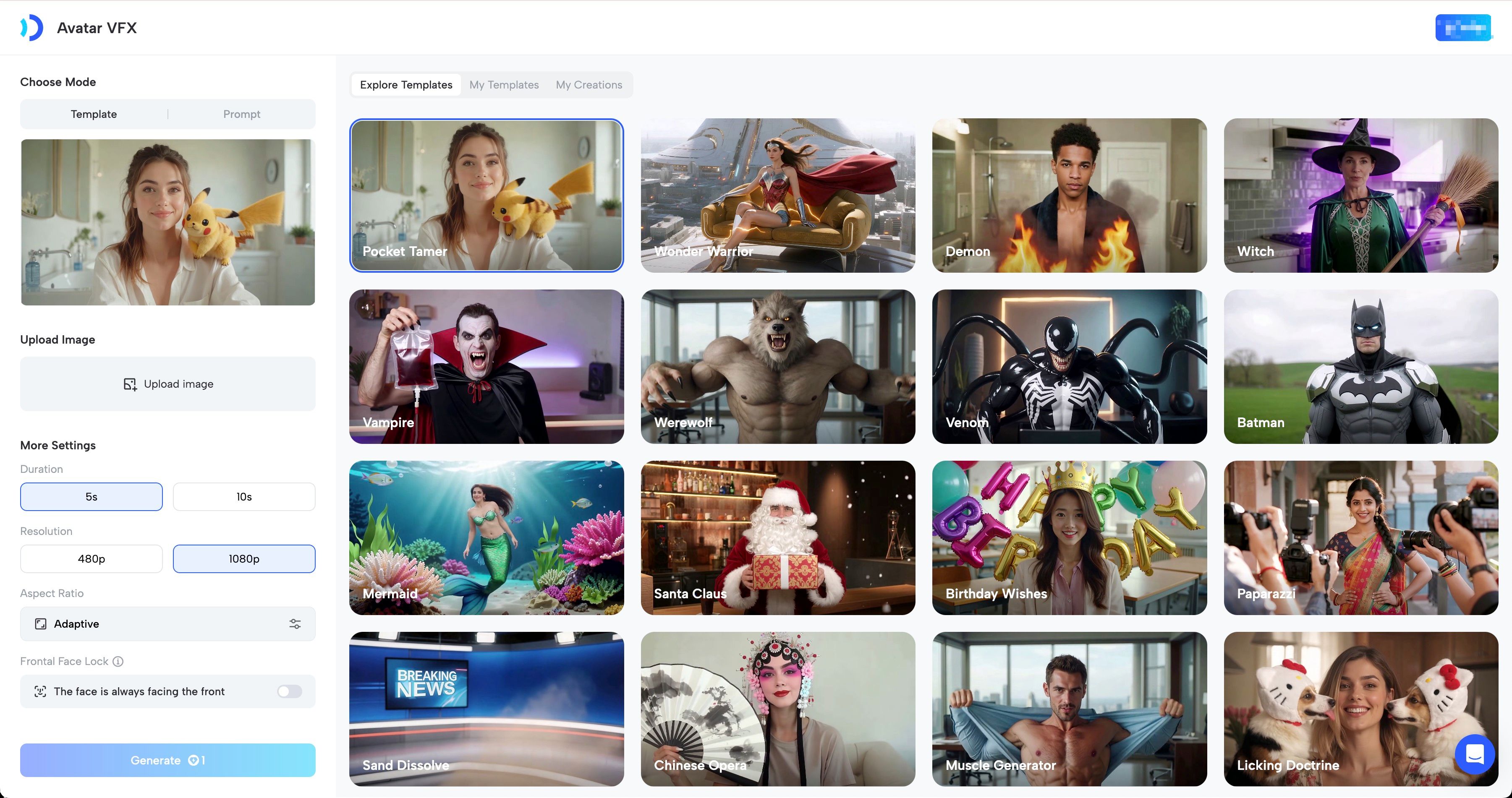
Step 1: Choose Your Preferred Video Effects
Select from 65+ preset templates or create your own custom template by entering a prompt.
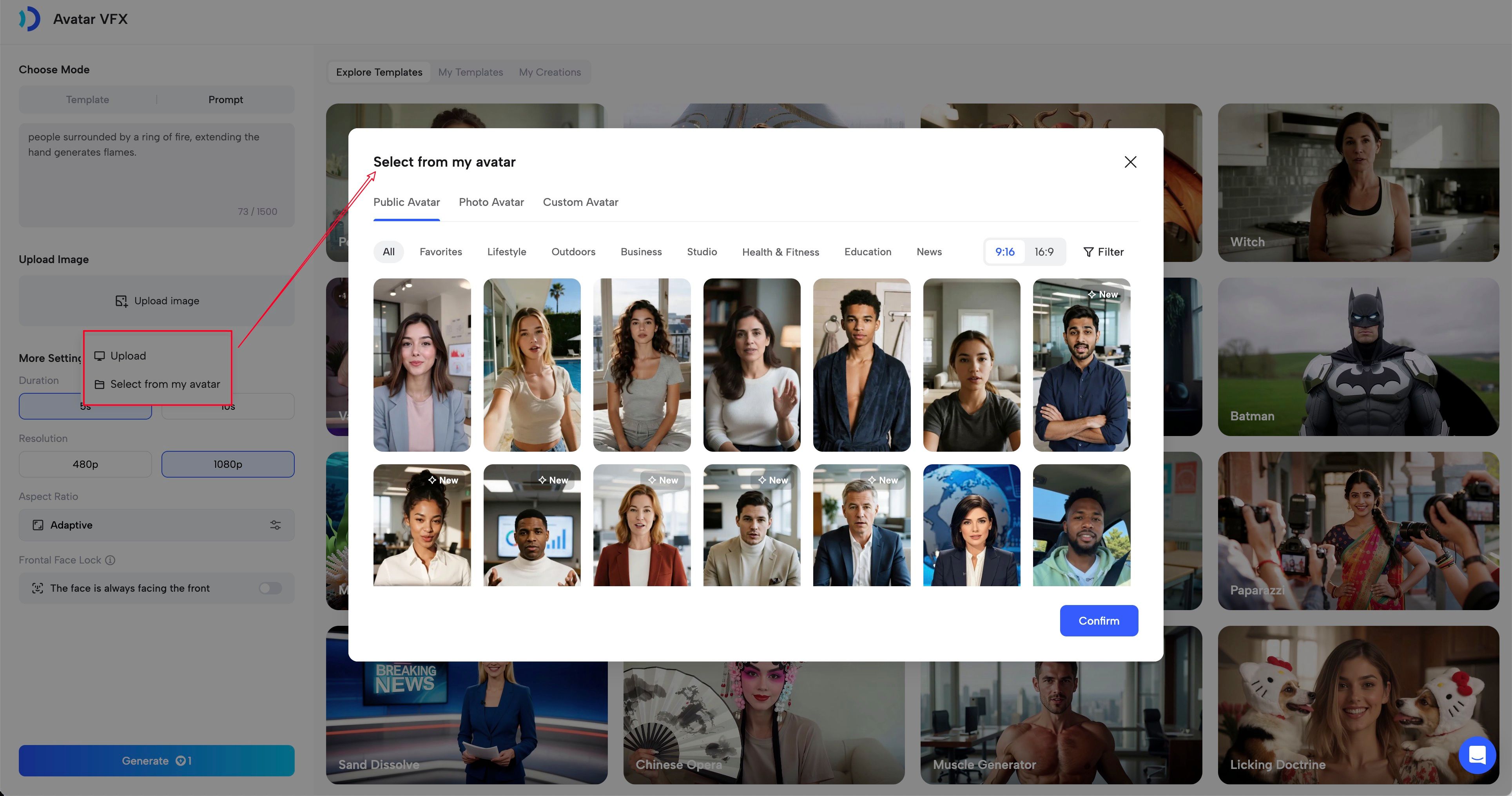
Step 2: Upload Image
Upload your own image or select an existing avatar.
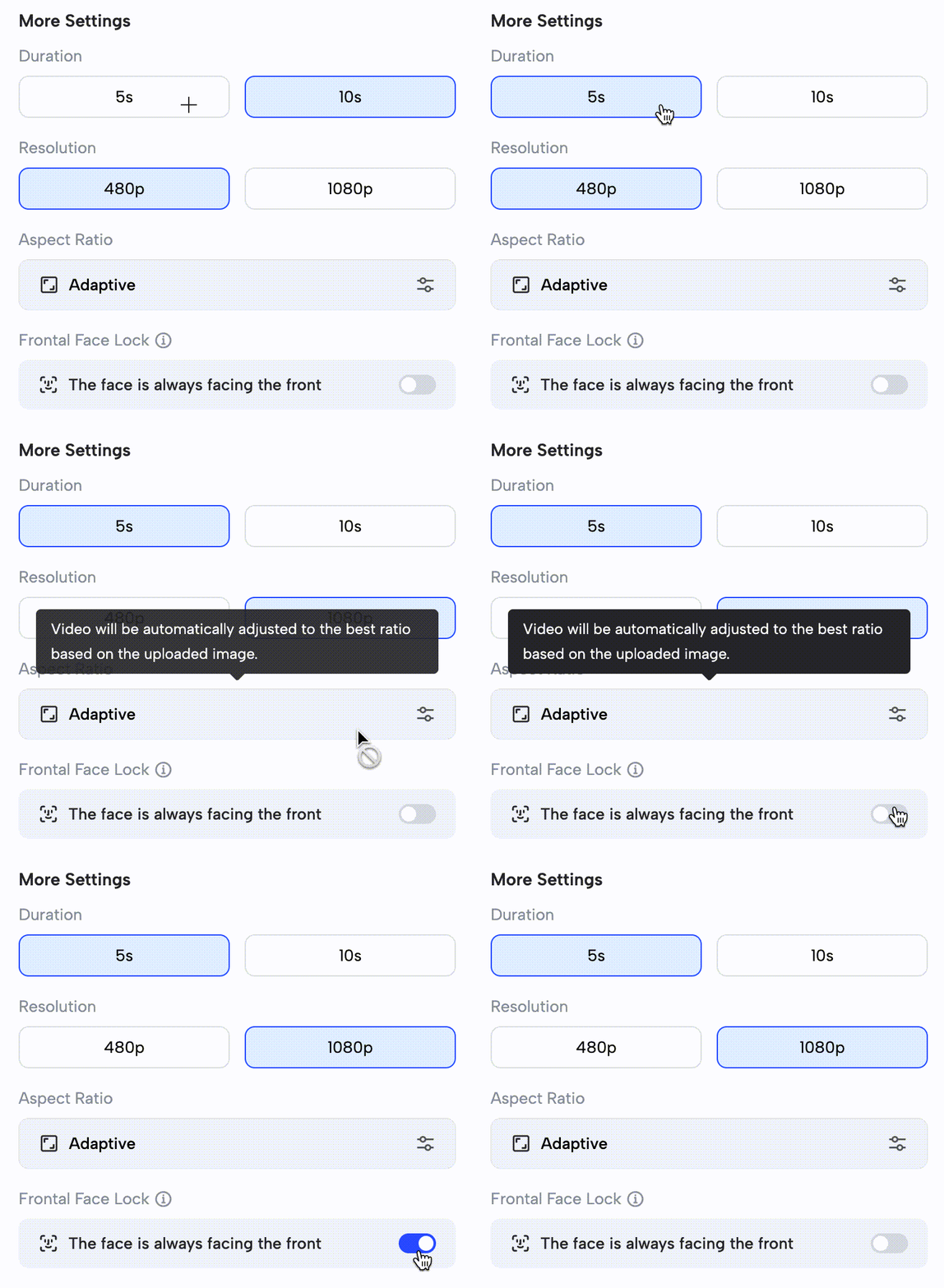
Step 3: More Settings
Customize your video’s length and resolution according to your needs.
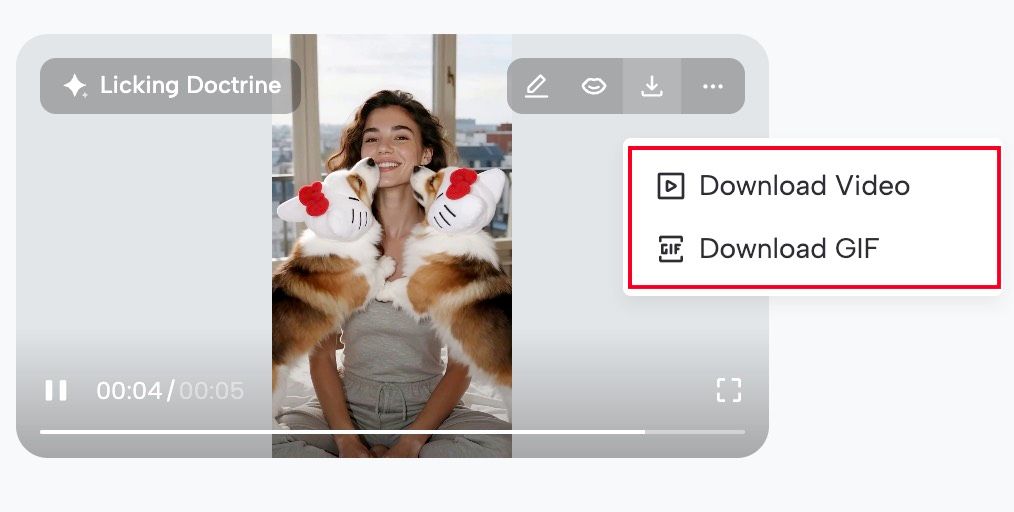
Step 4: Generate and Download
Click “Generate” and watch the magic unfold in seconds.
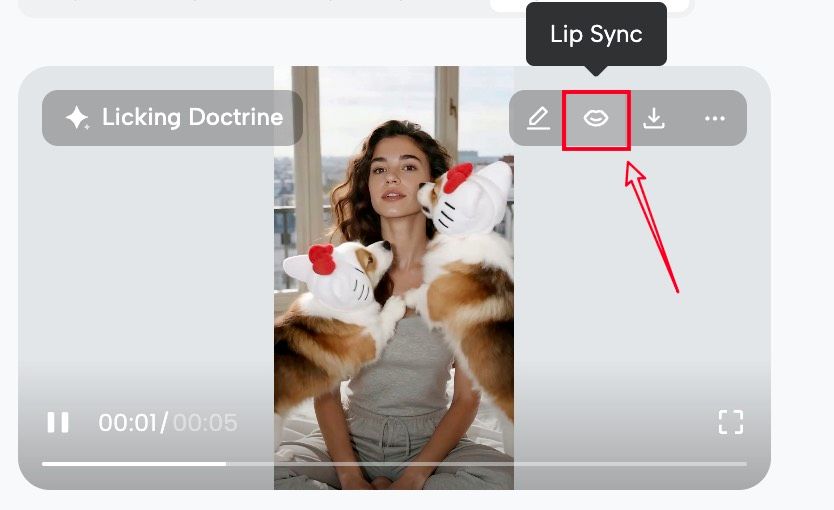
Want your photo to talk?
Enable lip sync and add your message to give it a lifelike effect!
Recap
In this guide, you learned:
- What is JoggAI Avatar VFX?
- How it works?
Add eye-catching video effects to your photos with just one click. Create your AI Video Effects with JoggAI today!