Employee Training Videos
Create Employee Training Videos Faster, for Less
Turn the slides, SOPs, and product guides your team already has into onboarding, process, and sales training videos, presented by an AI version of your own trainer. There's no studio to book and no expert pulled away from their work, and you won't need a reshoot every time something changes.
For L&D, HR, and sales enablement teams
For L&D, HR, and sales enablement teams
Training Videos for Every Team That Trains Employees
From onboarding to product updates, give every team a clear lesson they can revisit.
Build your welcome, company policy, and tool setup lessons once and reuse them for every new-hire cohort. HR stops repeating the same presentation each month. New hires get lessons they can revisit anytime, while live sessions are saved for questions and role-specific support.
Get Started For Free

*No credit card required
For Training Teams
Run Training Video Production as a Team
Bring HR, L&D, enablement, and subject experts into one shared workspace, with a repeatable process for every lesson.
One Workspace. The Right Access.
Invite the colleagues who create training. Owners manage the workspace, Admins oversee every member’s projects, and Collaborators focus on their own lessons.
Start from an Approved Team Template
Save a finished lesson as a team template, including its layout, scenes, text styles, and presenter. Colleagues start from an approved design instead of a blank project.
Share One Brand Media Library
Keep logos, brand colors, fonts, images, videos, and music in shared media. Every creator can use the same approved assets instead of searching old folders.
Keep Lessons Accessible as Roles Change
Admins can access every member’s projects. When a creator changes roles or leaves the company, training leads can still open and update their lessons.
Scaling Training Across Your Organization?
Plan your rollout with custom credits and seats, enterprise credit rollover, high-volume batch generation, and a dedicated Customer Success Manager.
Save Your Team People, Effort, and Budget on Every Lesson
Keep Your Trainers on Screen, Without the Filming
Create a custom AI avatar and voice of your trainer or subject expert, with their participation and permission. Employees learn from a familiar face, while your expert records once instead of blocking out time for every lesson.
Your expert reviews the explanation. Your team produces the video. Their time goes back to their day job.
Produce More Training Without Adding Headcount
Bring your existing decks and documents into a video workflow with AI narration and presenters. A training coordinator can prepare a lesson while subject experts focus on checking the details.
Reuse your team’s templates and approved assets to support more departments, new-hire cohorts, and product launches.
Update Lessons Without Starting Over
Processes change and products ship updates. Keep training current by revising the script and relevant scenes in your editable project.
With Animated Presentation Video, regenerate the scenes that need to change instead of treating every update as another filming project.
Make Every Lesson Go Further, in More Languages
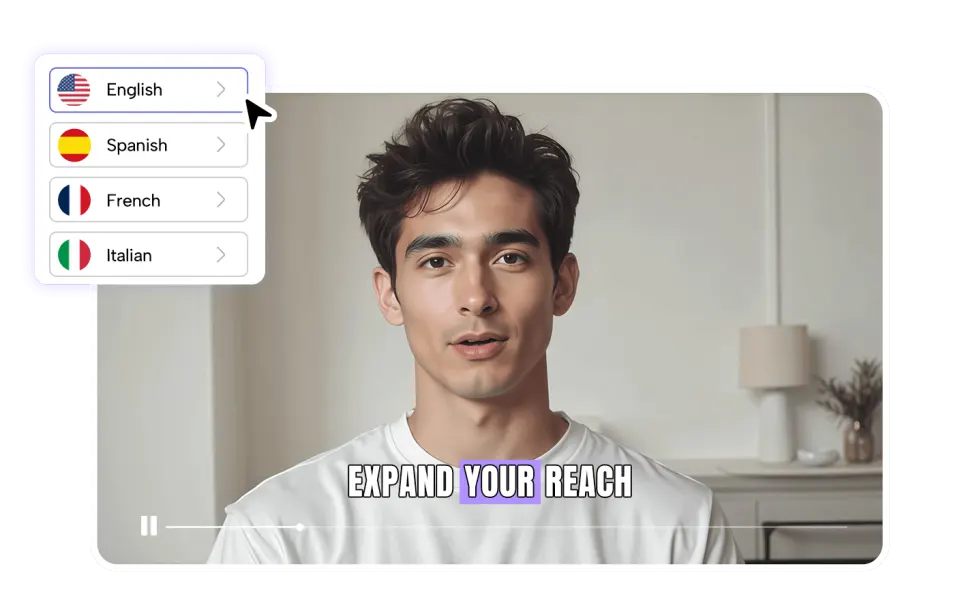
Prepare training in 50+ languages with AI presenters and narration. Give regional teams a version they can review for company terminology and local instructions.
Reduce the need for separate presenter recordings and voice sessions for every market, while keeping a consistent source lesson.
How It Works
How to Create Employee Training Videos with AI
Employee Training Video FAQs

Plan Your Team’s Training Video Program
Start with one deck or SOP your team already uses. See how a lesson comes together, then plan your rollout across departments and regions with a quote based on your training program.