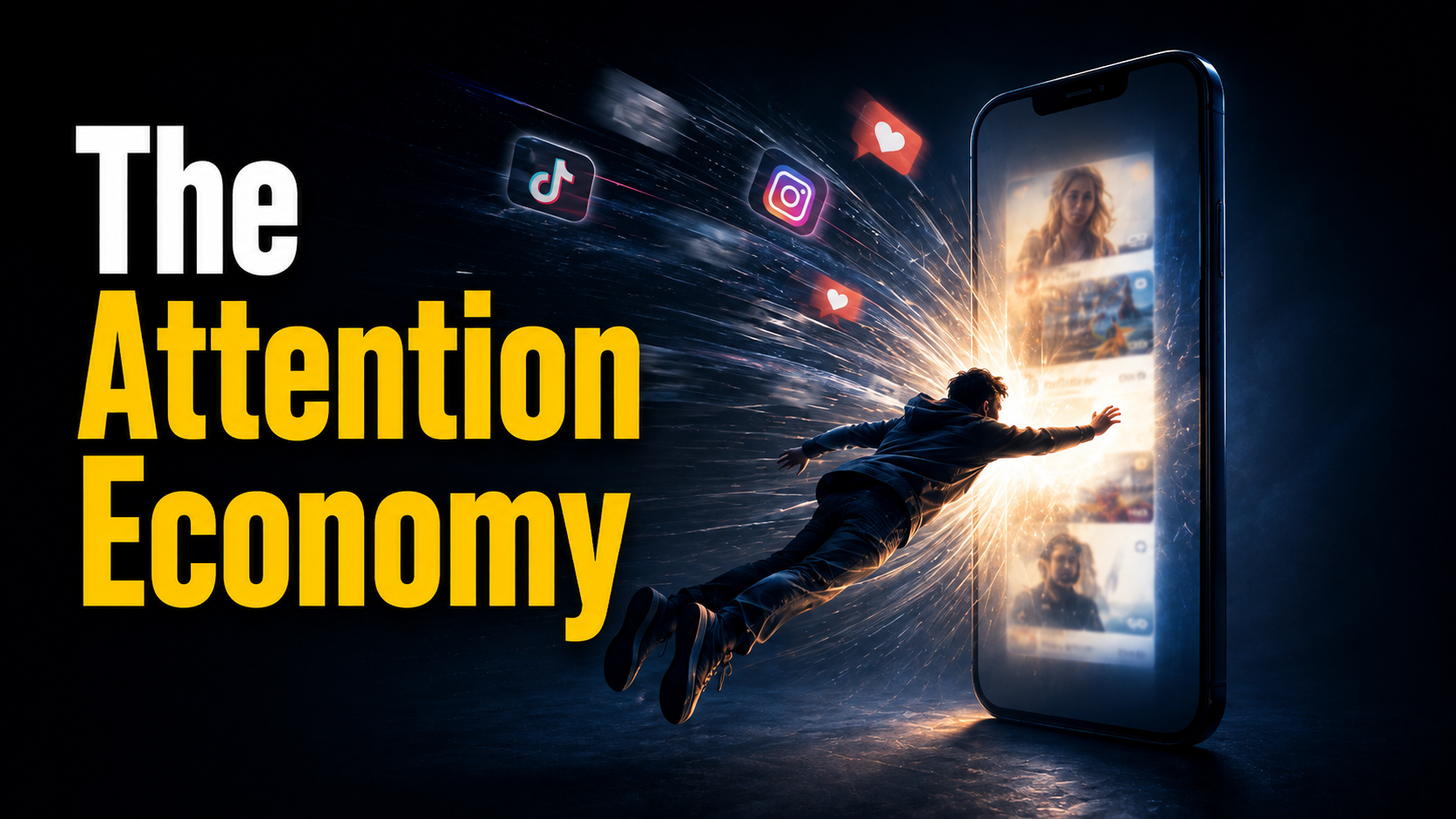
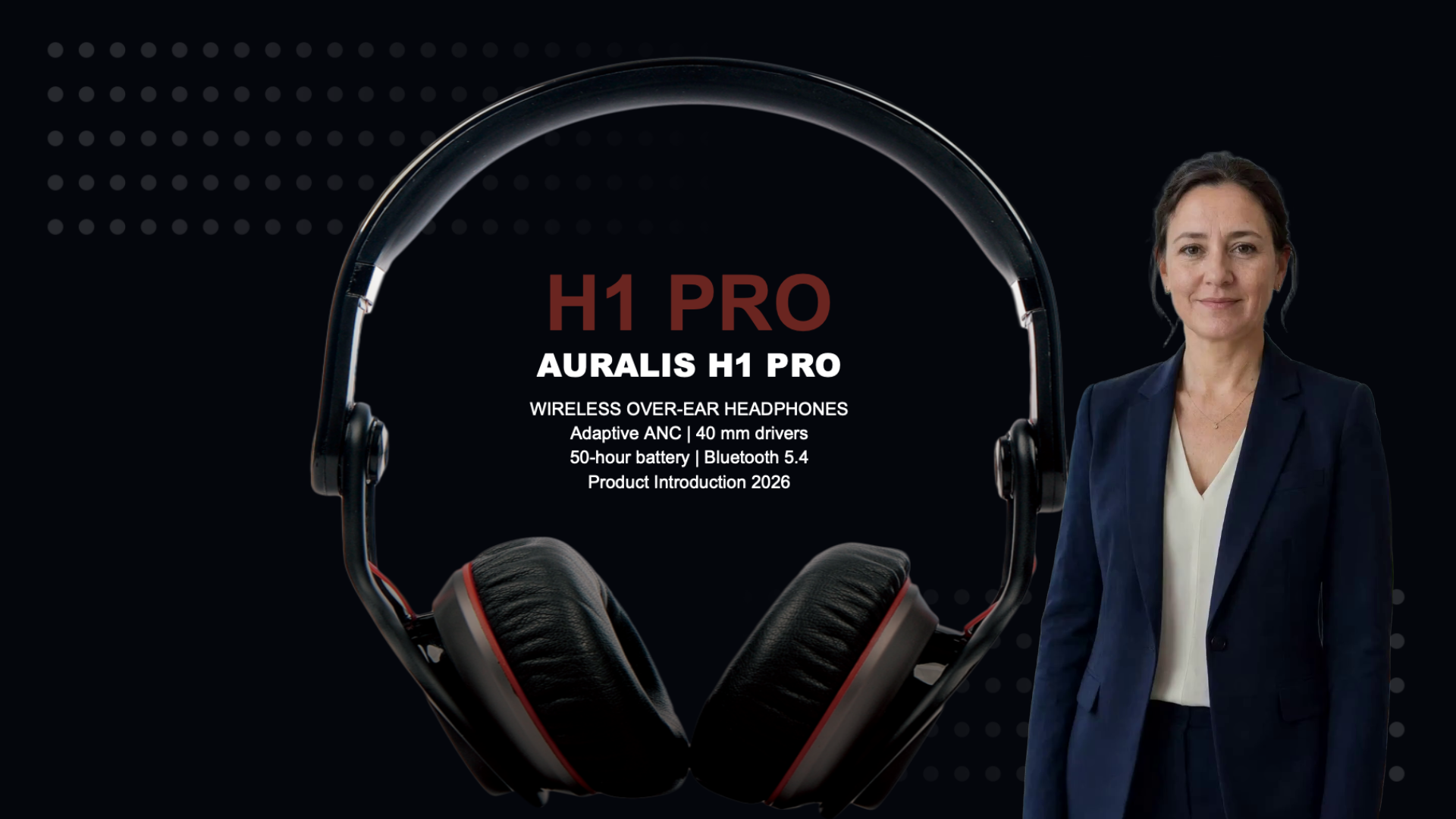
Explain concepts with AI animation, turn slides into narrated videos, or let an AI presenter guide your students. Create videos for your classroom or online course without cameras or recording sessions.
Turn your teaching materials into videos with AI visuals, narration, and presenters. Build a library of lesson explainers, course introductions, and revision videos you can update as your course evolves.
2Hours→10Min
From teaching materials to video
Turn your notes, scripts, or slides into lesson videos. Spend less time on production and more time preparing your next class.
30+Styles
More ways to explain a concept
Use different visual styles to tell a story, illustrate a process, or break down an abstract idea. Match the visuals to what you teach.
Why JoggAI
Create Educational Videos More Easily With JoggAI
Keep your teaching approach. Add animation, guided visuals, and narration to help explain what words and static slides alone can’t show.
Explainer Video
Keep Control of What You Teach
Turn a topic, webpage, or teaching file into an explainer outline and storyboard you can review. Check terminology, adjust the teaching sequence, and revise an individual scene’s script without changing the others before rendering. Keep control of what your students hear, with explanations suited to their level.
Explainer Video
Make Hard-to-Explain Ideas Visible
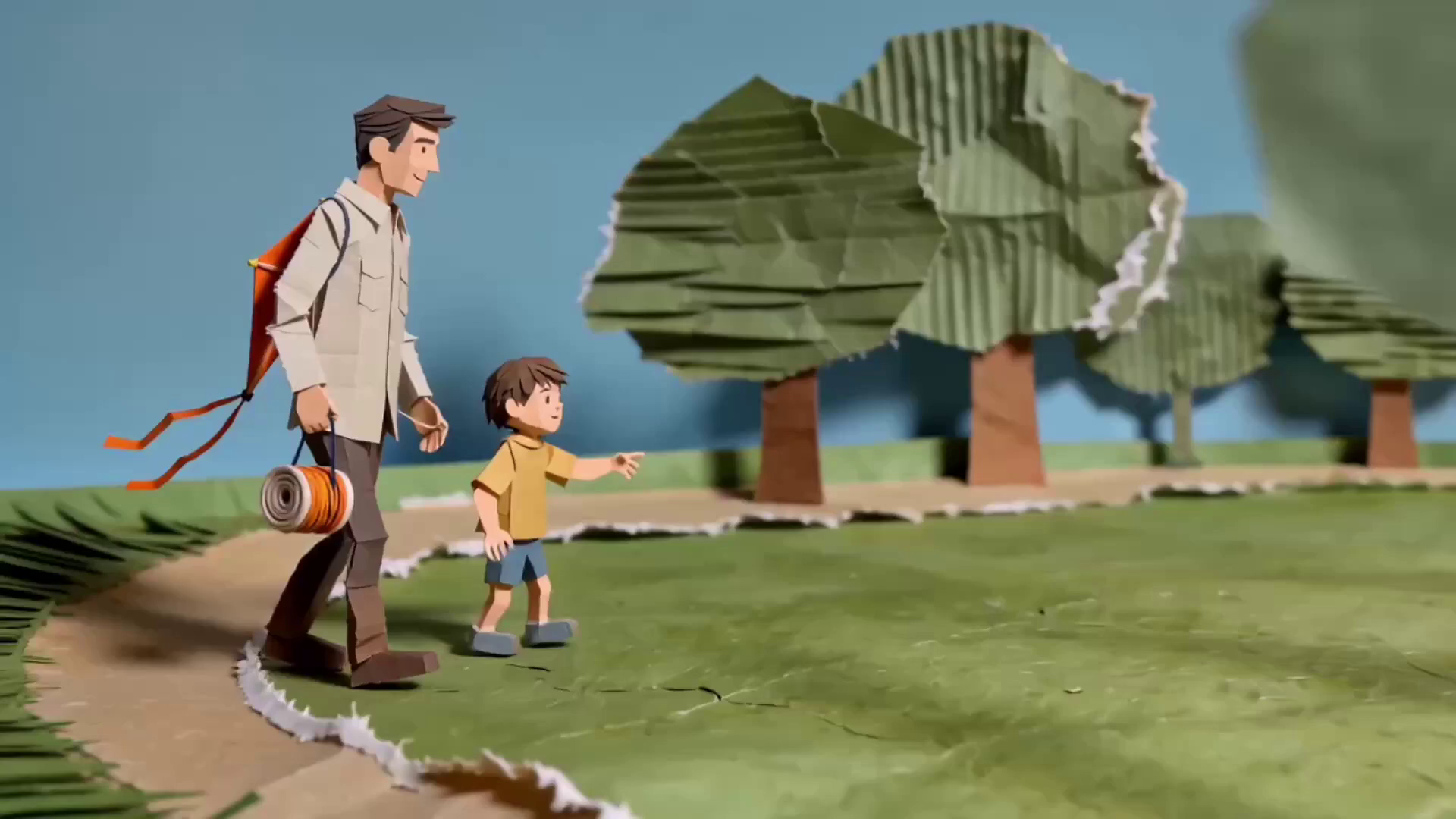
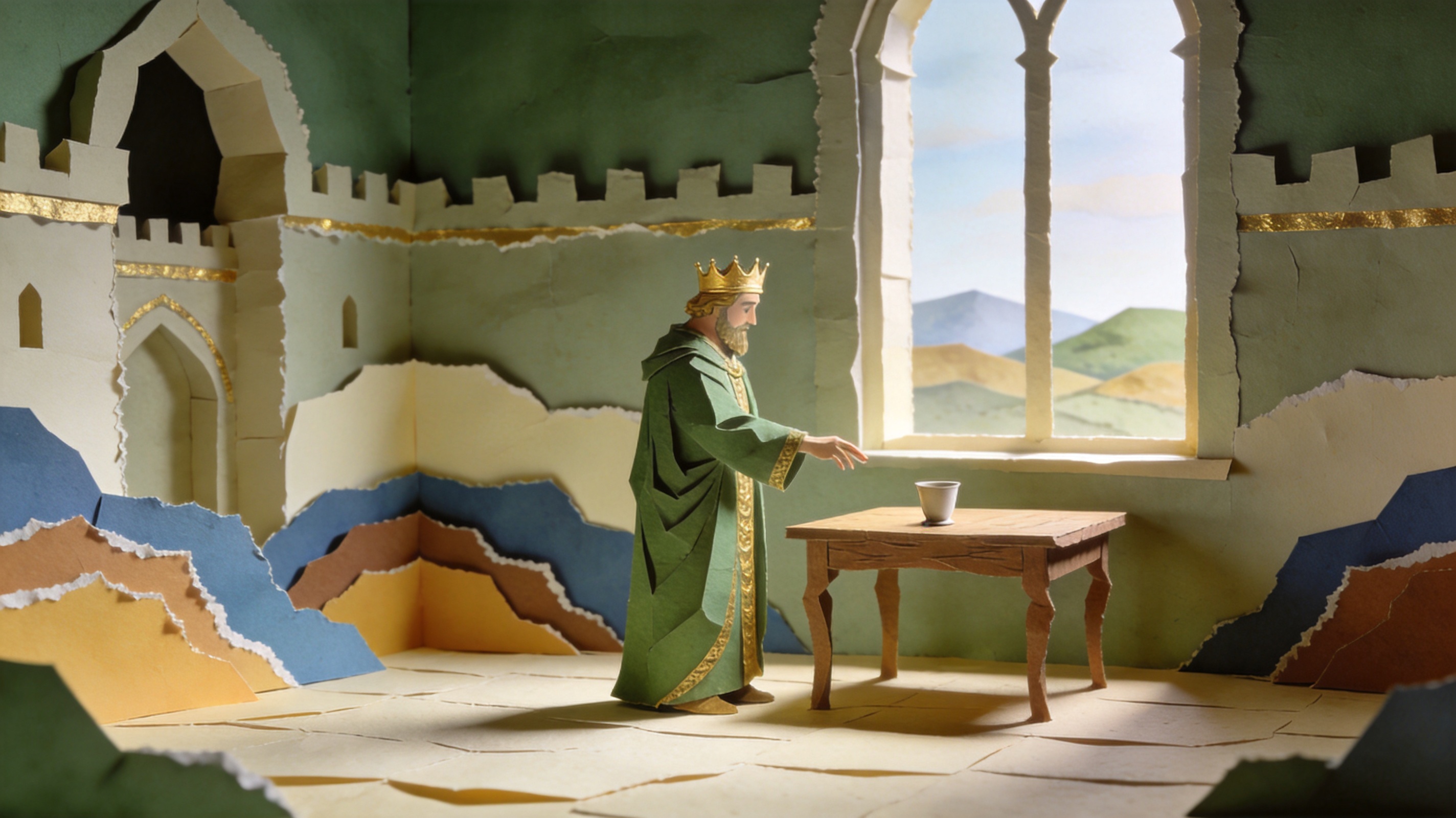
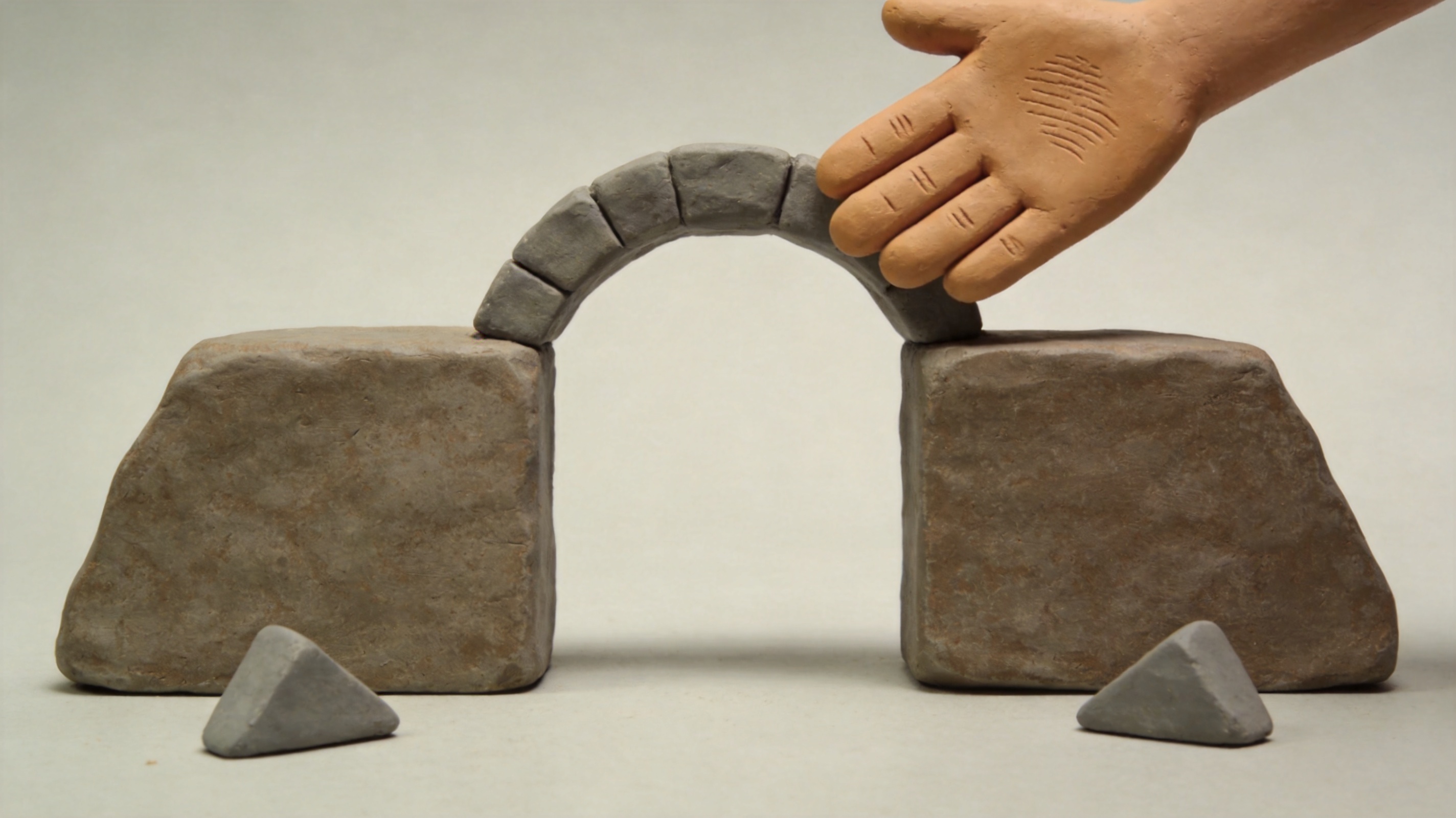
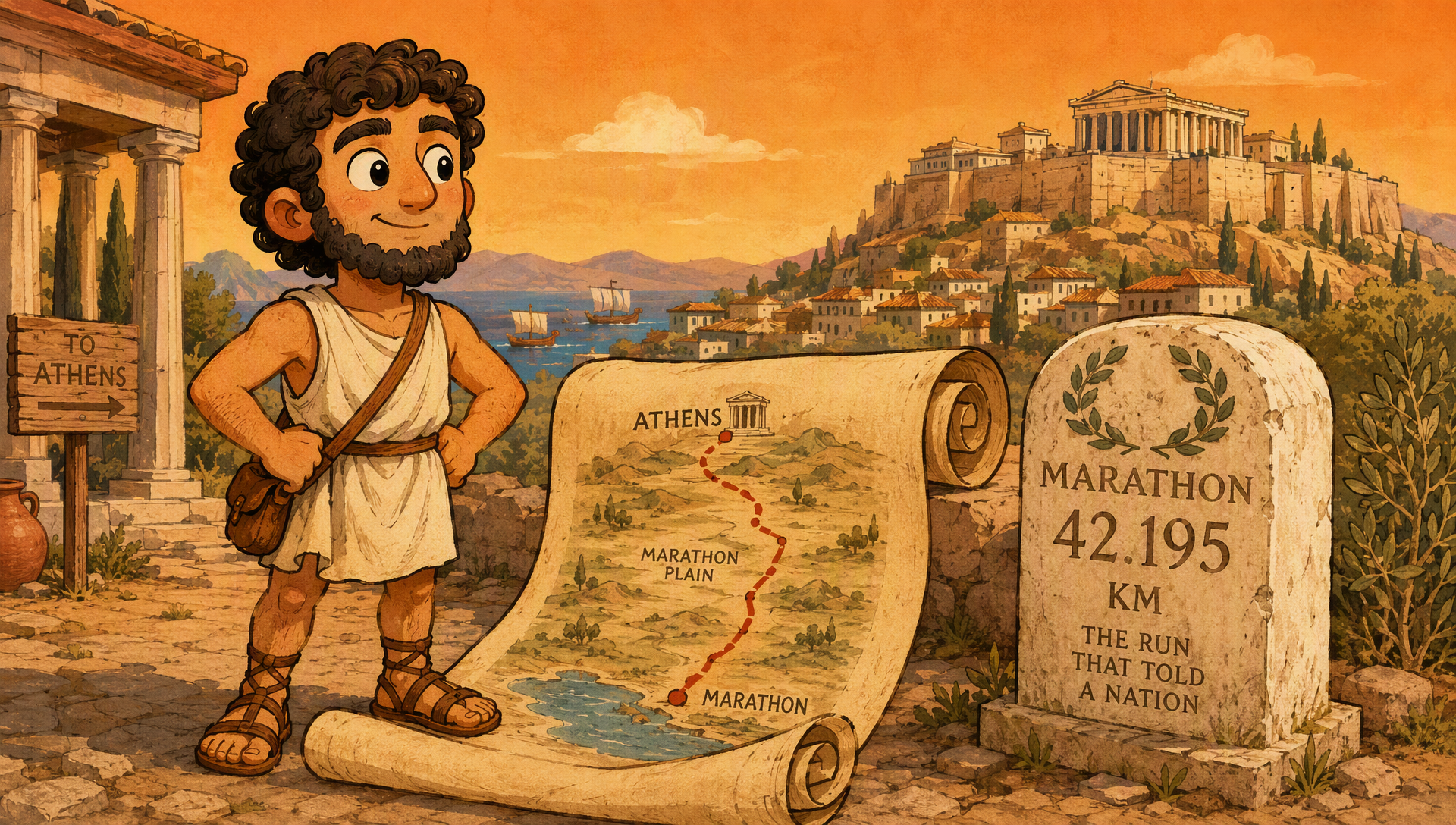
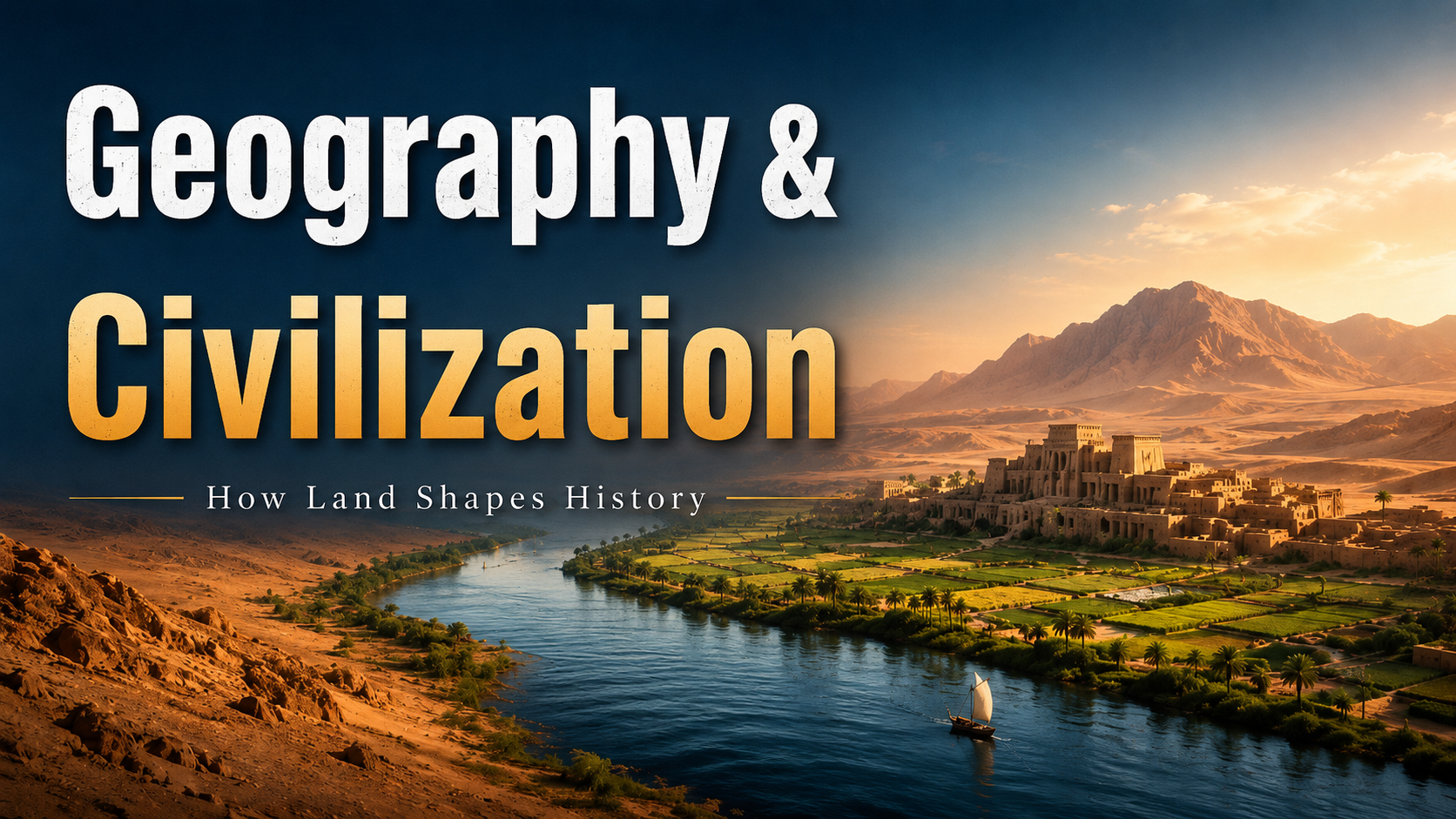
Show a scientific process unfolding or bring a historical story to life with narrated AI animation. Shape the explanation scene by scene and keep a consistent visual style that fits the subject. Create the scenes your lesson needs without filming footage or animating them by hand.
Give learners a clear path through a dense topic. Magic Slides reveal text, charts, timelines, and diagrams in step with the narration. Compare ideas, walk through a timeline, or explain a process stage by stage, so students can follow the point you are explaining on screen.
Animated Presentation
Teach Your Way Update With Ease
Open with an AI presenter, switch to a chart for the data, and use supporting footage for an example. Choose the visual format that fits each scene. When your course changes, revise the script, refine a slide, or regenerate an individual scene in the editor.
Keep the work you put into your teaching slides. For PPT and PPTX files, JoggAI preserves animations, slide transitions, and embedded audio when turning your deck into video. Give students a lesson they can pause and replay, while keeping the sequences and examples you prepared.
PPT to Video
Turn Speaker Notes Into Narration
Turn the speaker notes in your PowerPoint into narration, write your own script, or ask AI to draft one from your slides. Review the wording, choose a voice, and add an AI presenter to guide students through the lesson. Create a narrated course video without recording yourself slide by slide.
Enter a topic, paste a URL, or upload a teaching file. Set the visual style, format, duration, and language, then review and revise the generated outline for your learners.
STEP 2
Refine the Script for Every Scene
Check the storyboard and edit each scene’s explanation. Choose the narration voice, video model, resolution, and subtitle settings before generating.
STEP 3
Generate and Download Your Explainer
Generate the animated video and review the result. Check the explanation, edit the subtitles, and download the finished video to share with your students.
Educational Video Maker FAQs
Which type of educational video should I create?
Choose Explainer Video to illustrate a concept or tell a story with narrated animation. Use Animated Presentation when you want to explain a topic through animated text, charts, timelines, and an optional AI presenter. Choose PPT to Video when you already have teaching slides and want to add narration and a presenter.
Can I use the lesson materials I already have?
Yes. Start an Explainer Video with a topic, webpage, or file. Animated Presentation can organize documents, PDFs, webpages, and several related sources into one lesson outline. For an existing slide deck, upload a PPT, PPTX, or PDF to PPT to Video instead of rebuilding the lesson from scratch.
Will my PowerPoint animations and audio stay in the video?
For PPT and PPTX files, PPT to Video preserves the original animations, slide transitions, and embedded audio. You can add AI narration and a presenter while keeping the lesson you prepared. PDF uploads are also supported, but the PowerPoint animation and audio preservation features apply to PPT and PPTX files.
Can I turn my speaker notes into a voiceover?
Yes. Upload your PowerPoint to PPT to Video and choose Use Speaker Notes as the script source. You can also enter your own script or have AI draft narration from the slides. Review the script and choose a voice before generating. The speaker notes option is available for PowerPoint files, not PDFs.
Do I need to appear on camera or record my own voice?
No. Use an AI voice to narrate your script and an AI presenter to guide learners through the lesson. If you prefer to keep the focus on the visuals, create an animated explainer or use scenes without a presenter in Animated Presentation.
Can I review the explanations before generating a video?
Yes. Explainer Video and Animated Presentation let you review the outline and scene scripts before generating. Adjust terminology, reorder the explanation, and rewrite examples for your students’ level. With PPT to Video, review the narration and slide layouts before creating the finished lesson.
Can I update a lesson when my course content changes?
In Animated Presentation, you can revise scripts, slides, presenters, captions, and layouts, or regenerate individual scenes before rendering again. In Explainer Video, review and change the outline and scene scripts before generation; after generation, you can edit the subtitles. For PPT to Video, update your source deck and create a new video from the revised materials.
Can I make lessons for students who speak different languages?
Yes. Explainer Video and Animated Presentation offer AI narration in more than 50 languages. Choose the language and voice for your learners, then adapt the script, examples, and subject terms to the class. Animated Presentation also supports matching captions in the selected language.
Can I try JoggAI before paying for a plan?
Yes. JoggAI offers a free plan to get started. The features and amount of video generation available depend on your plan. See the pricing page for current free plan allowances and paid options.
Still have questions? Ask an AI
Turn Your Next Lesson Into a Video
Bring your teaching materials. Give learners a new way to understand them.