


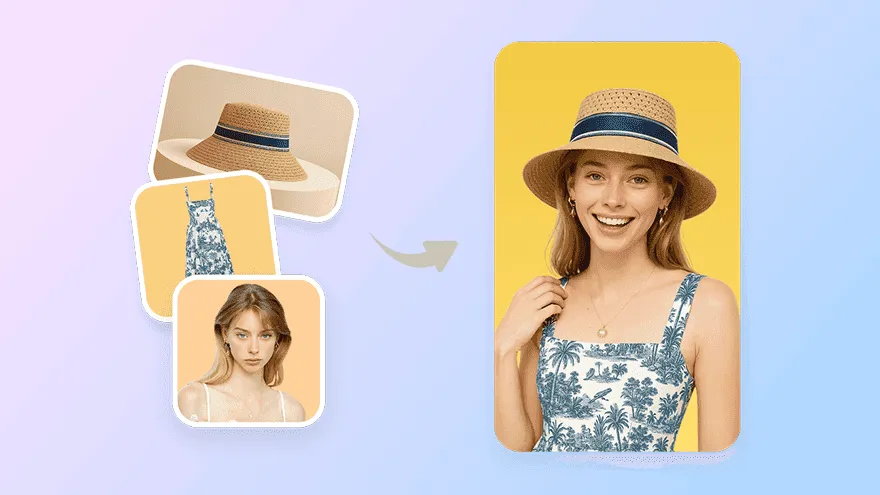
Product Video Shoot
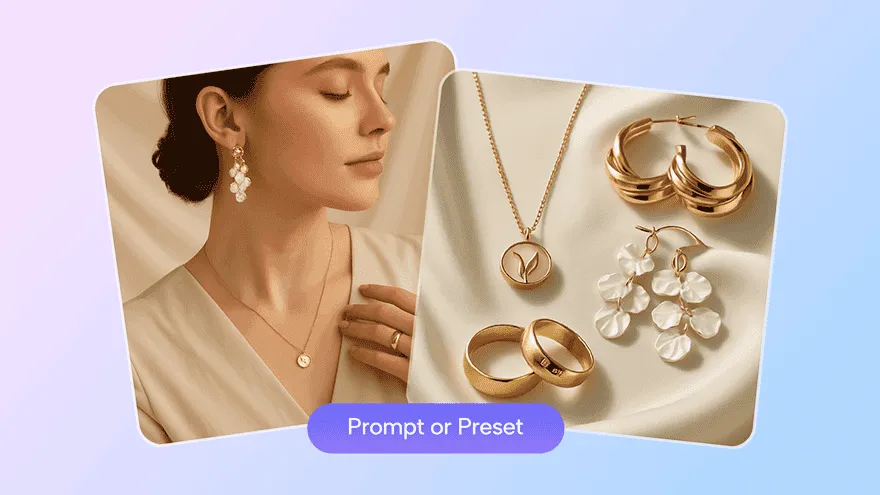
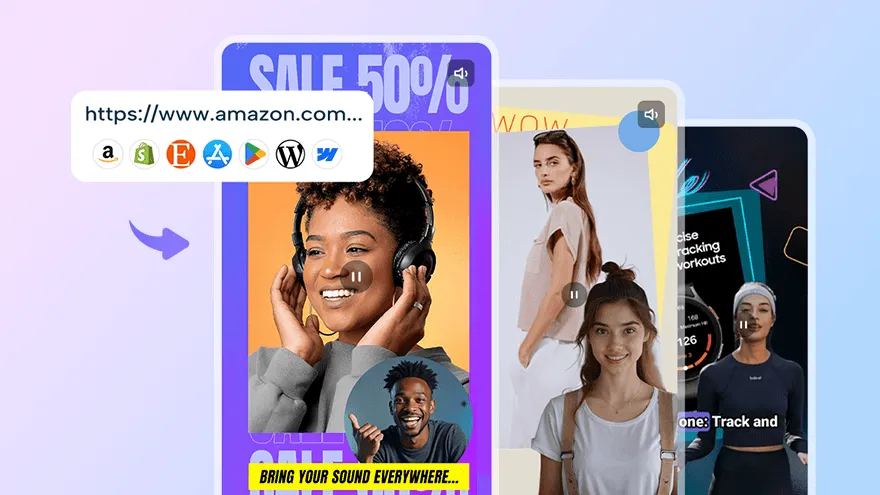
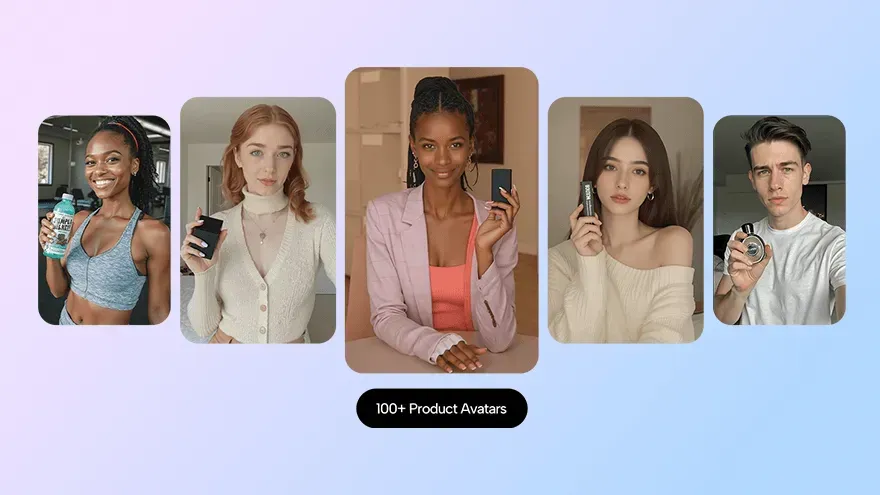
Generate exquisite AI product video in seconds. Easily turn your product into professional creative video ads.
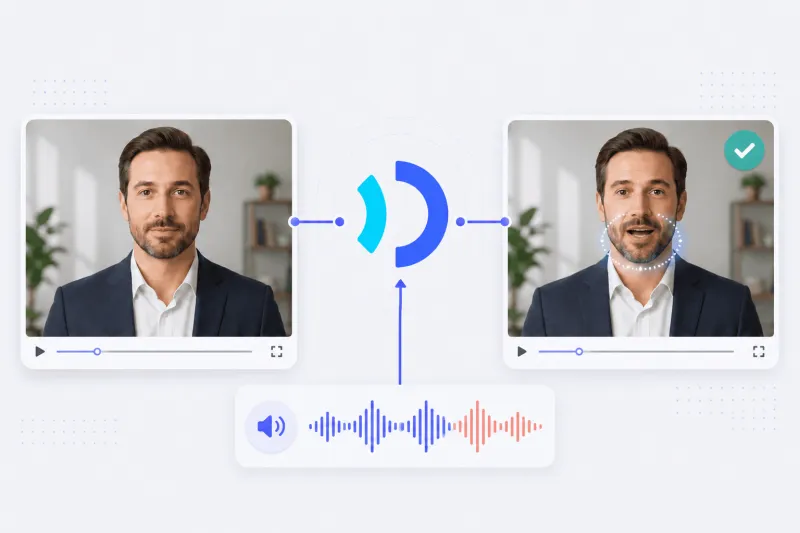
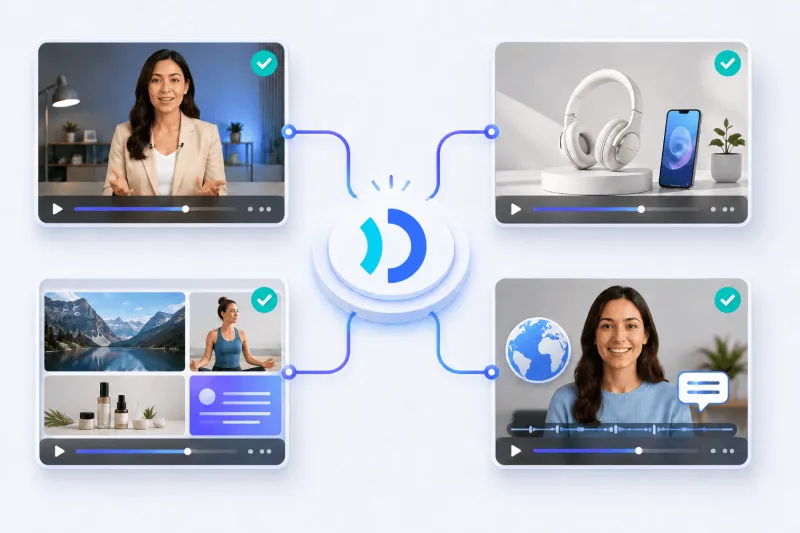
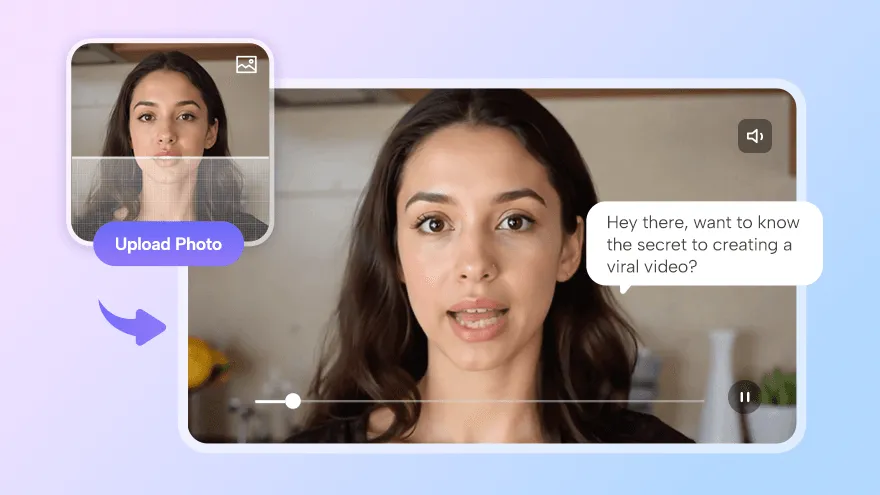
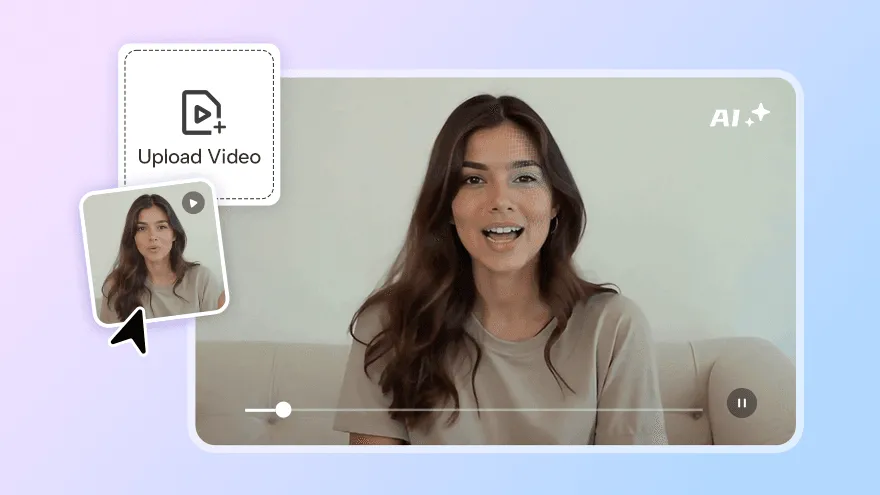
Use the focused Lip Sync Skill to synchronize an existing video with audio, or choose the broader workflow Skill for avatar, product, template, translation, and other JoggAI video workflows.
Open the JoggAI-Tech profile on ClawHub. Select the Lip Sync Skill for video and audio synchronization or the broader workflow Skill for other JoggAI video tasks.
Create a JoggAI account, or sign in if you already have one, to access your API dashboard.
Generate an API key in your JoggAI dashboard, then follow the selected Skill’s instructions to configure it in OpenClaw.
New users can get 15 API credits for $9.9, then configure a JoggAI API key for their selected OpenClaw Skill.