
What is AI Video Ads(URL-to-Video)?
Simply paste the URL, and JoggAI will automatically create a video script, gather relevant visuals, and add AI-powered narration with Avatars. You can also re-edit all the elements to your liking.
Watch the Tutorial Video👇
How it works?
Create your video Ads in three simple steps:
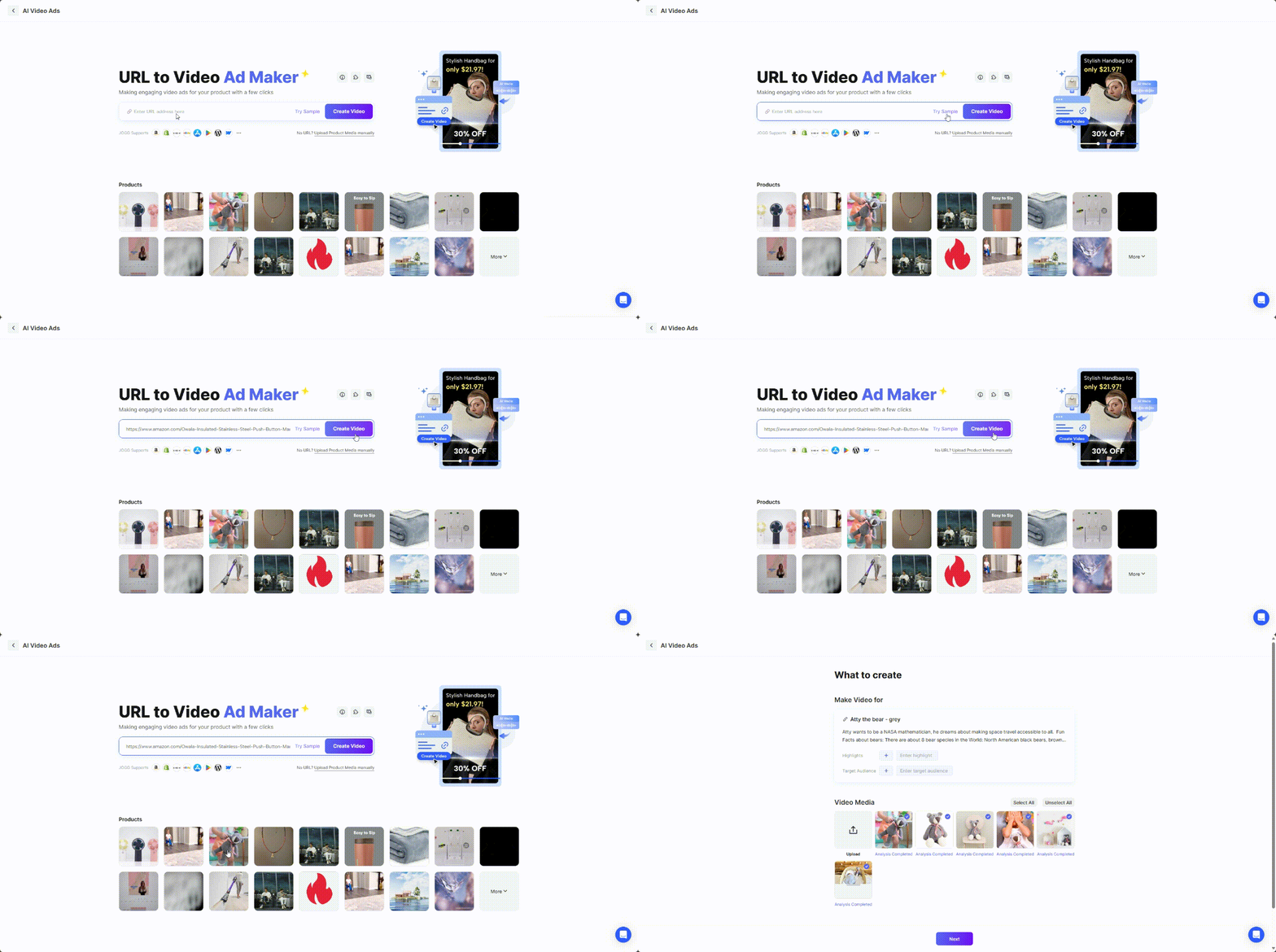
Step 1 Input URL
Copy and paste your product link into JoggAI, and JoggAI will extract the necessary content and turn it into a video script.
Step 2 Select Avatar & Generate Script with AI
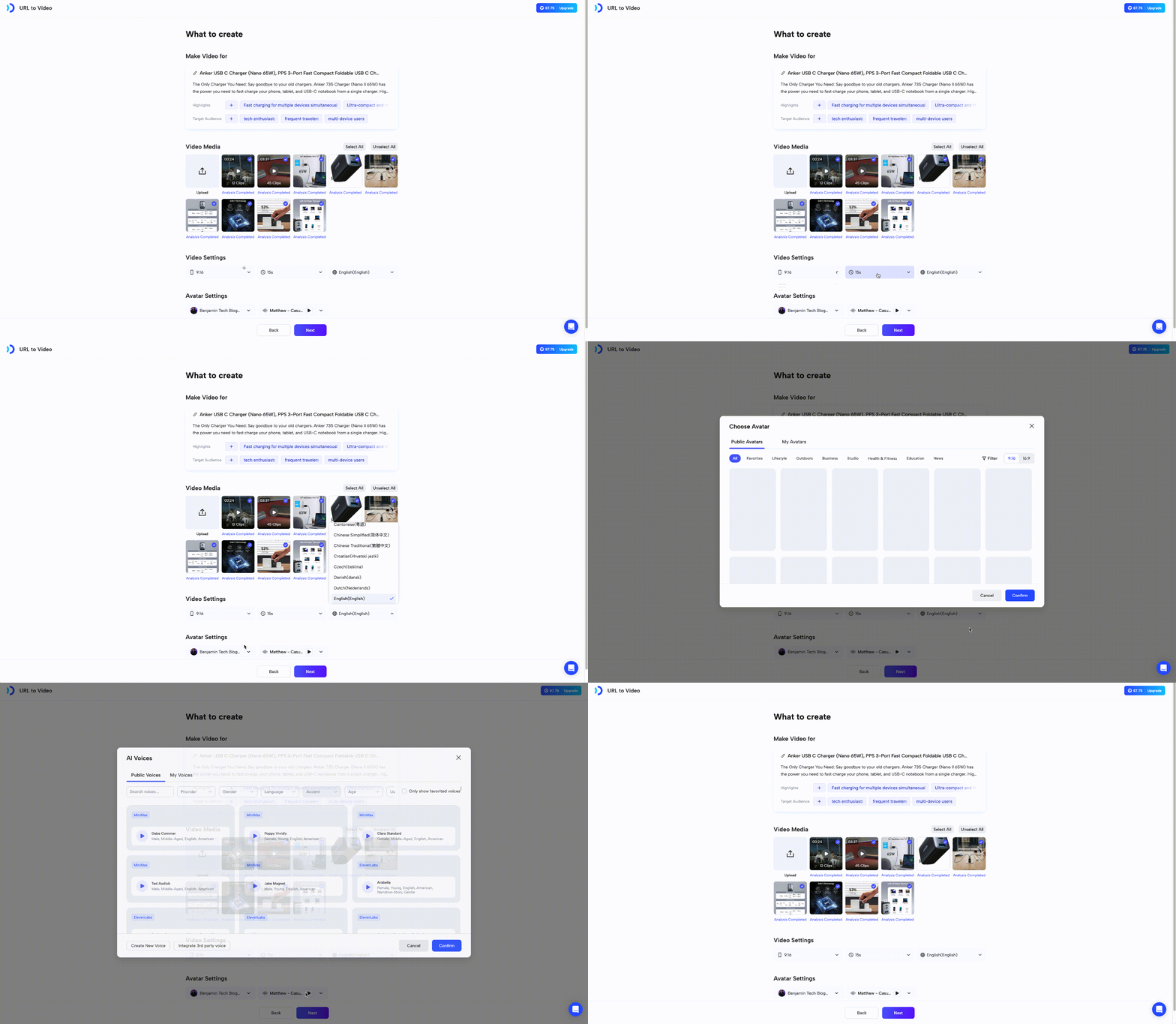
Choose your Avatar, voice, video ratio, duration, and language.
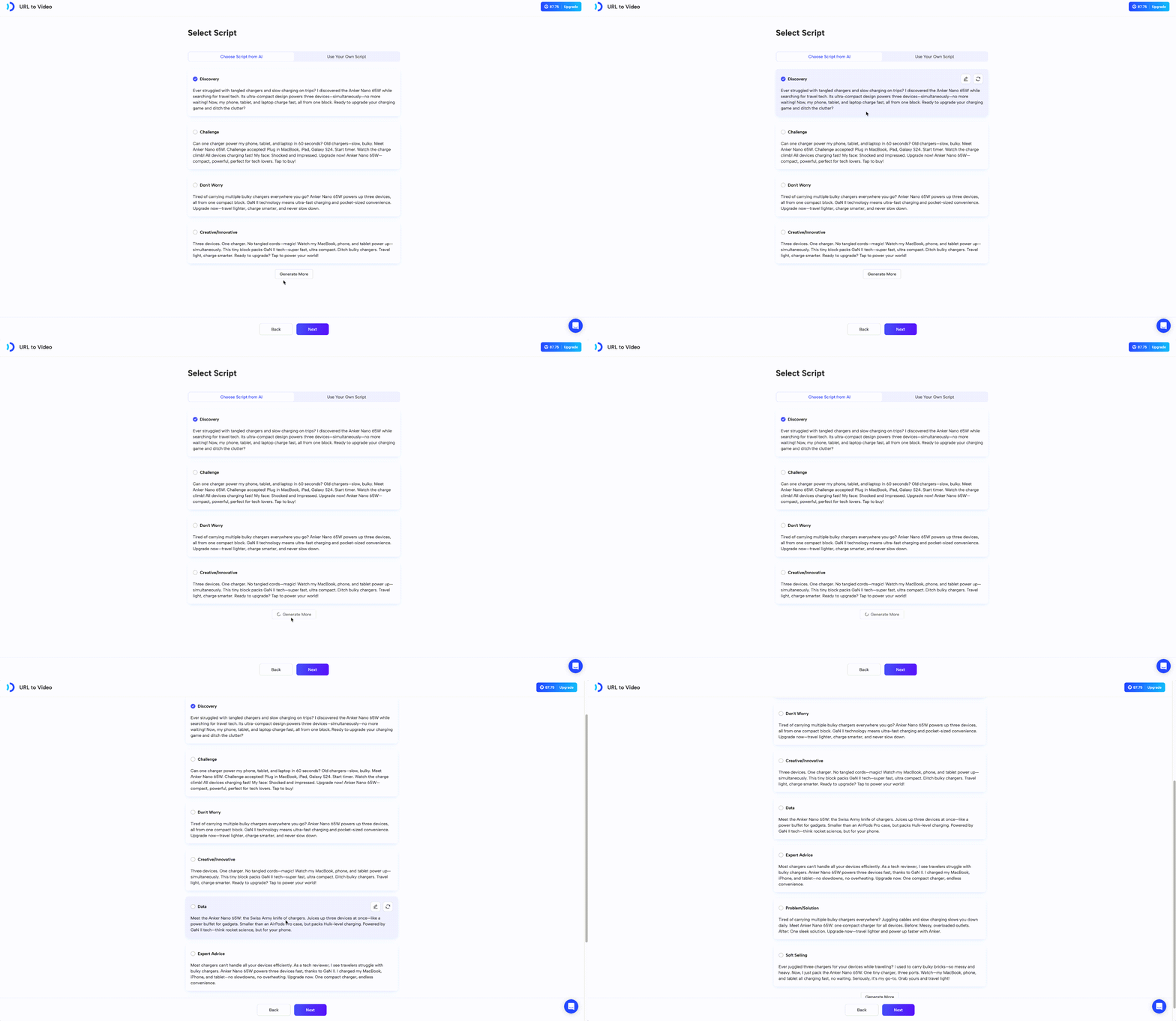
Generate Script with AI
We now support over 50 languages — click here to see the full list.
Step3 Select Favorite AI Template & Customize
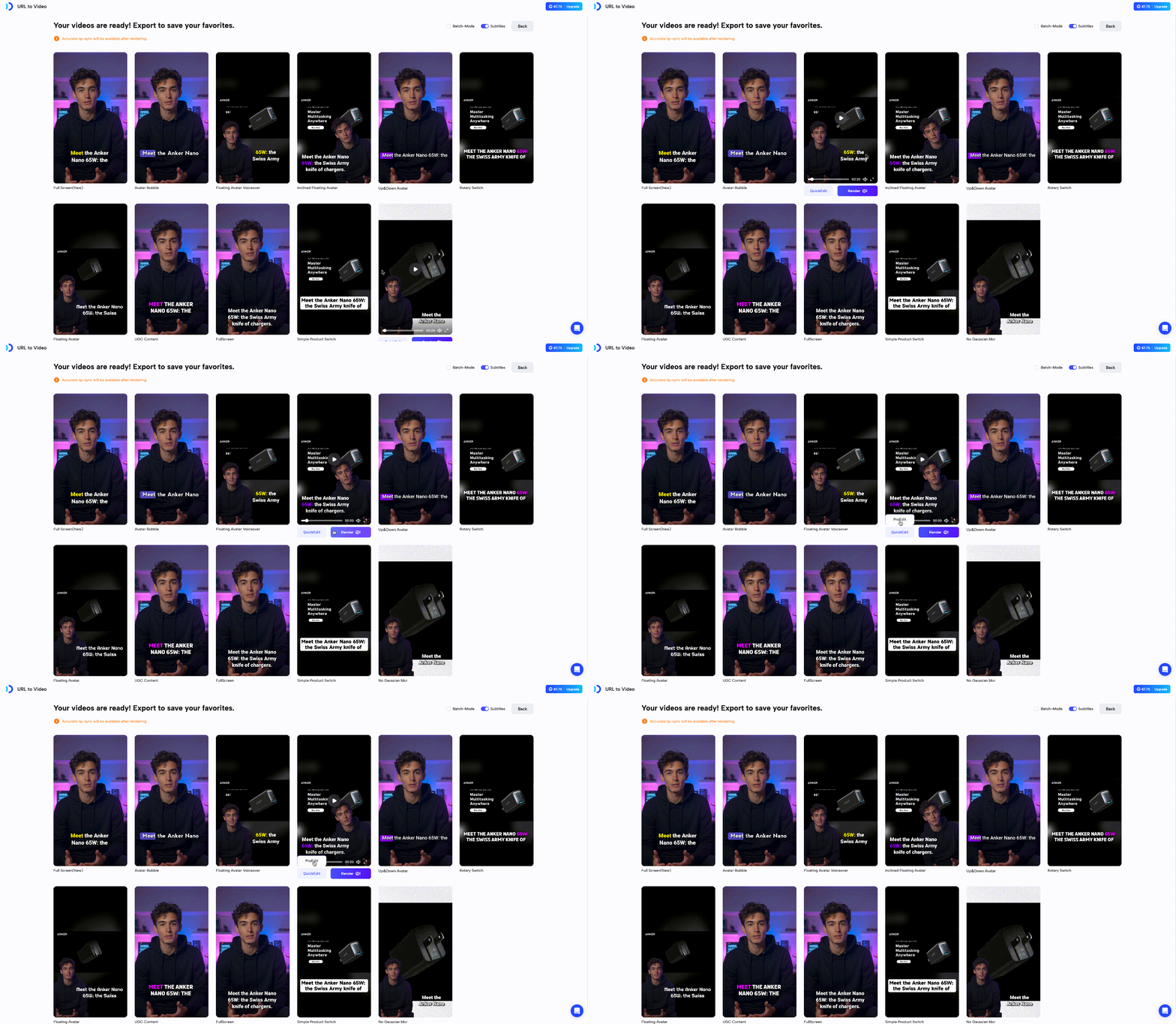
Pick the perfect template for your video and decide if you want subtitles. Make further adjustments using QuickEdit or ProEdit for enhanced customization.
Recap
In this guide, you learned:
- What is AI Video Ads(URL-to-Video)?
- How it Works?