
What is Face Swap
JoggAI’s Face Swap feature lets you replace a face in a video or image with your own photo — creating unique, personalized content in just minutes.
From entertainment clips and social media posts to ads and creative storytelling, Face Swap makes it easy to generate eye-catching videos that stand out.
Watch the Tutorial Video👇
Getting Started with Face Swap Feature
Step1 Upload a Target Video or Image
Choose from JoggAI’s ready-to-use templates or upload your own video/image.
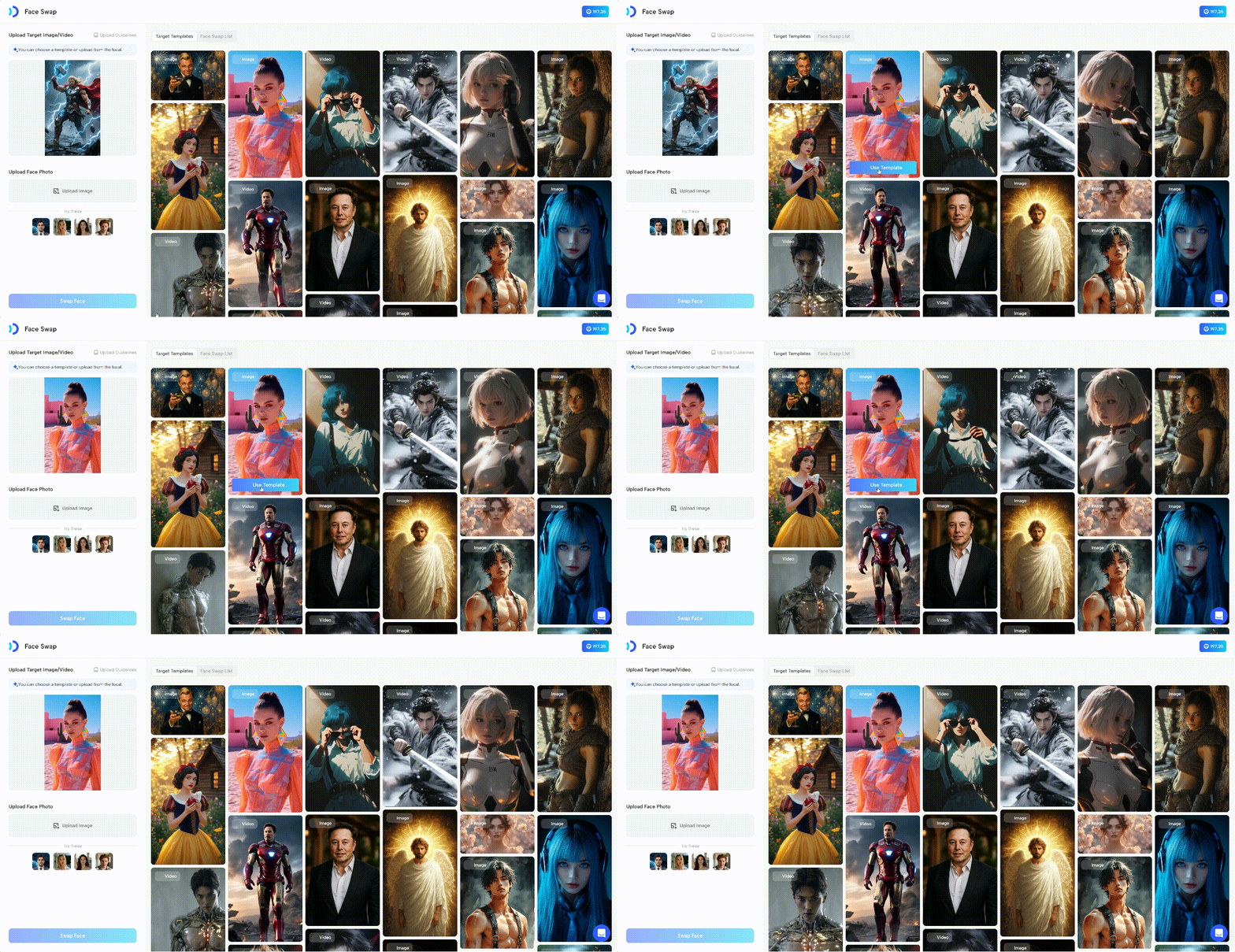
- Supported formats: PNG, JPG, JPEG, MP4, MOV
Tips: Check the upload guidelines first to make sure your file meets requirements. This helps improve output quality and swap accuracy.
Step2 Uploading Your Face Photo
Next, upload a clear, front-facing photo of your face. This will be used to replace the face in the target video.
Click “Upload Image” and select your photo from your device. For the best results, make sure your face is well-lit and unobstructed.
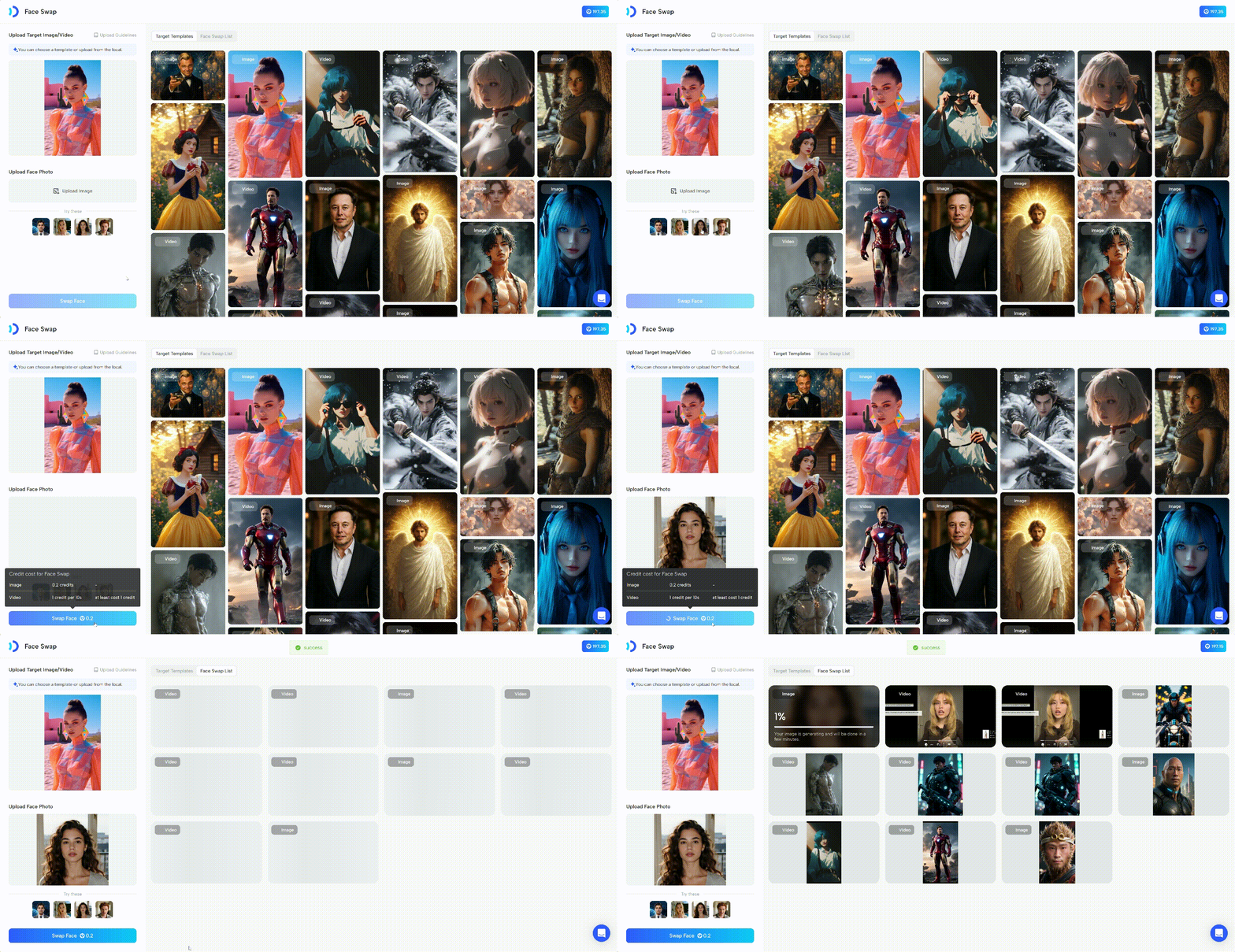
Notes: Face swap only modifies the character’s facial features; it does not replace the entire face.
Key Notes & Best Practices
- Face Swap changes facial features only, not the entire head or body.
- The clearer and higher-quality your photo, the more natural the final video will look.
- Try experimenting with different target videos for creative effects!
Recap
In this guide, you learned:
- What Face Swap is and how it works in JoggAI.
- Key notes & best practices to achieve the most natural results.
With Face Swap, you can turn any video or image into fun, personalized, and attention-grabbing content in just minutes. Try it today and bring your creativity to life!