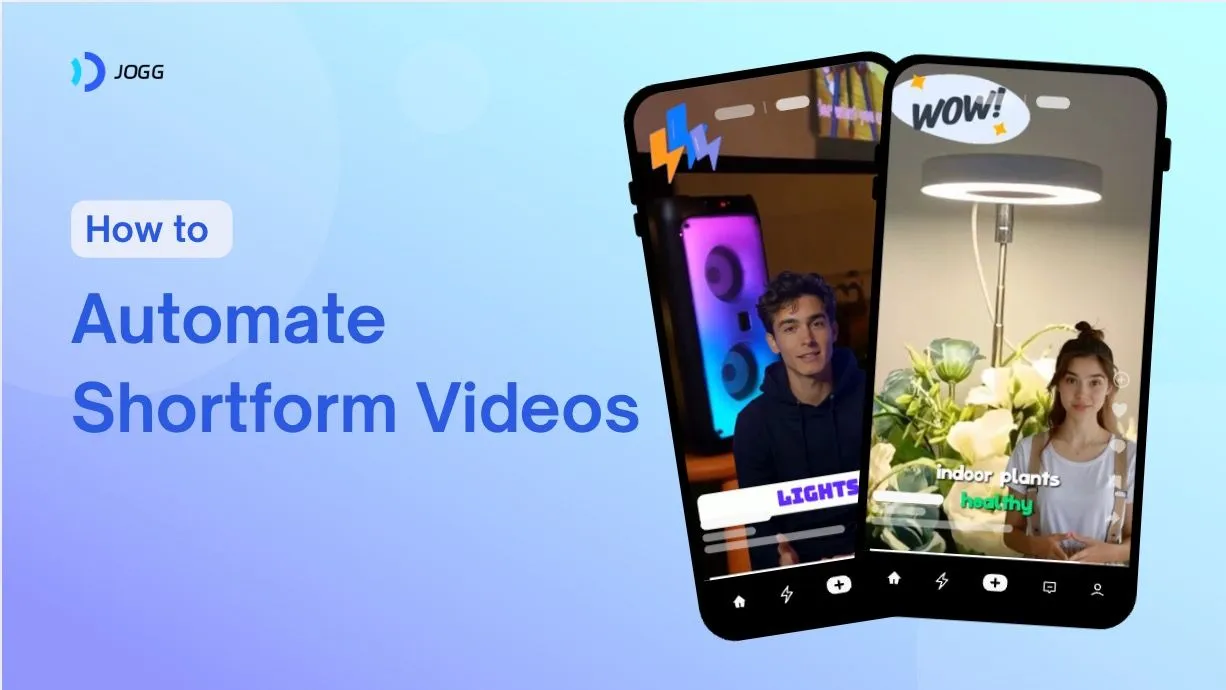


Creating shortform videos used to be time-consuming and expensive. But with the right tools, you can now automate the process — saving hours of manual work while reaching more people than ever.
In this guide, I’ll walk you through how to automate shortform videos the smart way, using tools like JoggAI to simplify everything from creation to posting.
Why Automate Shortform Videos?
Shortform videos — TikToks, Reels, Shorts — are the most effective way to connect with audiences today. Automation helps you:
- Produce videos faster
- Post more consistently
- Stay on top of trends
- Reduce production costs
- Improve quality and engagement
According to recent studies:
| Metric | Impact |
|---|---|
| Video production time | ↓ 60% with automation |
| Engagement rates | ↑ 83% when using AI tools |
| Cost per video | ↓ up to 60% |
| Campaign performance | ↑ 40% with predictive analytics |
Pro tip: Automate repetitive tasks like captioning, resizing, and publishing so you can focus on the creative ideas.
Step 1: Set Clear Goals and Pick the Right Platforms
Start with a clear objective. Are you trying to grow followers, drive traffic, or promote a product? Use SMART goals — specific, measurable, achievable, relevant, and time-bound.
Next, choose your platforms:
- TikTok: Trend-driven, playful content
- Instagram Reels: Lifestyle, aesthetics, and brands
- YouTube Shorts: Educational and entertaining formats
Check your analytics often. Tools like YouTube Studio or Instagram Insights will show you what’s working.
Tip: Try different hooks, captions, and posting times. Small tweaks can make a big difference.
Step 2: Plan Your Content and Posting Frequency
Consistency beats perfection. Posting 1–2 times per week per platform is a great starting point.
Here’s what the data says:
- 57% of Gen Z use shortform videos for product research
- 73% of viewers discover new products via shortform content
- Brands that post weekly often double their follower growth
Use a content calendar to organize your ideas, scripts, and publish dates in advance.
Step 3: Automate Video Creation with JoggAI

This is where the real time-savings kick in.
JoggAI is an AI video creation tool that automates everything — from writing scripts to generating finished videos. It’s built for busy marketers, creators, and businesses that need to produce content at scale.
What You Can Do with JoggAI:
- Turn product links or blog posts into videos using URL-to-video
- Generate high-quality videos with lifelike AI avatars
- Add natural-sounding speech using voice cloning
- Auto-generate subtitles with the captioning tool
- Create multiple videos at once using the batch mode
Planning to produce weekly or monthly content? Script several videos in one go, generate them in batches, and stay weeks ahead of schedule. This workflow is not only faster but also keeps your branding and tone consistent.
Some users have cut production time from 50 hours to just 10 minutes per batch.
Step 4: Schedule and Post Automatically
Automating posting is the final piece of the puzzle.
Use tools like Hootsuite, Buffer, or JoggAI’s integrations to:
- Schedule content across platforms
- Post at peak engagement times
- Collaborate with your team
- Monitor performance and trends
- Manage everything from a single dashboard
Use a content calendar to stay organized and consistent — the algorithm loves that.
JoggAI vs Traditional Video Production
| Feature | JoggAI | Traditional Method |
|---|---|---|
| Avatar creation | 210+ lifelike avatars | Hire actors or film yourself |
| Video generation | From URL or script | Manual filming & editing |
| Language support | 50+ languages | Usually 1–2 |
| Scalability | High — batch mode | Low — 1 video at a time |
| Integration | E-commerce & socials | Manual uploads |
| Cost & time | Low and fast | High and slow |
| Skill needed | Beginner-friendly | Requires team and tools |
JoggAI simplifies everything. No camera, crew, or editing chops required.
Final Thoughts
Automating shortform video doesn’t just save time — it helps you stay consistent, grow your audience, and keep your brand top-of-mind.
Here’s your quick-start checklist:
✅ Set your video goals
✅ Choose the right platforms
✅ Plan your content calendar
✅ Use JoggAI for creation
✅ Batch-produce for scale
✅ Automate your posting
Try JoggAI and see how easy it is to create videos that actually get watched.
FAQ: How to Automate Shortform Videos
How do I start automating shortform videos?
Pick an AI tool like JoggAI, plan your scripts, create videos in batches, and schedule them using automation tools.
Can I use JoggAI for all platforms?
Yes — JoggAI supports TikTok, Reels, Shorts, and lets you export the right formats for each.
Do I need video editing skills?
Nope. JoggAI is beginner-friendly with step-by-step tools and templates.
What makes JoggAI stand out?
Lifelike avatars, voice cloning, batch video generation, and multi-language support — all without filming.
Does automation really save that much time?
Absolutely. Many creators report reducing video production time by over 80%.