Slideshow Video Maker

Make Slideshow Videos with Music

Create picture and video slideshows in just a few steps. Upload your photos or videos, pick a template, add music or an AI presenter, and turn your content into a polished slideshow video ready to share.

*No credit card required
slideshow-video-maker

Why Choose JoggAI’s Slideshow Video Maker

icon

Easy-to-Use AI Editor

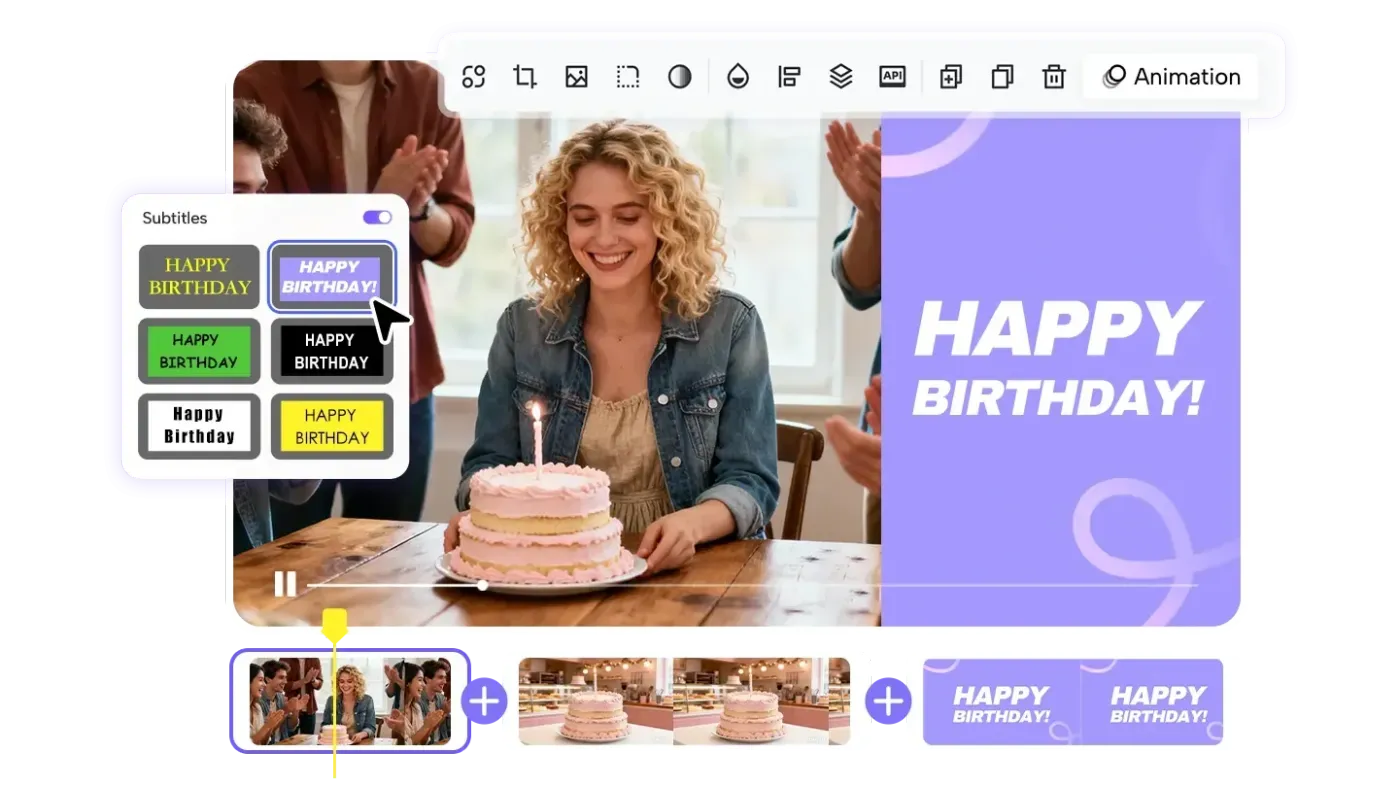
The AI editor gives you full creative control in a simple, intuitive workspace. Upload your media, cut, crop, and trim your clips, add animations, layer in music, and place text exactly where you want it. Everything you need to build a polished slideshow video is organized all in one place.

Create Now
icon

Storytelling AI Voice Overs in 90+ Languages

Bring your video slideshow to life with natural AI voiceovers. Choose from 90+ languages, adjust tone, and match the mood of your story. Perfect for tutorials, celebrations, business slideshows, product videos, and more.

Create Now
icon

Over 1,000 Slideshow AI Presenters

Add an on screen AI presenter to guide your viewers through your slideshow. Choose from more than 1,000 presenters or create your own avatar. It makes your slideshow feel more personal, clear, and engaging.

Create Now
icon

Diverse Templates for Any Kind of Video

Pick from a large collection of slideshow video templates designed for travel, birthdays, business presentations, product showcases, events, and everyday moments. Just plug in your photos and clips, and JoggAI does the rest.

Create Now

How to Make a Slideshow Video With JoggAI

Step 1
Create from Scratch or Start with a Template
Begin a new project from a scratch or you can choose your preferred slideshow template.
Step 2
Upload Your Photos or Videos
Add the pictures, clips, and media you want to feature in your slideshow.
Step 3
Customize With the AI Editor
Add music, animations, text, or an AI presenter, then click "Render" or "Download" to share your slideshow.
What Our Users Say

See How Leading Brands Are Thriving With JoggAI

...and why they won’t go back to creating video content without it.
arrow-prev
arrow-next
starstarstarstarstar5 out of 5
JoggAI quickly creates realistic videos with expressive avatars—perfect for camera-shy business owners needing video content. Custom avatars are impressive, as shown in my video. Highly recommend for anyone exploring this space!
Josefa_
Josefa_
starstarstarstarstar5 out of 5
JoggAI combines AI-optimized features to create high-quality videos in under a minute. While impressive, more voice quality, speech control, diverse avatars, and languages are anticipated. Don’t miss out on this tool!
GlobalDigitalMedia
GlobalDigitalMedia
starstarstarstarstar5 out of 5
Aunque no suelo escribir reseñas, JoggAI lo merece. Herramientas similares cuestan $60+ al mes, y esta pronto estará al nivel de las mejores. Los videos son de alta calidad y sólidos. Sería genial poder publicar directamente en RRSS.
ghptiemblo
ghptiemblo
starstarstarstarstar5 out of 5
JoggAI enhances video creation with API access, accurate lip-sync tech, diverse avatars, and templates. Its growing language support and inclusivity empower users to create high-quality, engaging videos easily and creatively. A game-changing tool!
vankhoa.lqd
vankhoa.lqd
starstarstarstarstar5 out of 5
I discovered this tool through my VA for TikTok marketing. It’s perfect for e-commerce, pulling content from product pages to promote products. I’m excited to test it with WooCommerce soon!
Triplevee
Triplevee
starstarstarstarstar5 out of 5
JoggAI is perfect for overcoming blank-screen struggles. With just a URL, you can quickly create quality videos—my first took 15 minutes! It’s a “great now, huge potential” tool that could become a rockstar for video creation.
ResultsContent
ResultsContent
starstarstarstarstar5 out of 5
JoggAI on AppSumo is a game-changer for beginners in video content creation, offering an easy-to-use tool that delivers professional results. A must-try for anyone starting with video marketing!
chrishk06
chrishk06
starstarstarstarstar5 out of 5
JoggAI is a great tool for creating professional product videos easily, with editing, previews (free of charge), and efficient credit use. It supports two formats: 9:16 and 16:9, making it perfect for showcasing products and services.
Albert-Heemeijer
Albert-Heemeijer

FAQs About Video Slideshow Maker

That’s not all, there’s more to it.

Start Making Your Slideshow Video Today

Turn your photos and clips into a polished slideshow video with AI.