


A face-swapped image can grab attention, but a Face Swap Video is what keeps people watching.
With Jogg, you can upload a face-swapped image, generate a script, choose an AI voice, and turn it into a natural Face Swap Video—all in one workflow.
Whether you’re creating social media content, ecommerce ads, AI influencers, or faceless marketing videos, Jogg helps you go from a single image to a publish-ready video in just a few minutes.
In this guide, you’ll learn how to create a face swap talking video, why static images often aren’t enough, and which Jogg workflow fits your project best.
A Complete Face Swap Video Workflow with JoggAI
Why Choose a Face Swap Video?
A face swap video is what happens when a static face-swapped image becomes a moving, speaking asset. Instead of stopping at a single edited image, you use that visual as the starting point for a talking clip, avatar-style video, or short promotional asset.
That usually works better than a static face swap when you need:
-
more attention on social platforms
-
a reusable format for faceless content
-
a stronger storytelling hook
-
a bridge from novelty content to branded video
For many creators, face swap is the attention trigger, but video is where the content becomes usable. The image gets the click. The script, voice, and motion make the idea easier to publish, test, and reuse.
Why Static Face Swap Content Usually Is Not Enough
Static face swap content is easy to make, but it often stalls at the novelty stage. It may get a quick reaction, yet it rarely becomes a complete content asset on its own.
The limitations are straightforward:
-
a static image does not hold attention for long
-
a face swap alone does not explain a product or message
-
the result is harder to reuse across campaigns
-
the workflow often stops before the content becomes publishable
That shift toward video is not just anecdotal. In TVTechnology’s coverage of a 2025 Media.net survey, more than 1,000 U.S. adults were surveyed, and 61% said short-form video is more engaging than articles, podcasts, or long-form video, while 68% said they regularly interact with ads in these formats.
The same study also found that 90% of respondents were interested in seeing short-form video on publisher sites, 75% said they would spend more time on sites with tailored video content, and 77% said product reviews influence purchase decisions. That matters because it shows short-form video is not limited to social feeds. It can support landing pages, product pages, and blog-led conversion paths too.
Instead of combining multiple AI tools for scripting, voices, animation, and editing, Jogg brings everything into a single workflow—making it much easier to create publishable videos.
Face Swap vs. Talking Photo vs. AI Video Generator
| Format | Best use case | Output type | Main limitation | Best next step |
|---|---|---|---|---|
| Face swap | Quick visual novelty, memes, concept testing | Static image | Low retention, low reuse | Use as the starting idea |
| Talking photo | Making a still image speak | Short speaking video | Less flexible than a full scene workflow | Talking Photo |
| AI video generator | Building fuller clips from text, image, script, or URL | Video with broader storytelling potential | Needs a clearer content direction | AI Video Generator |
For most creators, this is the key shift: face swap is the hook, while video generation is the stronger destination.
That distribution opportunity is massive. In The Verge’s February 2026 coverage of YouTube’s creator roadmap, YouTube Shorts was reported to be seeing an average of 200 billion daily views.
How to Use Jogg to Turn a Face Swap Image Into a Video
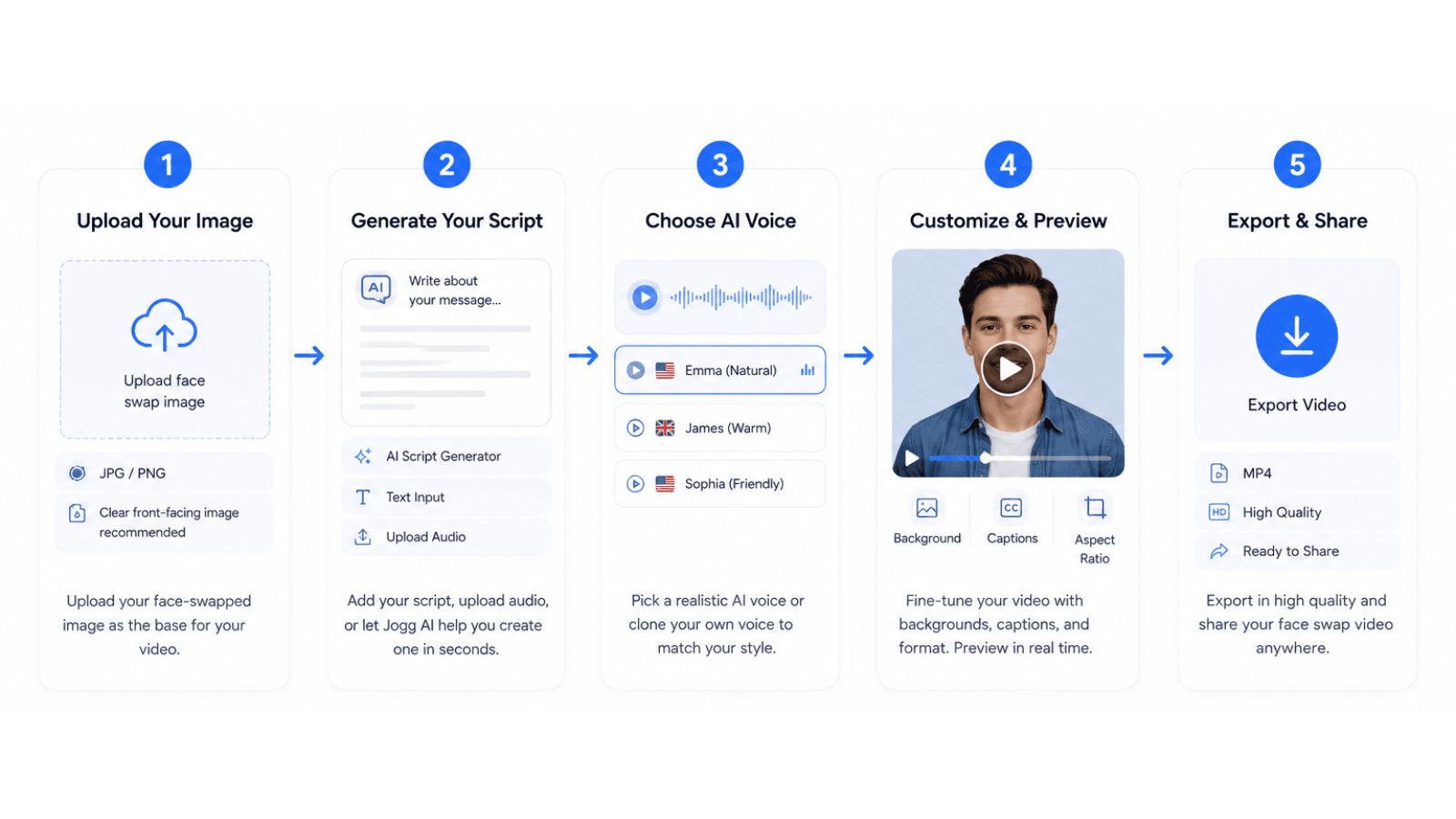
If you want to do this inside Jogg, the cleanest workflow looks like this:
Upload Your Image
If you already have a face-swapped image, simply upload it to Jogg Talking Photo to turn it into a realistic speaking video.
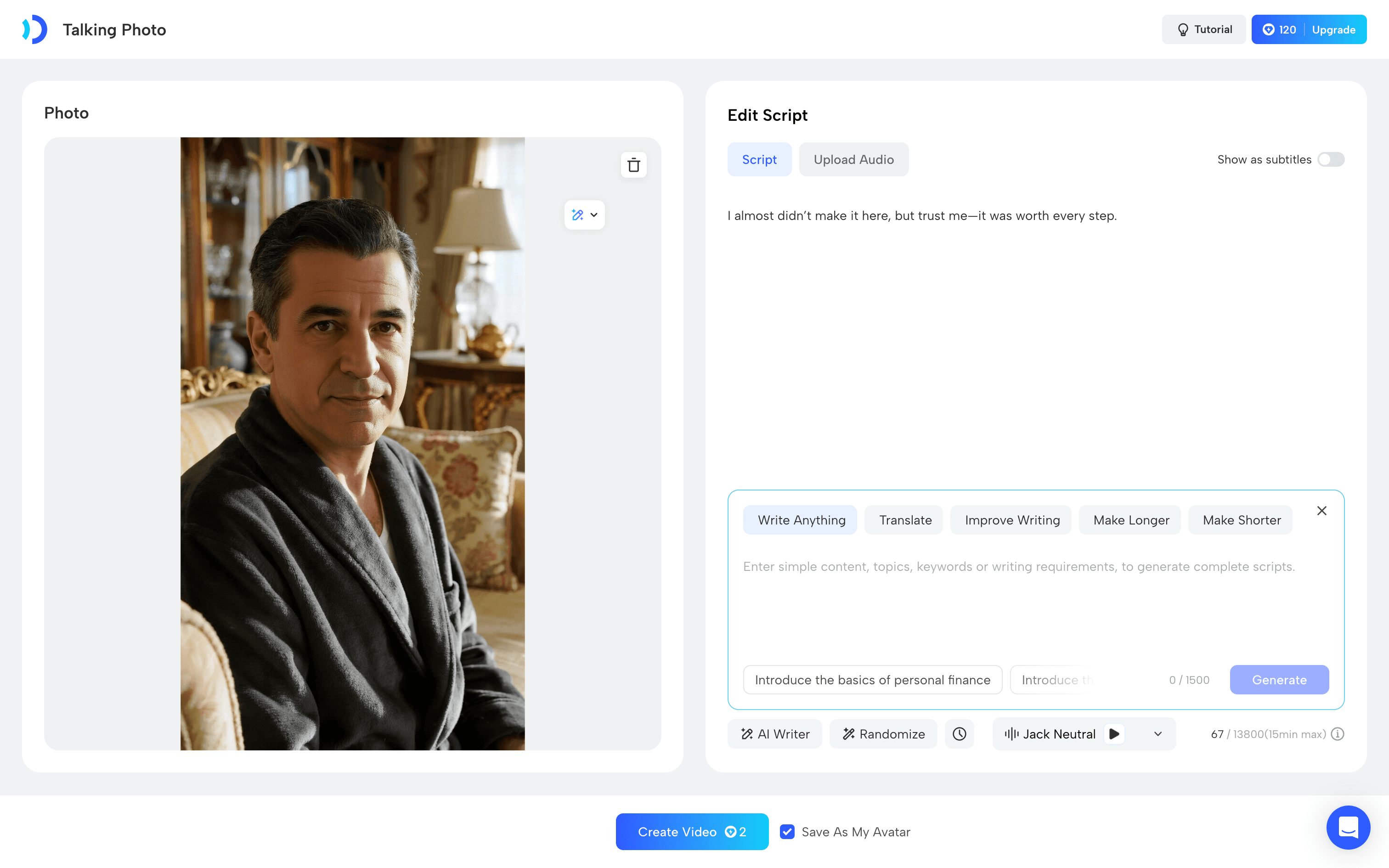
If you don’t have one yet, you can first create your own AI avatar insideJogg Avatar. Upload your photos to build a digital clone, customize your appearance, and generate a reusable avatar for future projects.
This end-to-end workflow lets you go from creating a digital identity to publishing a talking video—all within Jogg.
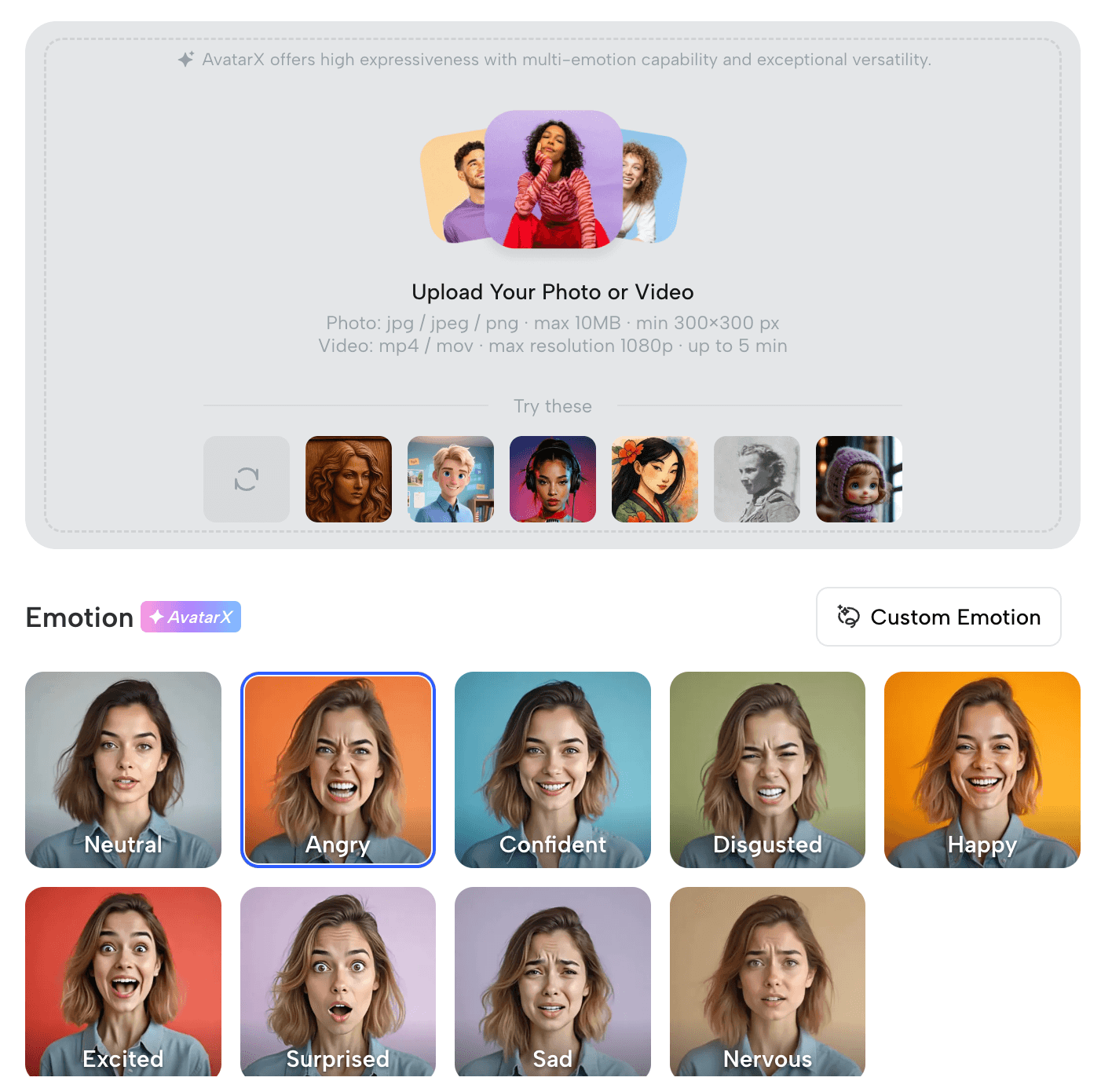
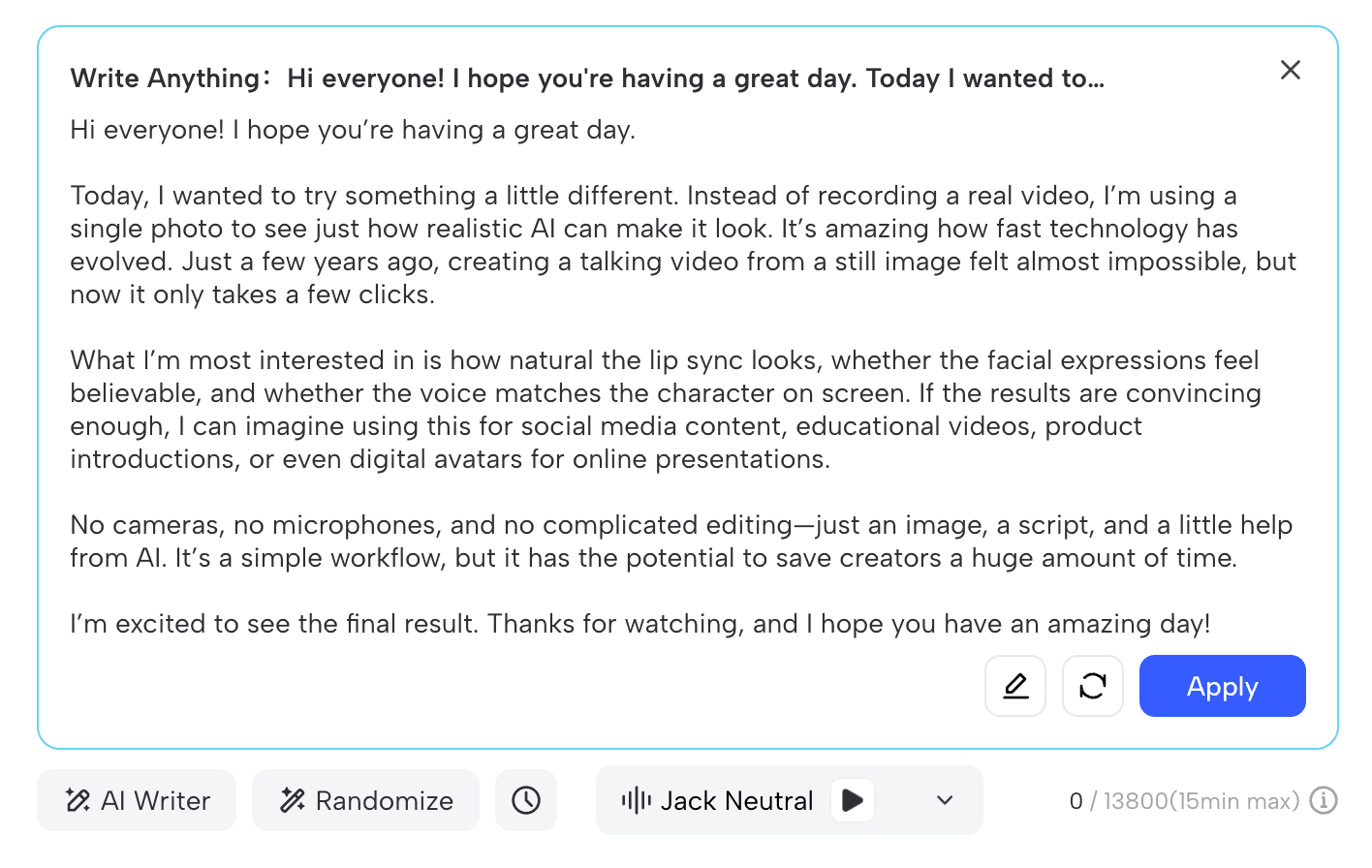
Generate Your Script
Add a short script, upload audio, or use Jogg’s built-in generation flow to shape the message. On AI Video Generator and URL to Video, Jogg supports AI-assisted script creation from your text, image, prompt, or URL.
Select an AI Voice
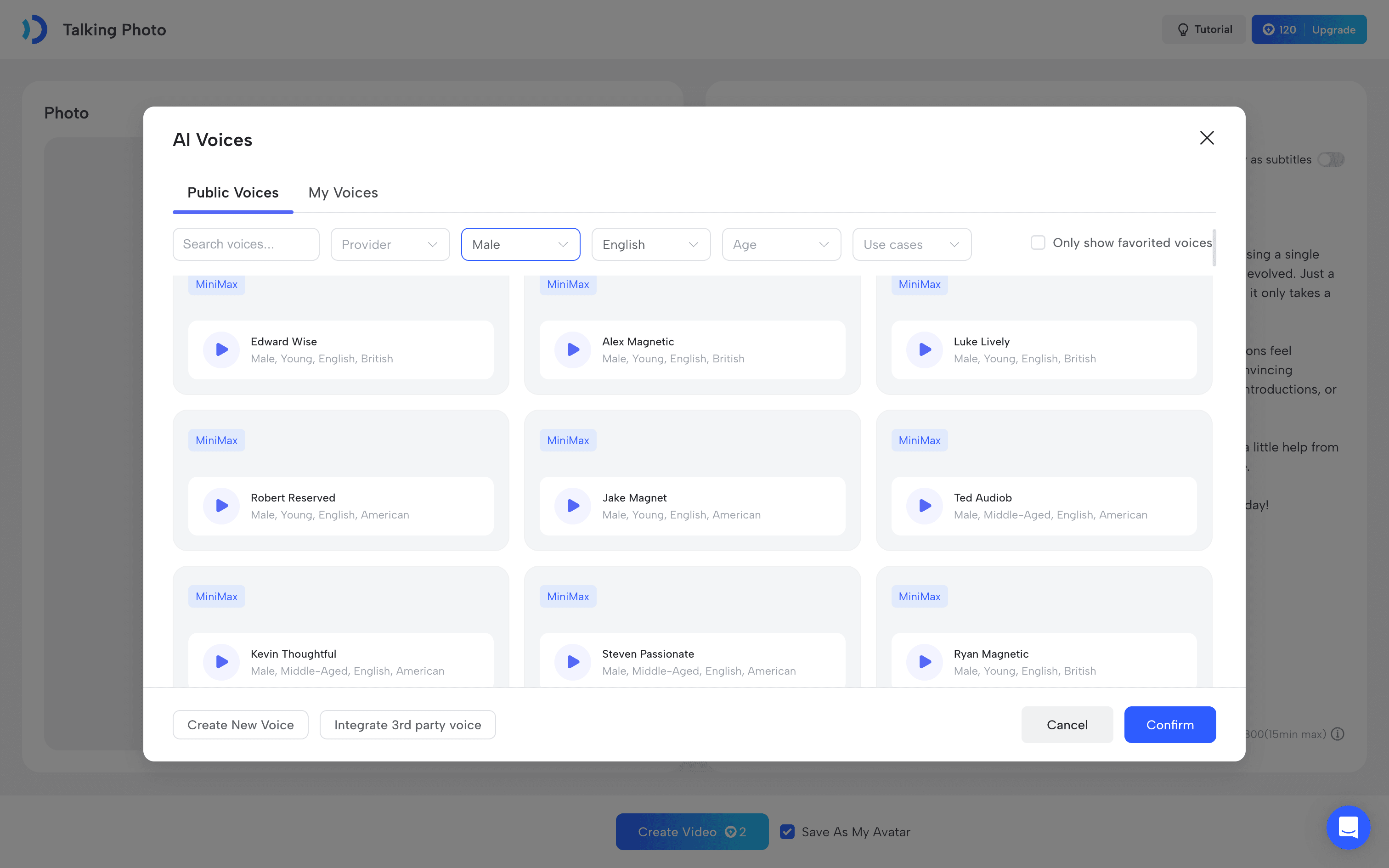
Your voice plays a huge role in making the final video feel natural and engaging.
Jogg gives you access to a large library of AI voices across different languages, accents, genders, and speaking styles, making it easy to match the personality of your character or brand.
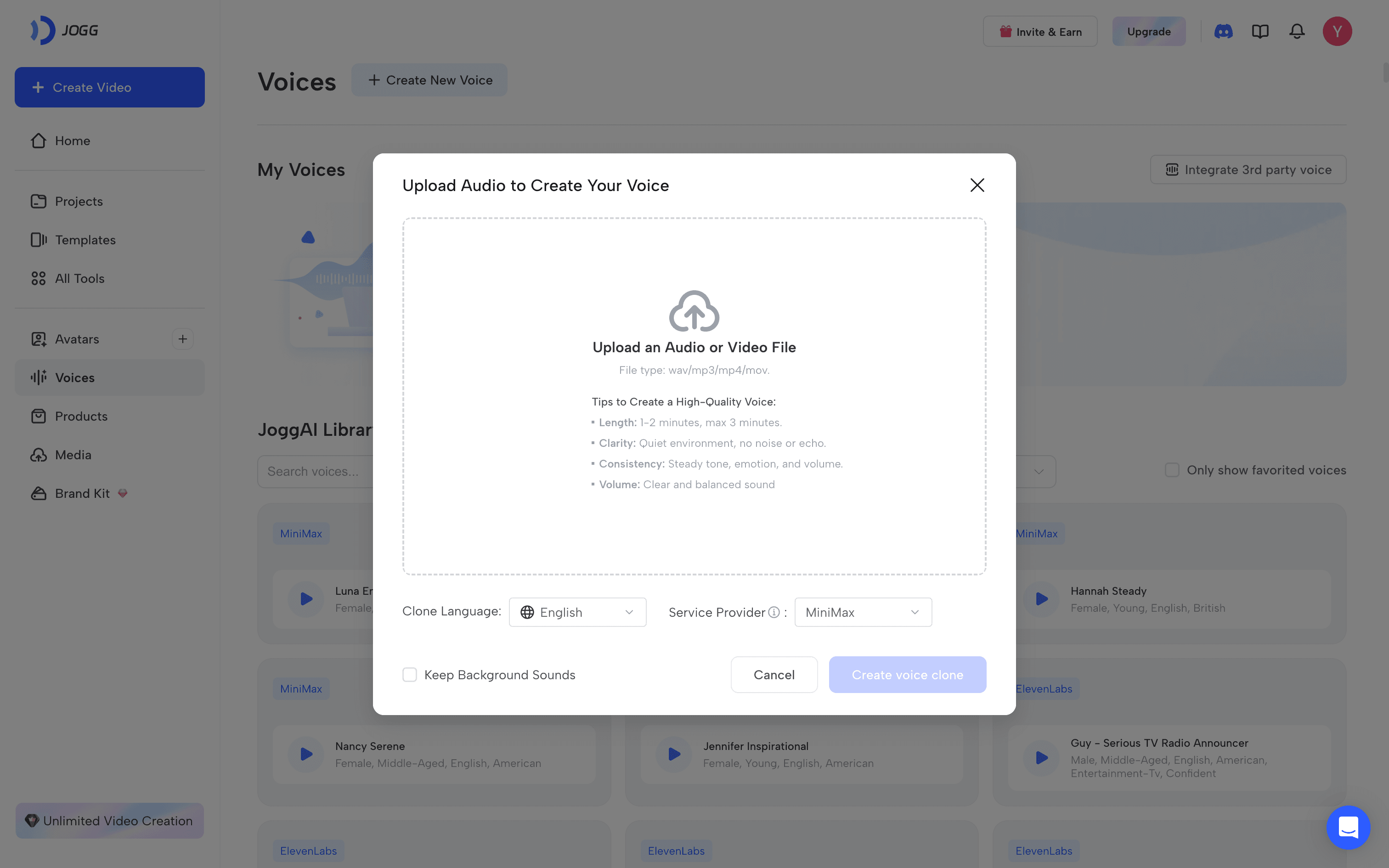
If you’re creating multiple videos or building a recognizable digital persona, you can also use AI Voice Cloning to generate a custom voice that stays consistent across every project.
Whether you’re producing social media videos, product explainers, or AI influencers, Jogg lets you switch between built-in voices or your own cloned voice—all without leaving the platform.
Generate and Refine Your Video
Once everything is ready, click Create Video and let Jogg transform your static image into a natural talking video with realistic lip-sync.

Tip: Not satisfied with the first result? Simply update your script, swap to another AI voice, or translate your video into a new language—there’s no need to start over from scratch.
Publish Anywhere
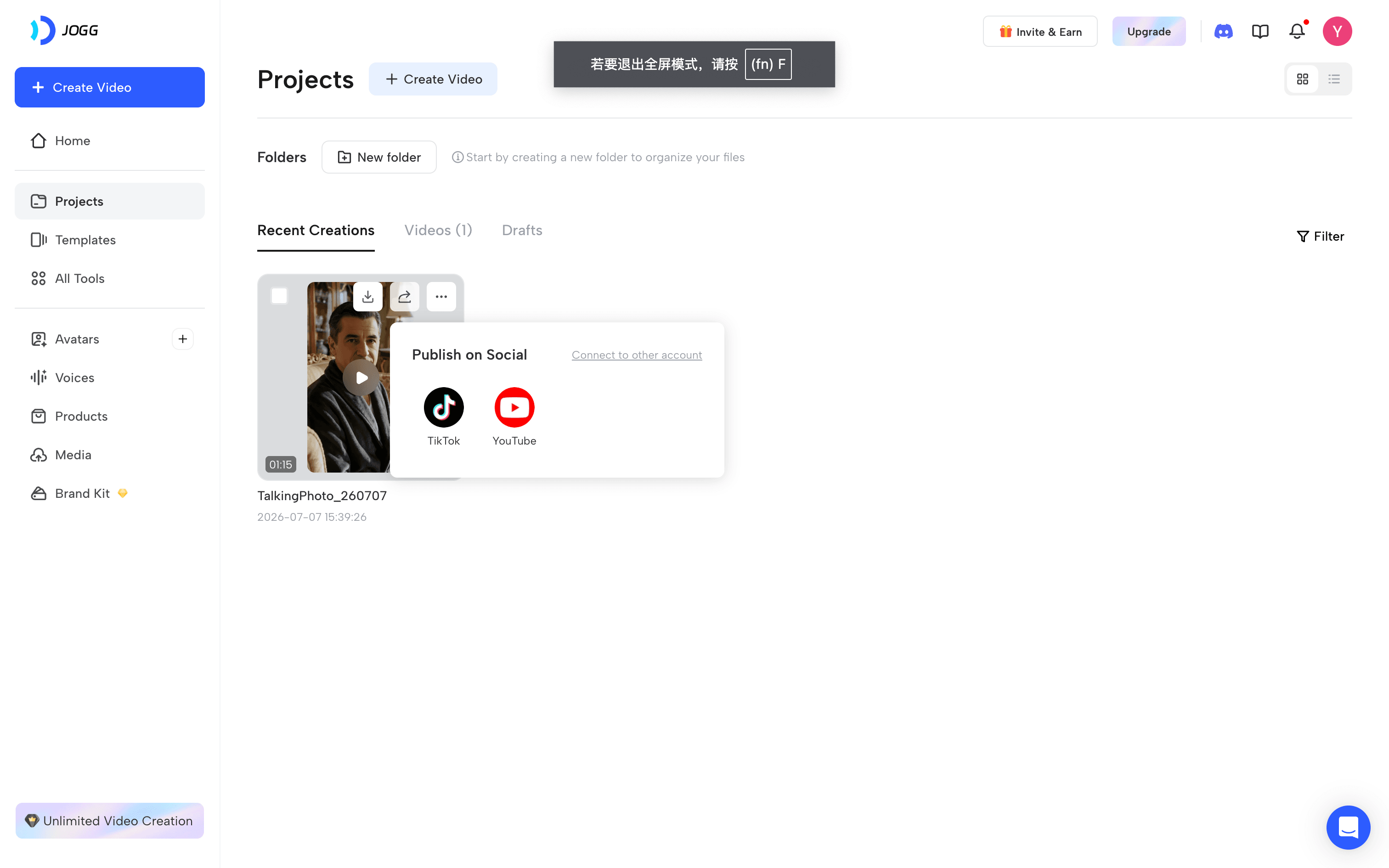
Once your talking video is ready, you’re not limited to a single platform.
Jogg makes it easy to download, translate, and repurpose the same project for different channels without recreating everything from scratch. You can quickly adapt your content for TikTok, Instagram Reels and YouTube Shorts.
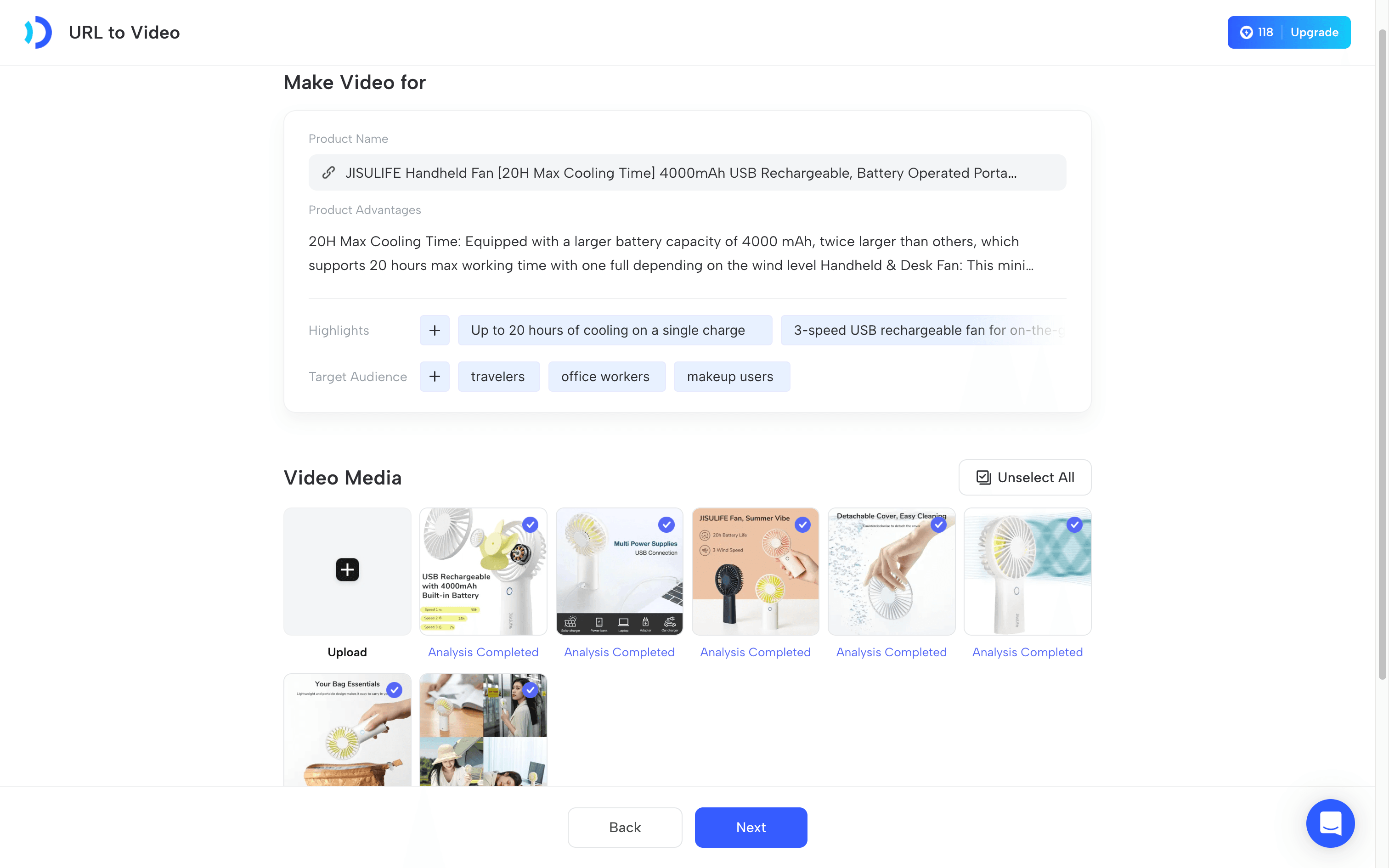
If your real goal is ecommerce or ads, use URL to Video to turn a product page into a more scalable video asset. Jogg can analyze the page, extract key information, and generate a structured video script before production.
When This Workflow Works Best
Face swap video content performs best when the original image is only the hook, not the entire point of the post.
This workflow is especially useful for:
-
meme remixes that need better watch time
-
superhero or character concepts that can become recurring personas
-
faceless creator accounts
-
ecommerce hooks that need to become ad creative
-
landing page visuals that need narration or motion
If the end goal is product marketing rather than character content, URL to Video is often the better next step because it turns a product page into a more structured video asset.
Which Jogg Feature Fits Your Project?
| If you already have… | Recommended Feature |
|---|---|
| Face-swapped image | Talking Photo |
| Blog article | AI Video Generator |
| Brand voice | AI Voice Cloning |
| Product page | URL to Video |
| AI presenter | AI Avatar |
Frequently Asked Questions
What is the difference between a face swap and a face swap video?
A face swap usually ends as a static image. A face swap video turns that image or concept into a talking clip, avatar-style video, or short ad-style asset.
Can Jogg help write the script, or do I need to do that first?
Jogg can help with both. You can paste a script manually, but AI Video Generator and URL to Video also support AI-assisted script creation from your input.
When should I use Talking Photo instead of AI Video Generator?
Use Talking Photo when you already have one strong image and want the fastest route to a speaking clip. Use AI Video Generator when you need a fuller short-form video from text, image, script, or URL.
When should I use URL to Video instead of a face swap workflow?
Use URL to Video when the real goal is product marketing rather than character-based content. It is better suited for turning product pages into ad-ready video assets.
What is the best AI face swap video maker?
If you already have a face-swapped image, Jogg makes it easy to turn that image into a talking video with AI-generated scripts, realistic voices, and natural lip-sync—all inside a single workflow.
Ready to Turn a Face Swap Into a Talking Video?
Instead of switching between multiple AI tools for scripting, voices, animation, and editing, you can create everything inside Jogg.
Whether you’re making AI influencers, ecommerce ads, faceless videos, or social media content, Jogg helps you transform a simple face-swapped image into face swap video in minutes.
