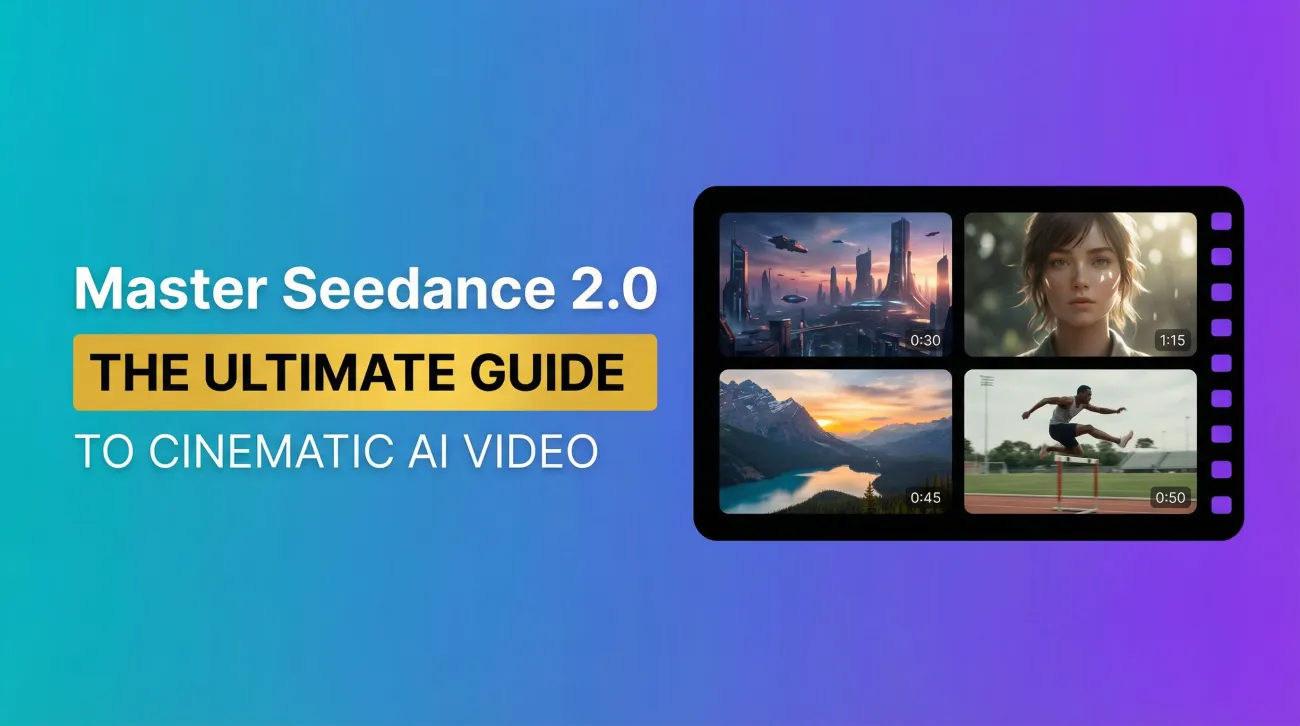

What is Seedance 2.0?
Seedance 2.0 represents the next generation of AI video generation technology, capable of producing high-quality cinematic AI video content from text descriptions. Unlike traditional video production, Seedance 2.0 dramatically lowers the barrier to creating professional-grade AI videos through advanced prompt engineering.
This comprehensive guide explores how to craft effective AI video prompts that deliver consistent, professional results. Whether you’re a beginner or an experienced creator, you’ll discover techniques to elevate your AI video production workflow.
The Prompt Formula
Creating effective text-to-video AI prompts requires a structured approach. Master the core formula: Subject + Motion + Camera + Lighting + Style. This framework ensures systematic creation of high-quality AI video content.
Subject
Define your focal point with specific details and characteristics.
e.g., “Aerial shot of Tokyo”
Motion
Describe movement, pace, and dynamic energy of your scene.
e.g., “Slow tracking shot”
Camera
Specify lens type, angle, depth of field, and cinematic techniques.
e.g., “85mm, shallow DOF”
Lighting
Set mood with precise lighting: golden hour, neon, or natural light.
e.g., “Golden hour sunlight”
Prompt Template
Combine elements for a complete cinematic AI video prompt. Reference professional camera models like ARRI Alexa or RED for cinema-grade color science and visual consistency.
Template:
Cinematic [subject] with [motion description], shot on [camera type], [lens] lens with [depth of field], [lighting description], [style preset]
AI Video Generation Examples
Explore these AI video examples generated with Seedance 2.0. Each example includes the complete prompt you can copy and use directly.
Neon City Streets (Cinematic)
Rain-soaked urban nightscape with neon reflections and dramatic lighting.
Prompt: Cinematic portrait of a person walking through rain-soaked city streets at night, neon signs reflecting on wet pavement, shot on ARRI Alexa, 85mm lens, shallow depth of field, slow-motion rain droplets, hyper-realistic, 8K quality
Majestic Mountain Vista (Aerial)
Sweeping aerial vista with dramatic clouds and golden hour light.
Prompt: Majestic mountain landscape with swirling clouds and golden hour light rays breaking through mist, drone shot rising slowly, cinematic color grading, shot on ARRI Alexa, 35mm lens, f/4 depth of field, hyper-realistic, 8K quality
Coffee Pour (Macro)
Mesmerizing macro shot of rich liquid swirling in slow motion.
Prompt: Close-up macro shot of coffee being poured, rich brown liquid swirling with cream, steam rising in slow motion, warm tungsten lighting, dark moody background, shot on RED camera, 100mm macro lens, f/1.8 bokeh, hyper-realistic
Digital Emergence (Sci-Fi)
Futuristic AI entity materializing from data particles.
Prompt: Futuristic robot head emerging from digital particles and data streams, electric blue and cyan lighting, dark background with subtle grid patterns, cinematic reveal shot, shot on ARRI Alexa, 50mm lens, hyper-realistic sci-fi aesthetic
Camera Control Techniques
In AI video generation, camera control is the key factor determining video quality. By precisely specifying camera movement, lens type, and angle, you can create professional-grade visuals.
Pro Tip: Including specific camera models (like ARRI Alexa, RED camera) in your prompt leverages their color science characteristics, giving generated videos a cinema-grade look. Specifying focal lengths (35mm, 85mm, 100mm) controls depth of field and perspective.
Camera Movement Keywords
- Tracking shot — Follow subject movement
- Dolly zoom — Push-pull zoom effect
- Crane shot — Rising/falling shot
- Pan / Tilt — Horizontal/vertical sweep
- Orbit — Circular movement
- Rack focus — Focus shift
Example Combination: “slow tracking shot moving forward, 85mm lens”
Lighting Techniques
Lighting is the most powerful tool for shaping mood in cinematic AI video. Mastering different lighting conditions descriptions allows your AI videos to convey diverse atmospheres.
Common Lighting Keywords
- Golden hour — Warm, soft light during sunrise/sunset
- Blue hour — Cool tones before sunrise or after sunset
- Rembrandt lighting — Classic portrait lighting technique
- Volumetric lighting — Light beams through clouds or windows
- Neon lighting — Urban night atmosphere
- Low-key lighting — High contrast dramatic effect
Pro Tips & Best Practices
Beyond basic prompt engineering techniques, advanced strategies can help you generate more precise AI video content. These insights come from extensive practical testing and can significantly improve your video generation results.
Prompt Optimization Tips
- Start with camera specs — Specifying lens and camera model sets the visual tone.
- Use reference links — Adding image URLs maintains subject consistency.
- Layer your lighting — Combine key light, fill light, and rim light descriptions.
- Motion verbs matter — “Gliding” vs “Surging” creates entirely different energy.
- Use negative prompts — Add “blurry, distorted” to exclude unwanted elements.
- Be specific — “coffee being poured” works better than “liquid moving”.
Seedance 2.0 Parameters Reference
Below are the main AI video generation parameters supported by Seedance 2.0. Using these parameters correctly gives you precise control over generation results.
| Parameter | Description |
|---|---|
--motion-scale |
Controls motion intensity (0.5-2.0). Lower = subtle, Higher = dramatic |
--camera-control |
Enable precise camera movements: orbit, dolly, pan, tilt, rack |
--seed-value |
For reproducible results. Same seed + same prompt = identical output |
--aspect-ratio |
16:9 (cinematic), 9:16 (vertical), 1:1 (square), 4:3 (classic) |
--duration |
Clip length: 3s, 5s, 10s, 30s. Longer = more VRAM required |
--style-preset |
Style presets: cinematic, realistic, anime, 3d-render, watercolor, none |