
About Podcast Video
Podcast videos have become a strategic asset for audience growth and brand storytelling. JoggAI streamlines the entire workflow—from script to final render—using advanced generative AI. Follow the steps below to produce high-quality podcast videos in minutes.
Tutorial Video👇
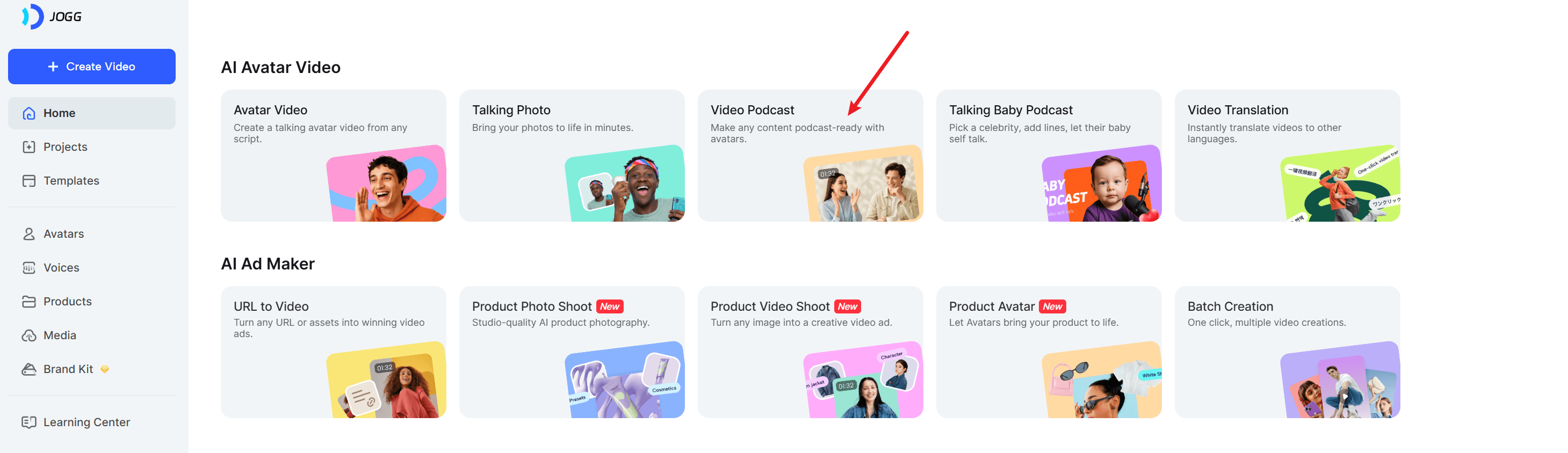
1. Find Video Podcast on the Home Page
2. Script Creation
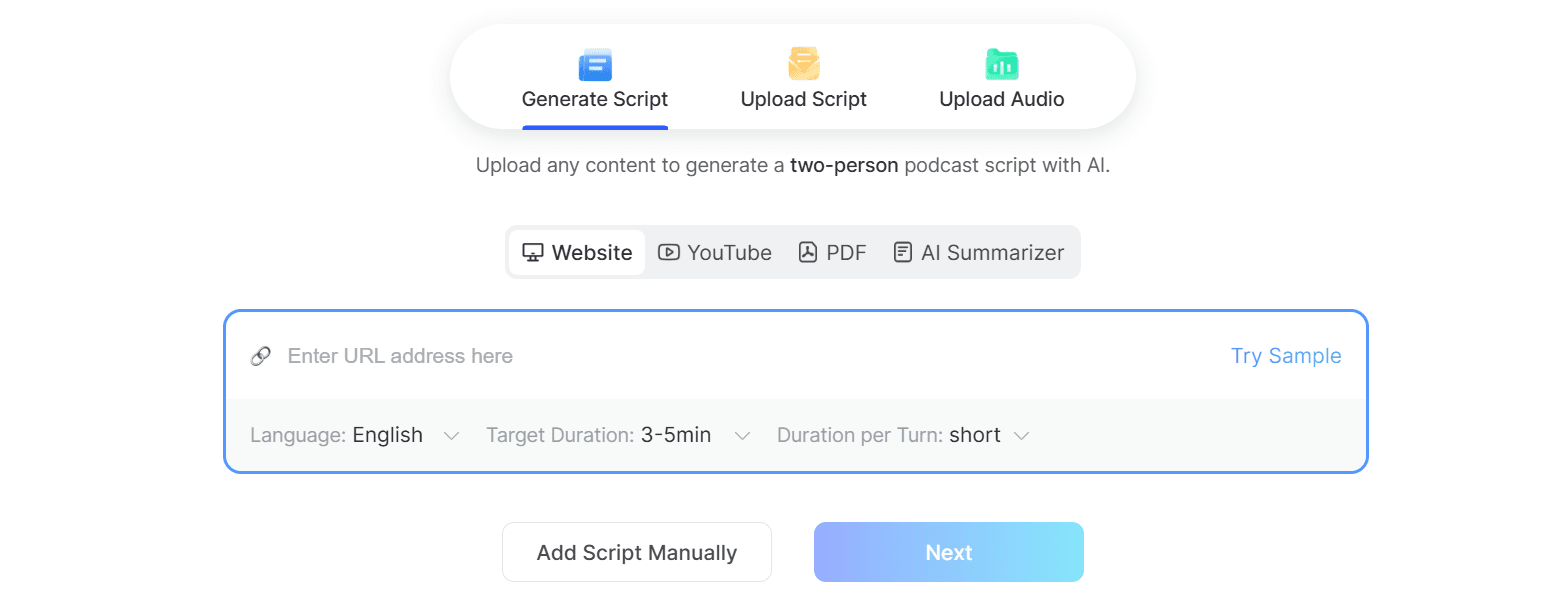
Generate Script
| Option | Details |
|---|---|
| Source Inputs | URL (webpage or YouTube), PDF, or plain text. JoggAI converts any of these into a two-speaker dialogue. |
| Language | 50+ language |
| Target Duration | 1–10 mins; the AI balances depth and pacing. |
| Turn Length | Choose short, medium, or long to control density and cadence. |
Upload Script
Import a finalized script or transcript. JoggAI parses the content for automatic scene segmentation and lets you refine text inline.
Upload Audio
Drop a pre-recorded podcast file. JoggAI extracts the transcript and preserves the original vocal tone, using it to drive the final video without re-voicing.
3. Video Generation
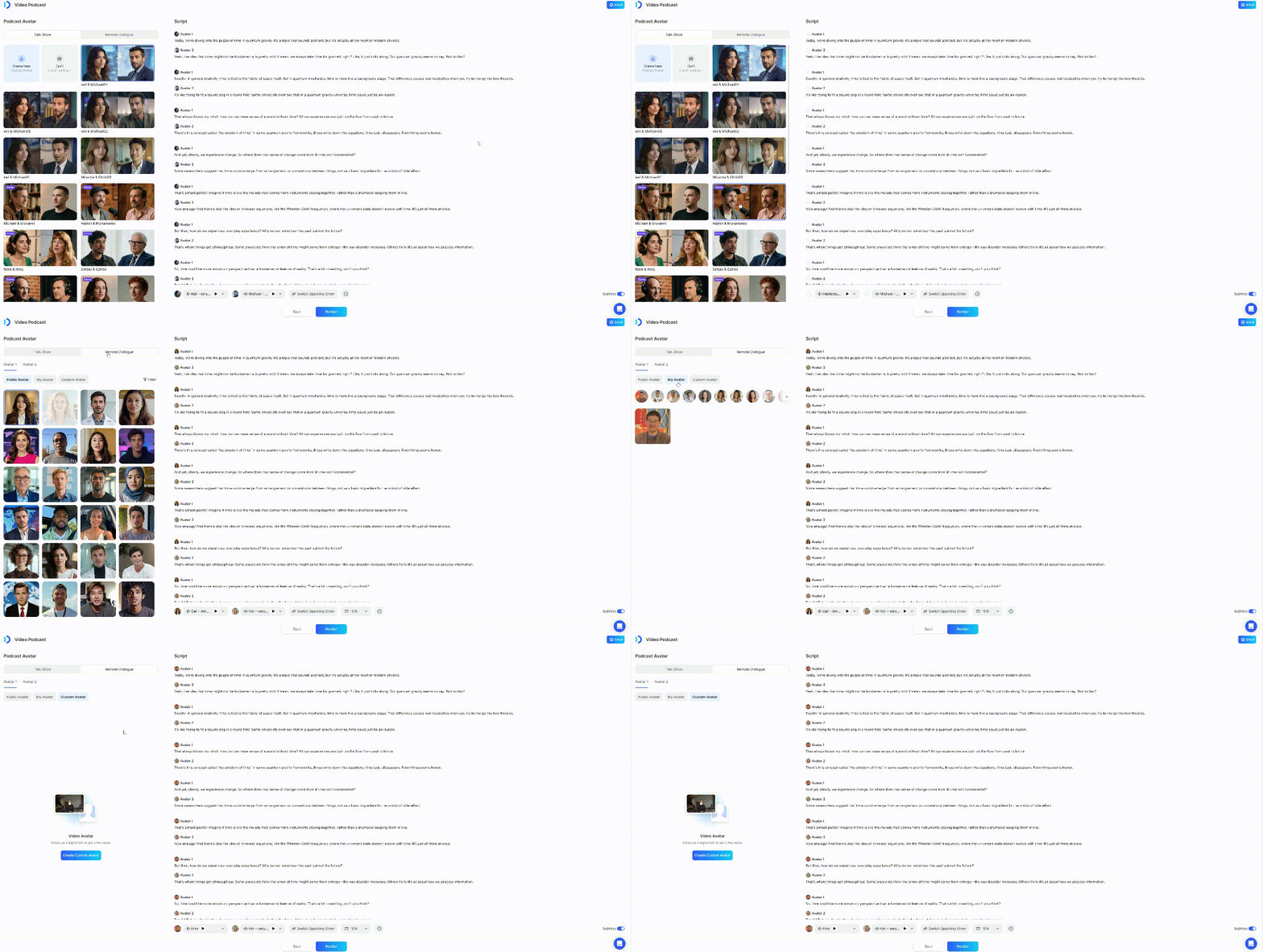
Select Video Style
| Style | Visual Layout |
|---|---|
| Talkshow | Side-view seating; optimized for 16:9 conversational framing. |
| Remote Dialogue | Split-screen with both speakers in frame. Support 16:9 & 9:16 video ratio |
Avatar Options
Generate new Podcast Avatar — upload a photo to generate a new Podcast Avatar.
Public Avatar — choose from the JoggAI Avatar library, the remote dialogue model support to use the Custom Avatar.
Render
After you confirm the avatar’s voice and whether to display subtitles in the generated video, click “Render” to generate the video.
Video generation time depending on script length and avatar complexity.
4. Quick Reference & Constraints
| Item | Note |
|---|---|
| Advanced Editing | Not yet supported: no inline images, no speed adjustment. |
| Talkshow Avatar | Styling will be adapted; expect minor visual shifts vs. source image. |
| File Limits | Adhere to platform upload limits for audio and script to avoid processing errors. |
