
What is Topic-to-Video?
Topic to Video is a tool that instantly converts your ideas to stunning topic videos with avatars.
Just input an idea, and AI will automatically craft engaging video scripts in your preferred tone, duration, and language. Find the perfect avatar or voiceover from our library, or customize with text-to-avatar, custom avatar and voice cloning for enhanced storytelling.
Tutorial Video👇
How to Make Topic-to-Video
Step 1: Access the Topic to Video Feature and Enter Your Video Topic
Visit the Jogg AI website and navigate to the “Topic to Video” section. Click on the “Topic to Video” button to begin. Type in the topic you want your video to cover in the designated text box.
For example, you could enter “Introducing Jogg AI Avatar Generator” or any other subject relevant to your needs.
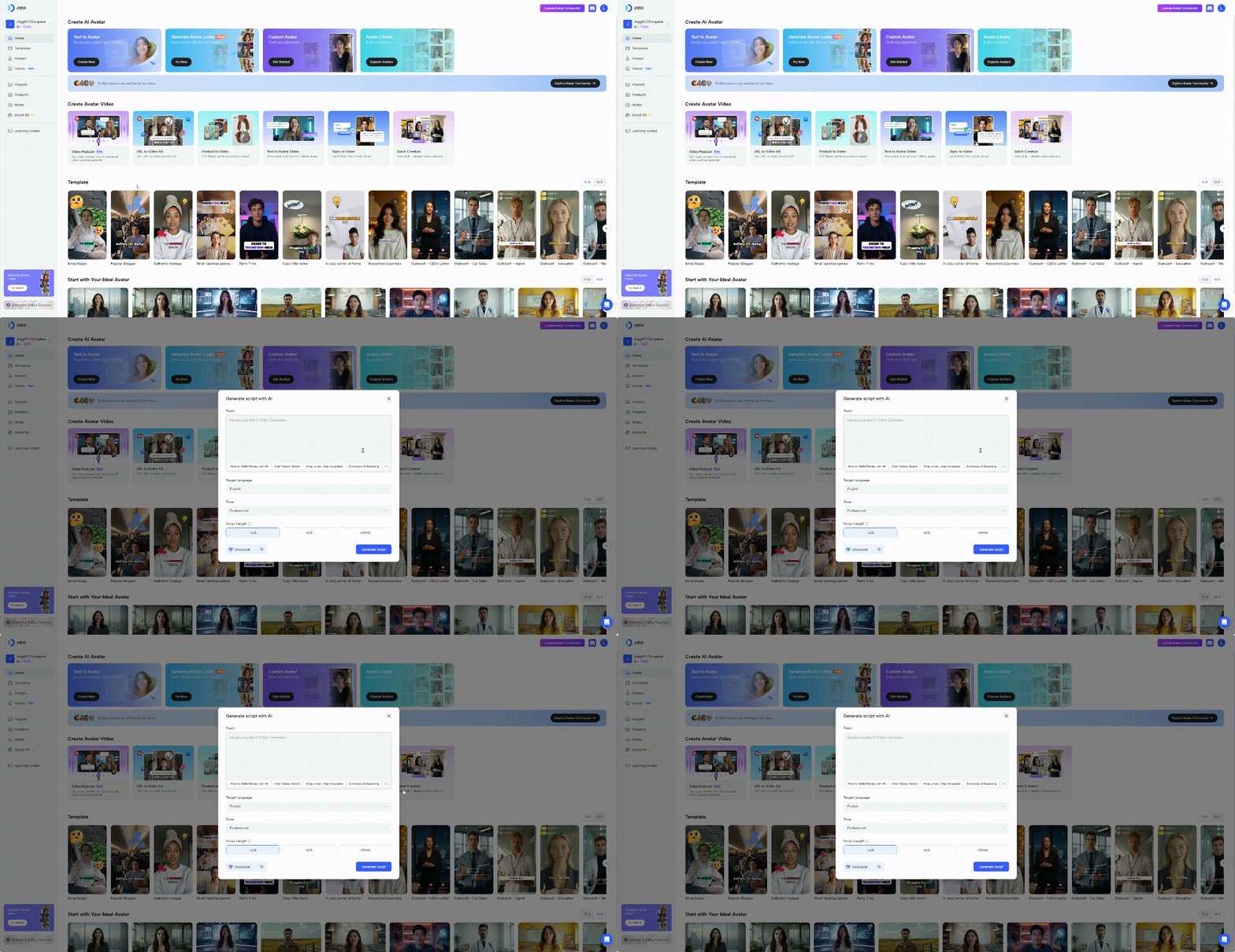
Step 2: Choose Language and Tone
Select your preferred language from the available options. You can also pick a tone that suits your video’s purpose, whether it’s professional, casual, or promotional.You also need to select the length of the script, the maximum is 3mins.
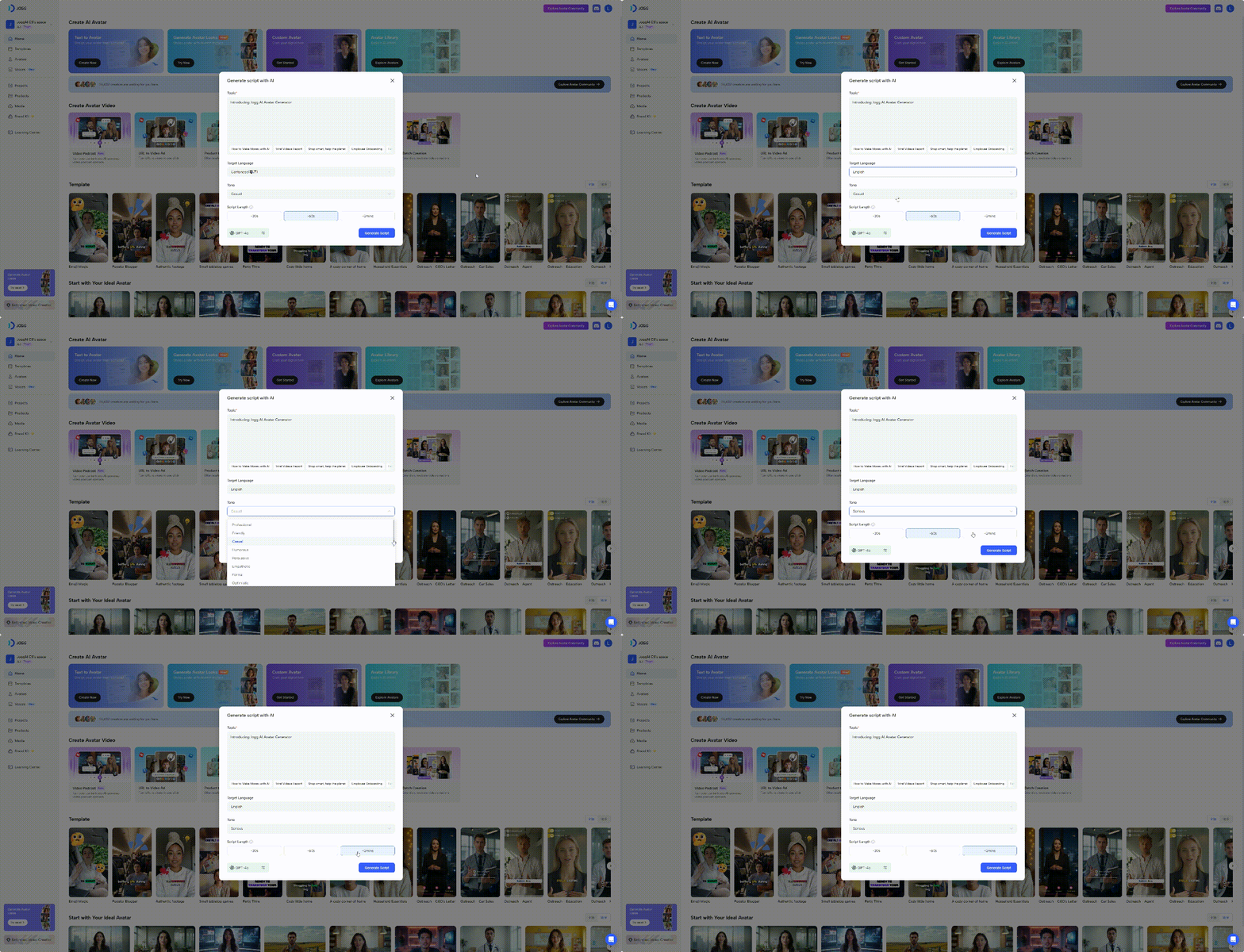
Step 3: Generate the Video
Click the “Generate” button. Jogg AI will utilize its integrated technologies, including DeepSeek R1 and GPT-4, to create a video based on your topic, language, and tone preferences.
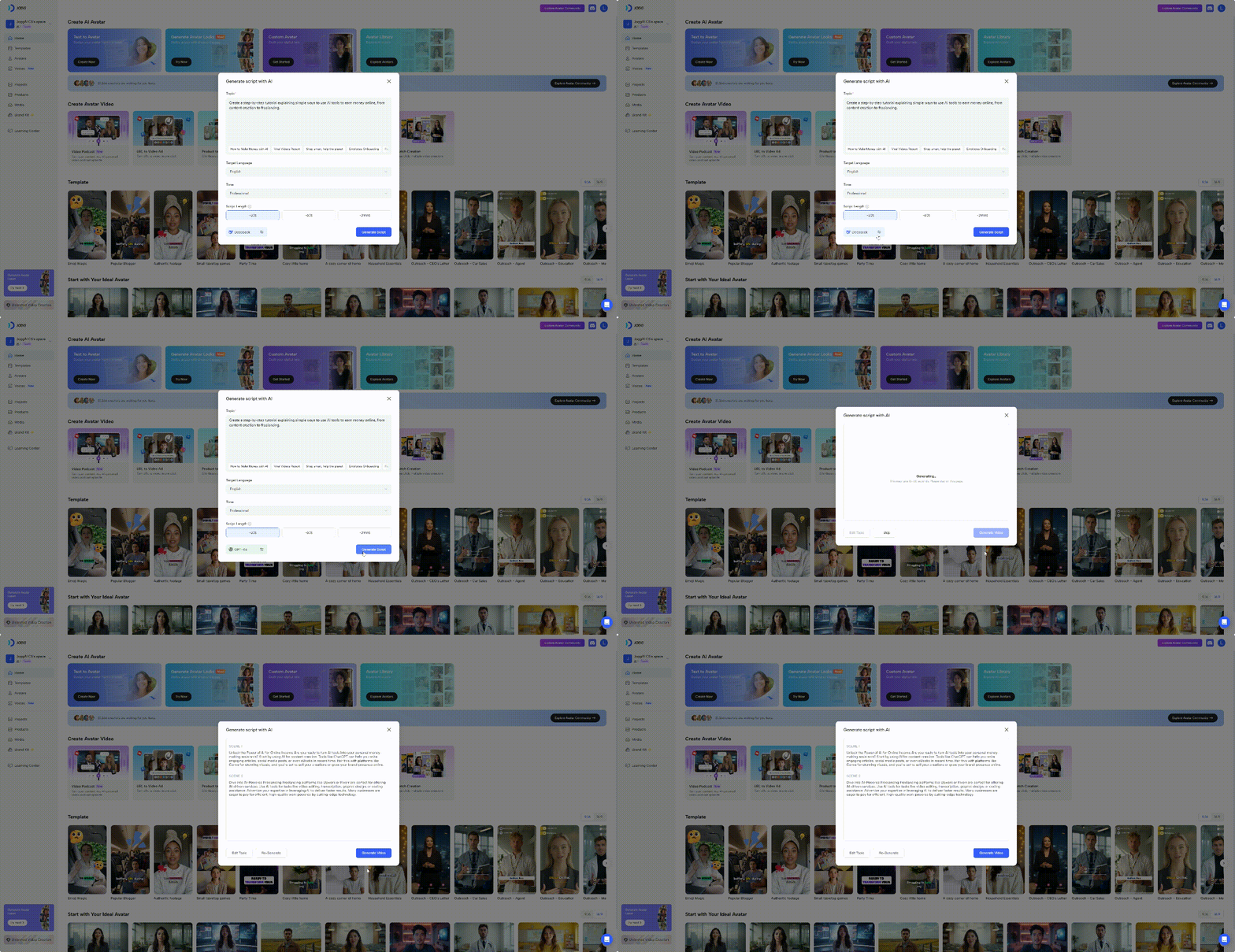
Step 4: Enter Proedit Mode and Customize Your Video
Once the video is generated, select your desired aspect ratio and click “Pro-Ed Mode” to make further customizations.
In Proedit mode, you have various options to refine your video:
Edit the Script: Modify the existing script to better align with your vision.
Swap Voices: Choose from different voice options to find the perfect match for your content.
Change Avatars: Select from a range of avatars to represent your brand or message.
Add Music: Incorporate background music to enhance the video’s atmosphere.
